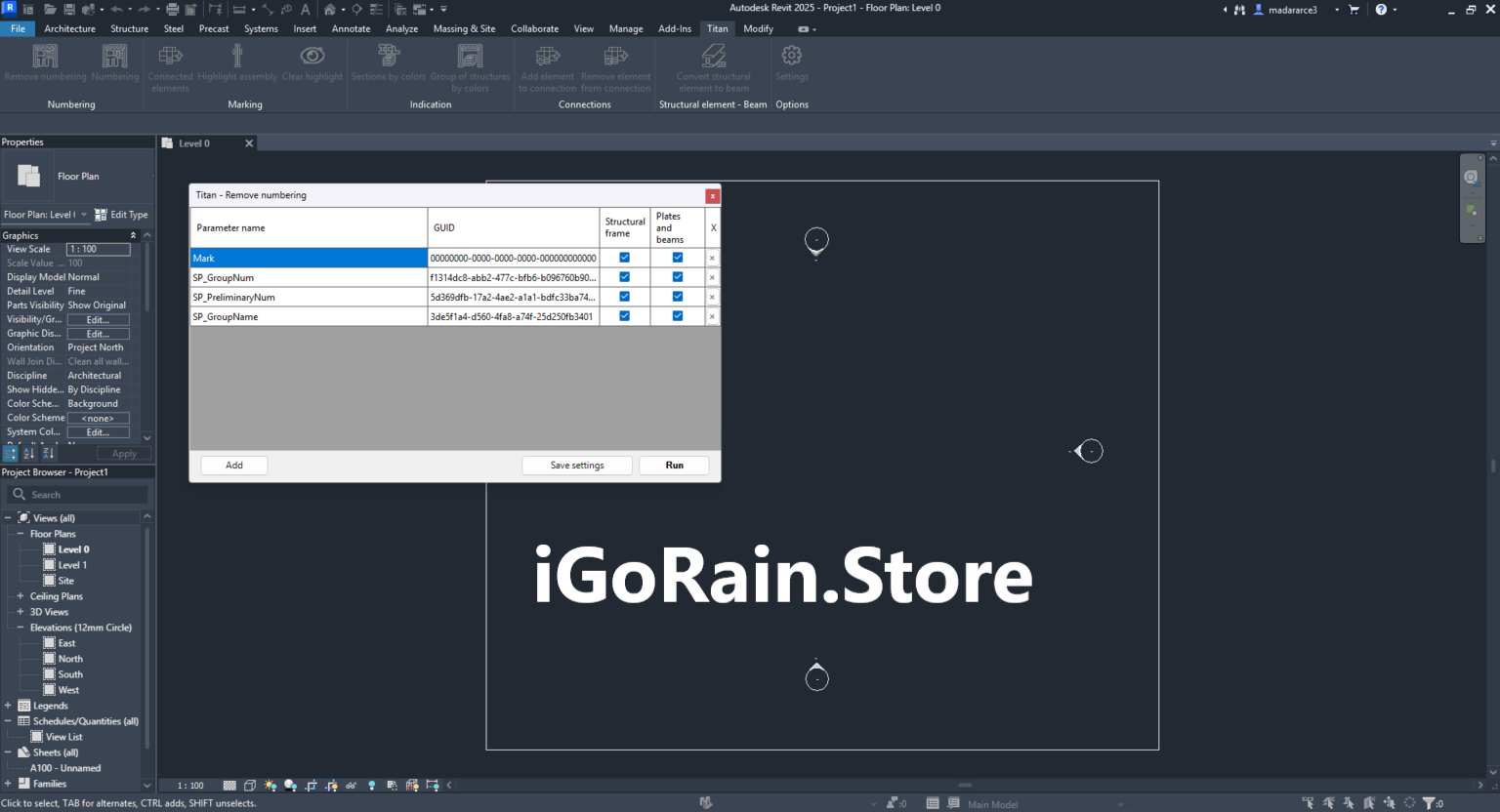
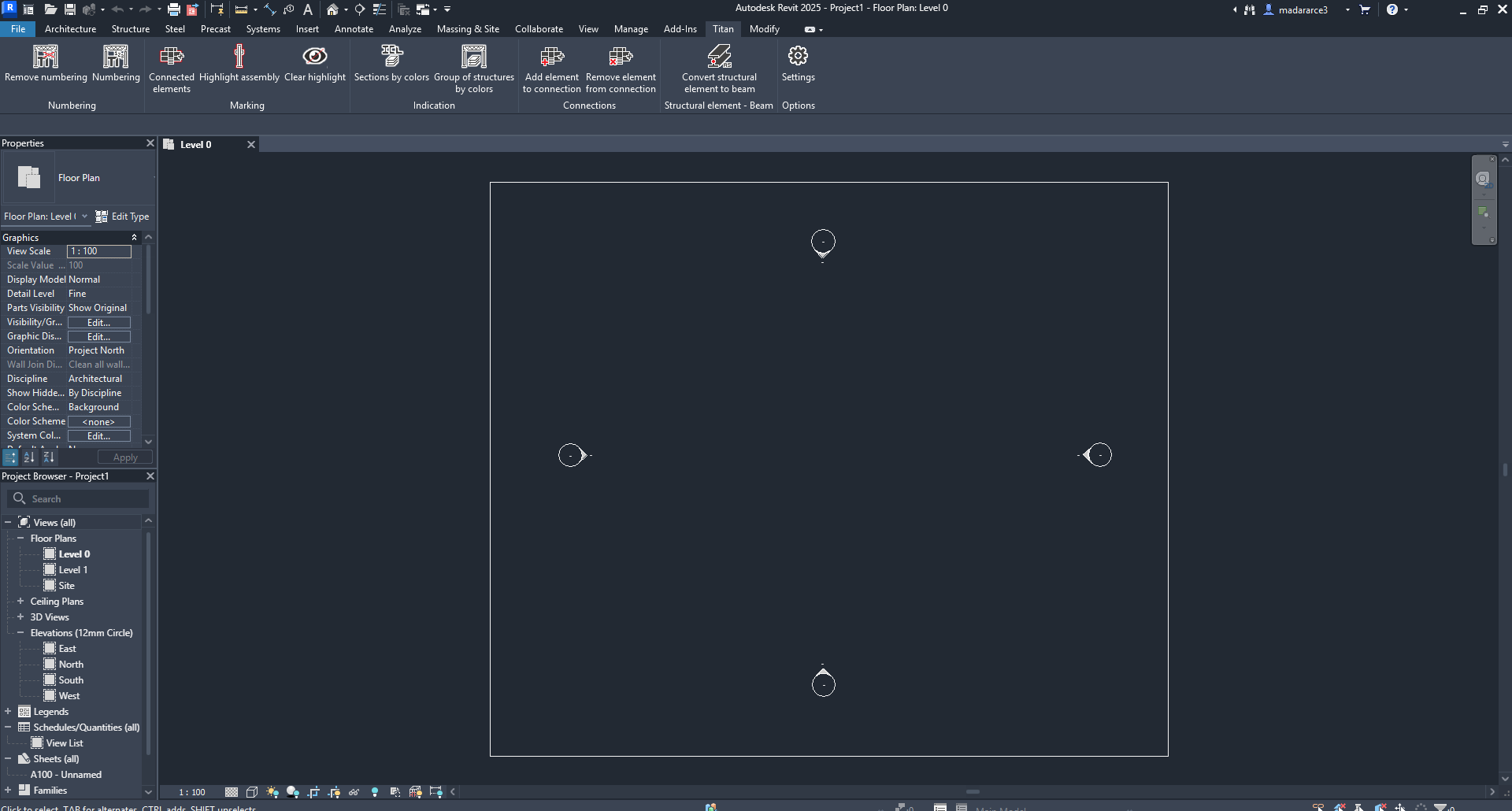
Description
Titan for Revit Pro Review – A Powerful Structural BIM Solution for Modern Engineering Workflows
Summary
Titan for Revit Pro is a specialized structural engineering extension designed to enhance the capabilities of Revit for structural design, connection analysis, and engineering workflows. Developed for engineers, BIM professionals, and construction teams, Titan for Revit Pro bridges the gap between detailed structural calculations and Building Information Modeling (BIM).
In modern construction projects, coordination between structural analysis and digital building models is essential. Engineers often rely on multiple software tools to perform calculations, design connections, and prepare documentation. Titan for Revit Pro simplifies this process by integrating structural engineering tools directly into the Revit environment, allowing professionals to perform design tasks without switching between platforms.
The software provides advanced tools for steel connection design, structural component calculations, and engineering documentation while maintaining full compatibility with BIM workflows. This integration improves efficiency, reduces design errors, and helps engineering teams produce more accurate structural models.
In this comprehensive review, we will explore Titan for Revit Pro in detail, including its features, real-world applications, performance benefits, and overall value for structural engineers and BIM professionals.
Introduction to Titan for Revit Pro
Building Information Modeling has become a cornerstone of modern architecture, engineering, and construction. Revit provides a powerful environment for creating detailed building models, but structural engineers often require additional tools for performing calculations and designing connections.
Titan for Revit Pro was developed to extend Revit’s structural capabilities by introducing specialized engineering tools directly within the BIM environment.
Instead of exporting models to external analysis software, engineers can work directly within Revit to design structural components, analyze steel connections, and verify engineering calculations. This integrated approach improves workflow efficiency and ensures that structural designs remain aligned with the building model.
Titan for Revit Pro supports a wide range of structural engineering tasks, including:
- Steel connection design
- Structural component calculations
- Engineering documentation generation
- BIM model coordination
By combining these capabilities within a single platform, the software helps engineering teams streamline their design processes and maintain better project coordination.
Key Features of Titan for Revit Pro
Titan for Revit Pro includes a robust set of tools designed specifically for structural engineering and BIM integration.
Integrated Structural Design Tools
One of the most significant advantages of Titan for Revit Pro is its ability to perform structural design tasks directly inside Revit.
Engineers can design structural components without leaving the BIM environment, ensuring that calculations and modeling remain synchronized.
This integration reduces the need for separate structural design software and simplifies project workflows.
Steel Connection Design
Steel connections are critical elements in structural engineering projects. Titan for Revit Pro includes specialized tools for designing and analyzing steel connections within the model.
Users can design various types of connections, including:
- Beam-to-column connections
- Beam-to-beam connections
- Base plate connections
- Structural brackets and fittings
These tools help engineers ensure that structural connections meet safety standards and project requirements.
Automated Engineering Calculations
Structural design often requires complex calculations to verify the strength and performance of components.
Titan for Revit Pro automates many of these calculations, allowing engineers to quickly analyze structural elements without performing manual computations.
This automation saves time and reduces the risk of calculation errors.
BIM Model Synchronization
Maintaining consistency between structural calculations and the BIM model is essential for accurate project documentation.
Titan for Revit Pro synchronizes engineering data with the Revit model, ensuring that any design changes are automatically reflected throughout the project.
This feature helps prevent discrepancies between engineering documents and construction models.
Engineering Documentation and Reporting
Producing detailed engineering reports is an important part of structural design.
Titan for Revit Pro can generate professional documentation directly from the model, including:
- Structural calculation reports
- Connection design documentation
- Engineering summaries
- Technical design details
These reports help engineers communicate design decisions clearly to project stakeholders.
Improved Collaboration in BIM Projects
Large construction projects involve multiple teams working simultaneously on the same model. Titan for Revit Pro supports collaborative workflows by keeping structural design data integrated with the BIM environment.
This allows architects, structural engineers, and contractors to coordinate more effectively during project development.
Practical Use Cases
Titan for Revit Pro is used across a variety of engineering and construction environments where structural accuracy and BIM coordination are essential.
Structural Engineering Firms
Engineering firms use Titan for Revit Pro to perform structural design tasks directly within their BIM models. This integration helps engineers verify structural components while maintaining coordination with architectural elements.
Steel Structure Design
Projects involving steel structures often require detailed connection design and analysis.
Titan for Revit Pro enables engineers to design steel connections within the model, ensuring that structural components meet engineering standards before construction begins.
Building Construction Projects
In large building projects, structural engineers must coordinate closely with architects and contractors.
Titan for Revit Pro helps maintain alignment between structural designs and the overall building model, reducing the risk of design conflicts during construction.
Infrastructure and Industrial Projects
Industrial facilities, warehouses, and infrastructure projects frequently involve complex structural systems.
Titan for Revit Pro helps engineers analyze and design these systems while keeping all data connected to the BIM model.
BIM Coordination Workflows
BIM managers often rely on integrated tools to maintain consistency across multidisciplinary models.
Titan for Revit Pro supports these workflows by embedding structural design data directly within the project model.
Performance Analysis
Understanding the performance of Titan for Revit Pro requires evaluating how it impacts real-world engineering workflows.
Workflow Efficiency
By integrating structural calculations and design tools within Revit, Titan for Revit Pro eliminates the need to switch between multiple software platforms.
This integration allows engineers to complete design tasks more efficiently while maintaining consistency within the BIM environment.
Model Accuracy
Because calculations and design decisions are connected to the BIM model, structural elements remain consistent across drawings, reports, and project documentation.
This improves overall project accuracy and reduces the risk of design discrepancies.
Stability in Large Projects
Modern BIM models can become very complex, especially in large construction projects.
Titan for Revit Pro is designed to operate within these large models while maintaining reliable performance.
Learning Curve
Engineers familiar with Revit and structural design concepts typically adapt quickly to Titan for Revit Pro.
However, new users may require some time to fully understand all available tools and features.
Pros and Cons
Like any specialized engineering software, Titan for Revit Pro has advantages and limitations.
Pros
- Seamless integration with Revit BIM workflows
- Advanced structural design and connection tools
- Automated engineering calculations
- Accurate engineering documentation generation
- Improved coordination between design teams
- Reduces reliance on multiple software platforms
- Enhances productivity for structural engineers
Cons
- Requires familiarity with Revit and BIM workflows
- May involve a learning curve for new users
- Primarily beneficial for structural engineering projects
- Large BIM models may require high-performance hardware
Despite these considerations, the software offers substantial value for professionals working in structural engineering and BIM environments.
Pricing and Plans
Titan for Revit Pro is typically offered as a professional engineering software extension designed for Revit users.
Pricing structures may vary depending on factors such as:
- Licensing type
- Software version
- Support and update packages
- Number of users within an organization
Engineering firms may choose individual licenses or multi-user options depending on the size of their design teams.
Because pricing models can change over time, users should verify current licensing details through their software provider.
Who Should Use Titan for Revit Pro?
Titan for Revit Pro is designed primarily for professionals working in structural design and BIM coordination.
Ideal users include:
- Structural engineers
- BIM specialists
- Construction engineering teams
- Steel structure designers
- Engineering consulting firms
- Architecture and engineering companies
Organizations that rely heavily on BIM workflows and structural modeling will benefit the most from the software’s integrated engineering tools.
Final Verdict
Titan for Revit Pro is a powerful structural engineering extension that enhances the capabilities of Revit for professional design workflows. By combining structural calculations, connection design, and BIM integration within a single environment, the software helps engineering teams streamline their processes and maintain accurate project documentation.




Reviews
There are no reviews yet.