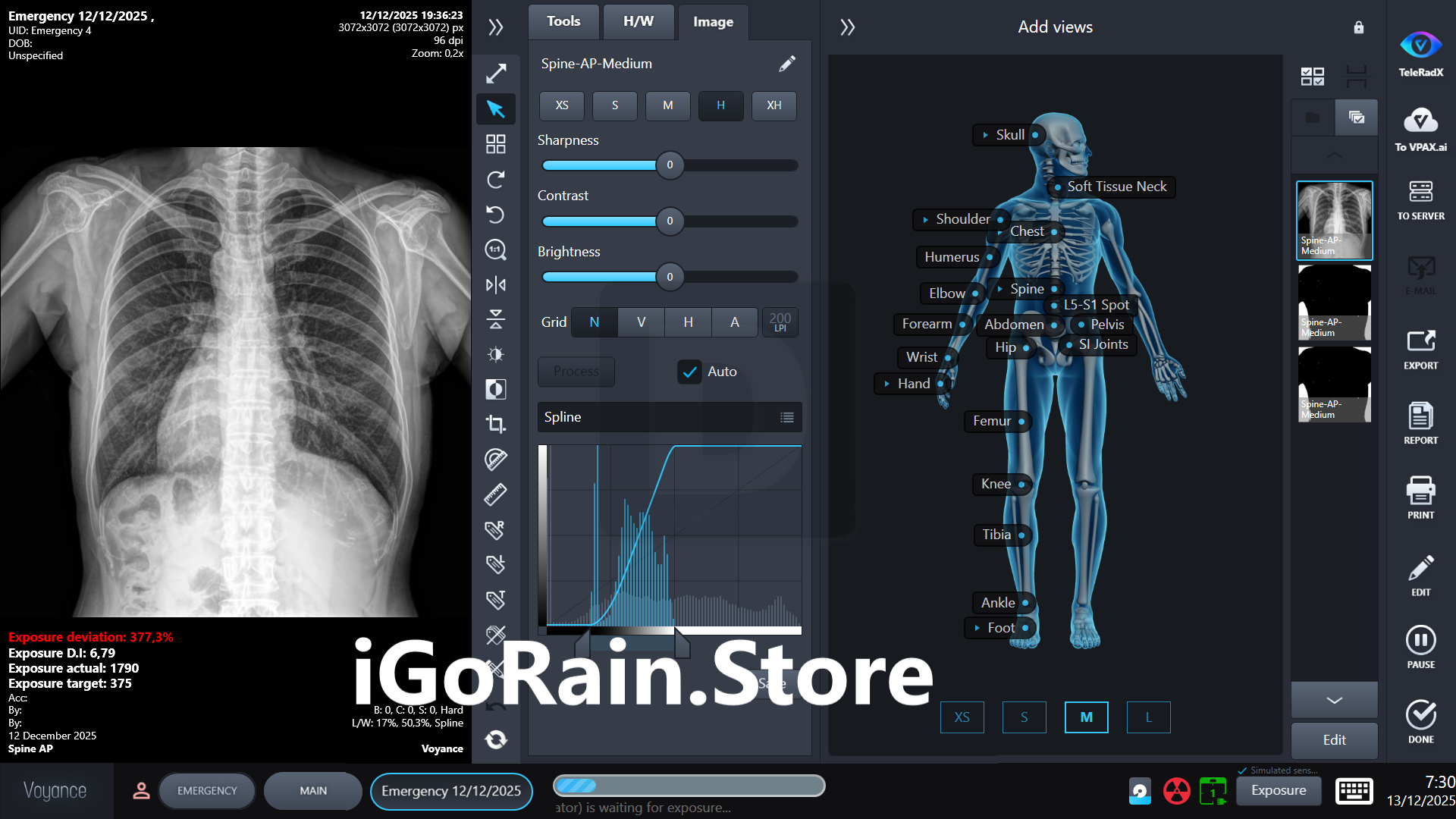
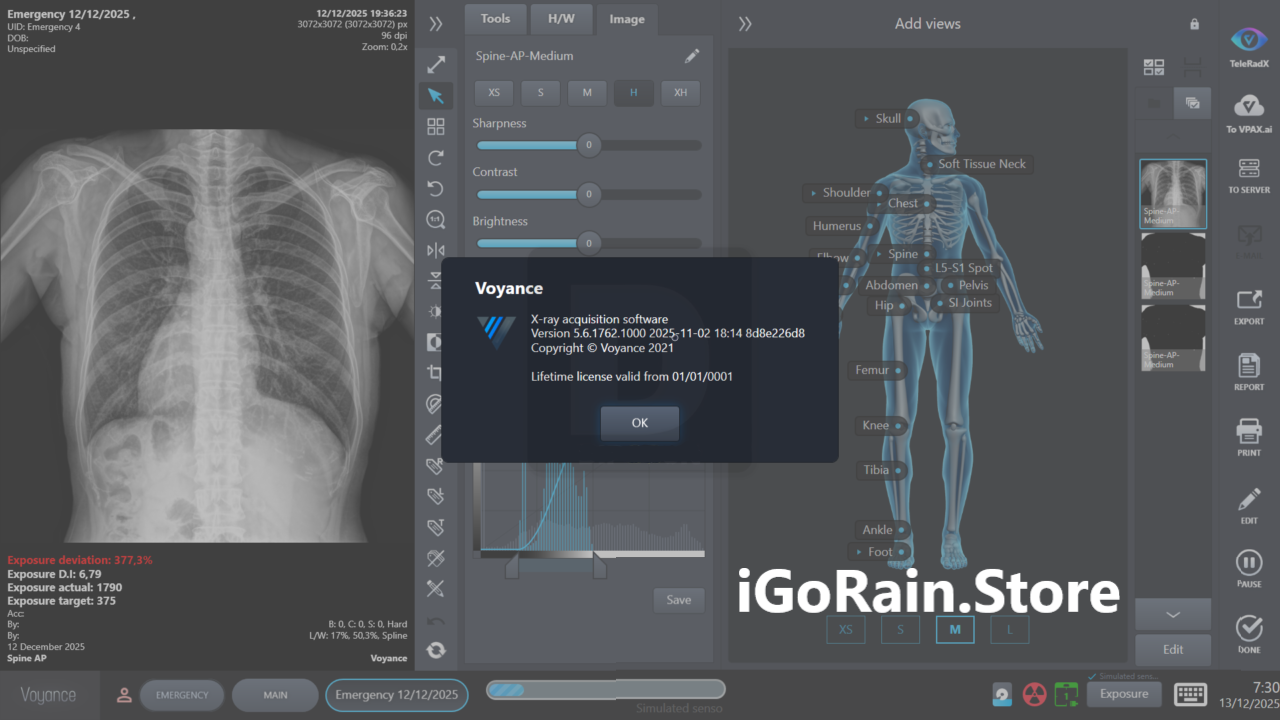
Description
Voyance Software Review – Intelligent Data Visualization and Advanced Analytics Platform
Summary
Voyance is a powerful data visualization and analytics software designed to help organizations transform complex data into meaningful insights. In today’s data-driven world, businesses, analysts, and decision-makers rely on intelligent tools to interpret large volumes of information quickly and accurately. Voyance provides an advanced platform that enables users to visualize data, analyze trends, and uncover patterns that would otherwise remain hidden in spreadsheets and raw datasets.
Unlike traditional reporting tools that focus only on static charts, Voyance focuses on interactive data exploration. Users can build visual dashboards, analyze relationships between variables, and generate insights that support better strategic decisions. The software is particularly valuable for professionals who work with large datasets and require dynamic visualization tools to understand performance, trends, and operational metrics.
From business intelligence professionals to researchers and data analysts, Voyance offers a streamlined environment for transforming raw data into actionable insights. Its combination of intuitive design, advanced analytics capabilities, and flexible visualization tools makes it a practical choice for modern organizations looking to leverage data effectively.
In this comprehensive Voyance software review, we will explore its core features, real-world use cases, performance capabilities, advantages, and limitations. Whether you are managing business data, conducting research analysis, or building interactive dashboards, Voyance offers tools designed to make data analysis more accessible and impactful.
Introduction to Voyance
Data has become one of the most valuable resources in modern organizations. Every department—from marketing and finance to operations and research—generates large volumes of information that can guide decision-making.
However, the challenge lies in interpreting that data.
Raw datasets often contain thousands or millions of rows of information. Without the right analytical tools, extracting meaningful insights can be extremely time-consuming and difficult.
This is where Voyance comes in.
Voyance is designed as a comprehensive data visualization and analytics platform that helps users explore datasets visually rather than relying solely on numerical tables. By transforming raw information into clear visual representations such as charts, graphs, and dashboards, Voyance enables users to identify patterns, correlations, and trends quickly.
The software is particularly useful in environments where decision-making relies heavily on data interpretation. Organizations can use Voyance to monitor performance indicators, analyze customer behavior, evaluate financial trends, or assess operational efficiency.
In essence, Voyance helps bridge the gap between raw data and informed decision-making.
Key Features of Voyance
Voyance includes a variety of powerful features that make it a flexible solution for data visualization and advanced analytics.
Interactive Data Visualization
One of the core strengths of Voyance is its ability to create dynamic and interactive visualizations.
Users can transform raw data into visual formats such as:
- Bar charts
- Line graphs
- Scatter plots
- Heat maps
- Interactive dashboards
- Multi-dimensional data visualizations
These visual tools allow users to explore datasets more intuitively, making it easier to understand complex relationships between variables.
Instead of static reports, Voyance provides a fully interactive environment where users can filter data, adjust parameters, and view results in real time.
Advanced Data Analysis Tools
Beyond simple chart creation, Voyance offers powerful analytical capabilities that allow users to perform deeper data exploration.
The platform supports:
- Trend analysis
- Statistical analysis
- Correlation analysis
- Pattern recognition
- Data comparison across time periods
These tools help analysts identify important trends and make predictions based on historical data.
For organizations that rely on analytics-driven decision-making, this functionality can significantly improve strategic planning.
Flexible Data Integration
Modern organizations often store data in multiple formats and systems. Voyance provides flexibility when it comes to importing and integrating data.
The software supports datasets from sources such as:
- Spreadsheets
- Databases
- CSV files
- Structured datasets
- Research data collections
This flexibility ensures that users can work with existing data without needing extensive data conversion processes.
Custom Dashboard Creation
Dashboards are one of the most powerful ways to monitor key performance indicators and business metrics.
Voyance allows users to build customized dashboards tailored to their specific needs. These dashboards can include multiple visualizations that display important metrics in a single view.
For example, a business dashboard might include:
- Sales performance charts
- Customer acquisition metrics
- Revenue growth trends
- Market analysis indicators
This centralized view helps decision-makers quickly assess performance and identify areas that require attention.
Data Filtering and Exploration
Another important feature of Voyance is its ability to filter and explore data dynamically.
Users can:
- Apply filters to specific datasets
- Drill down into detailed data segments
- Compare different data groups
- Analyze data across time periods
These capabilities make it easier to uncover insights that might be hidden within large datasets.
Professional Reporting Tools
Voy ance also includes reporting capabilities that allow users to share analytical results with stakeholders.
Reports can include:
- Data visualizations
- Key insights and trends
- Summary statistics
- Analytical conclusions
These reports help communicate complex data findings in a clear and understandable format.
Practical Use Cases
Vo yance can be used across a wide range of industries and professional environments.
Business Intelligence and Performance Monitoring
Organizations often rely on business intelligence tools to track operational performance.
Vo yance enables companies to visualize sales data, revenue trends, marketing performance, and operational metrics through interactive dashboards.
This allows managers to monitor performance and make data-driven decisions quickly.
Marketing Analytics
Marketing teams work with large datasets related to customer behavior, campaign performance, and conversion rates.
Vo yance helps marketers analyze:
- Campaign effectiveness
- Customer engagement trends
- Conversion patterns
- Audience segmentation
These insights allow marketing professionals to refine strategies and improve campaign results.
Financial Data Analysis
Financial analysts frequently use data visualization tools to interpret financial reports and market trends.
Voyance can help visualize:
- Revenue trends
- Profit margins
- Expense distributions
- Investment performance
These visual insights support better financial forecasting and strategic planning.
Research and Academic Data Analysis
Researchers often deal with complex datasets that require advanced analytical tools.
Voyance allows researchers to visualize experimental data, identify patterns, and present research findings clearly.
This can be particularly useful in fields such as social sciences, economics, and data science.
Operational Analytics
Companies managing large-scale operations can use Voyance to monitor production efficiency, logistics performance, and supply chain metrics.
By visualizing operational data, organizations can identify bottlenecks and optimize processes.
Performance Analysis
When evaluating data analytics software, several performance factors must be considered.
Speed and Data Processing
Voyance is designed to handle large datasets efficiently. The platform processes data quickly, allowing users to generate visualizations and reports without long delays.
This makes it suitable for both small datasets and larger analytical projects.
User Experience and Interface
Voyance provides a clean and intuitive interface that simplifies the data analysis process.
Users can navigate the platform easily, build visualizations quickly, and explore data without requiring extensive technical knowledge.
This balance between simplicity and analytical power is one of the software’s key strengths.
Scalability
As organizations grow, their data analysis needs also expand.
Voyance offers scalability, allowing users to manage increasingly large datasets and more complex analytical projects without compromising performance.
Learning Curve
For users already familiar with data visualization or business intelligence tools, Voyance is relatively easy to learn.
New users may require some time to explore advanced analytics features, but the interface is generally accessible even for beginners.
Pros and Cons
Like any analytics software, Voyance has both strengths and potential limitations.
Pros
- Powerful data visualization tools
- Interactive dashboards and reports
- Flexible data import options
- Advanced analytical capabilities
- Intuitive interface for data exploration
- Useful for multiple industries and applications
- Helps organizations make data-driven decisions
Cons
- Advanced analytics features may require some learning
- Large datasets may require strong computer performance
- Some organizations may require additional integrations for specialized workflows
Despite these considerations, Voyance remains a strong solution for organizations seeking a reliable data analytics platform.
Pricing and Plans
Vo yance is typically offered through various licensing options depending on organizational needs.
Pricing structures may vary based on factors such as:
- Individual or enterprise licensing
- Access to advanced analytics features
- Technical support and updates
- Deployment options
Organizations often choose licensing plans based on the number of users and the scale of their data analytics operations.
Since software pricing can change over time, users should confirm the latest licensing details through their software provider.
Who Should Use Voyance?
Vo yance is designed for professionals and organizations that rely on data-driven insights.
The software is particularly beneficial for:
- Data analysts
- Business intelligence professionals
- Marketing analysts
- Financial analysts
- Research institutions
- Corporate decision-makers
- Academic researchers
Anyone who works with large datasets and requires clear data visualization tools can benefit from using Voyance.
Final Verdict
Voyance is a versatile and powerful data visualization and analytics platform that enables organizations to transform raw information into actionable insights. By combining advanced analytics capabilities with interactive visual dashboards, the software helps users explore complex datasets and identify meaningful patterns.




Reviews
There are no reviews yet.