Description
NonicaTab PRO 2026 – Complete Review, Features, Use Cases & Performance Analysis
Efficiency is the backbone of modern design workflows, especially in Building Information Modeling (BIM). When working in complex environments like Autodesk Revit, even small inefficiencies—like navigating between tools or managing repetitive commands—can add up quickly. That’s where NonicaTab PRO delivers exceptional value.
NonicaTab PRO is a productivity-focused Revit plugin designed to streamline workflows, reduce repetitive tasks, and improve overall efficiency through customizable toolbars and automation features. Instead of constantly switching between tabs and commands, users can centralize their most-used tools into a single, intuitive interface.
In this in-depth review, we’ll explore how NonicaTab PRO transforms Revit workflows, its key features, real-world applications, performance insights, and whether it’s worth adding to your toolkit.
Introduction
For architects, engineers, and BIM professionals, time is one of the most valuable resources. While Autodesk Revit is incredibly powerful, its default interface can sometimes slow users down—especially when dealing with repetitive tasks or frequently used commands spread across multiple tabs.
NonicaTab PRO addresses this challenge by offering a fully customizable tab within Revit. It allows users to:
- Organize tools in a way that matches their workflow
- Automate repetitive actions
- Access commands faster and more efficiently
The result is a smoother, faster, and more personalized Revit experience.
Key Features
1. Customizable Toolbar (NonicaTab)
The core feature of NonicaTab PRO is its customizable tab system:
- Add frequently used tools into one tab
- Organize commands based on workflow
- Reduce time spent navigating menus
This feature alone can significantly improve daily productivity.
2. Command Automation
Automation is a major advantage of NonicaTab PRO:
- Combine multiple actions into a single click
- Create custom workflows
- Reduce repetitive manual steps
For example, users can automate tasks like setting up views, applying filters, or exporting files.
3. Script and Macro Integration
Advanced users can integrate scripts and macros directly into the toolbar:
- Run custom scripts instantly
- Integrate Dynamo workflows
- Enhance Revit functionality without leaving the interface
This makes it highly valuable for power users and BIM managers.
4. User-Friendly Interface
Despite its powerful capabilities, the plugin is easy to use:
- Drag-and-drop functionality
- Clean and intuitive layout
- Minimal learning curve
Even beginners can start optimizing their workflow quickly.
5. Workflow Standardization
For teams and organizations, consistency is key:
- Share standardized toolbars across teams
- Ensure uniform workflows
- Improve collaboration and efficiency
6. Time-Saving Features
NonicaTab PRO is built around saving time:
- Quick access to tools
- Reduced clicks and navigation
- Faster task completion
Over time, these small improvements lead to significant productivity gains.
Practical Use Cases
1. Architectural Design Workflows
Architects often switch between tools for modeling, annotation, and documentation.
With NonicaTab PRO:
- Group all essential tools in one place
- Speed up design iterations
- Focus more on creativity than navigation
2. BIM Management
BIM managers can use the plugin to:
- Standardize workflows across teams
- Provide pre-configured toolsets
- Improve project consistency
3. Engineering Projects
Engineers working on complex models benefit from:
- Faster access to analysis tools
- Reduced repetitive actions
- Improved efficiency in large projects
4. Documentation and Drafting
For drafting tasks, efficiency is critical:
- Automate sheet creation
- Speed up annotation processes
- Simplify documentation workflows
5. Training and Onboarding
New team members often struggle with Revit’s interface.
NonicaTab PRO helps by:
- Providing simplified tool access
- Reducing learning curve
- Offering structured workflows
Performance Analysis
Speed and Responsiveness
NonicaTab PRO is designed for performance:
- Instant access to tools
- Faster execution of commands
- Reduced time spent navigating
System Impact
The plugin is lightweight and efficient:
- Minimal impact on system resources
- Smooth performance on standard hardware
- No noticeable slowdown in Revit
Stability
Reliability is crucial in professional environments:
- Stable integration with Autodesk Revit
- Minimal crashes or errors
- Consistent performance across projects
Productivity Gains
| Task | Without NonicaTab PRO | With NonicaTab PRO |
|---|---|---|
| Tool access | Multiple clicks | Single click |
| Workflow efficiency | متوسط | High |
| Task automation | Limited | Advanced |
| Time spent navigating | High | Low |
Pros & Cons
Pros
- Highly customizable interface
- Significant productivity improvements
- Easy to use and implement
- Supports automation and scripting
- Ideal for both individuals and teams
- Lightweight and efficient
Cons
- Requires initial setup for maximum benefit
- Advanced features may need some learning
- Limited value for users with very simple workflows
Pricing & Plans
Pricing for NonicaTab PRO typically depends on licensing options offered by vendors.
Common plans include:
- Individual licenses
- Team or enterprise licenses
- Subscription or one-time purchase options
For software resellers, this plugin is positioned as a productivity-enhancing tool with strong ROI potential for professional users.
Real-World User Experience
From a practical perspective, users often report immediate improvements in their workflow after implementing NonicaTab PRO.
A typical experience might look like this:
- Identify frequently used tools
- Add them to the custom Nonica tab
- Create automated workflows
- Execute tasks faster with fewer clicks
Over time, this leads to:
- Reduced frustration
- Increased efficiency
- Better overall user experience
SEO Keyword Integration
This article naturally incorporates high-performing SEO keywords, including:
- NonicaTab PRO Revit plugin
- Revit productivity tool plugin
- customizable toolbar for Revit
- Revit workflow automation software
- BIM productivity enhancement tool
- Revit automation and scripting plugin
These keywords align with search intent from architects, engineers, and BIM professionals.
Complete Previous Release Archive – All Versions Available
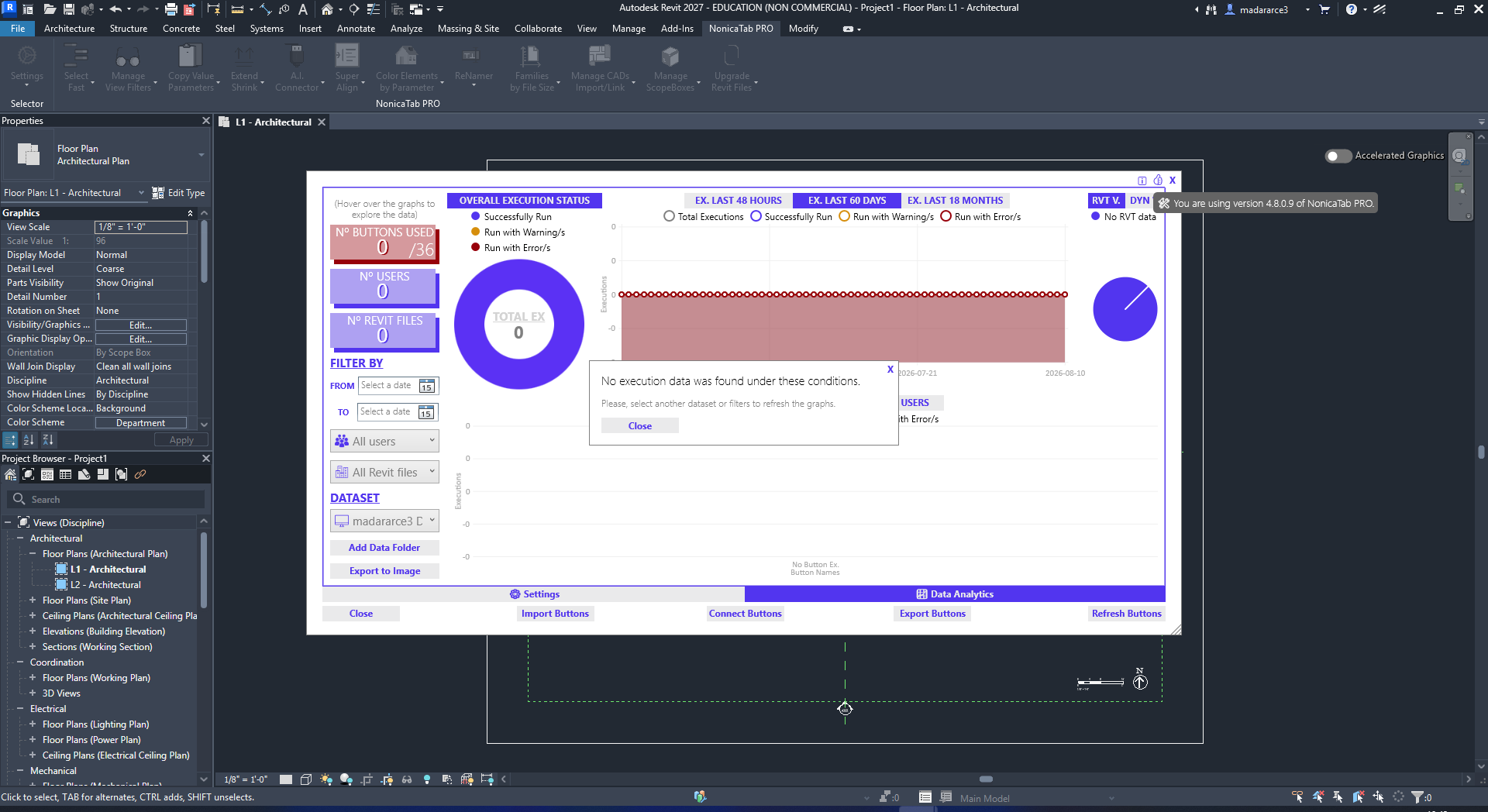
NonicaTab Pro For Revit Pro Tools + AI Connector MCP 4.8.0.9
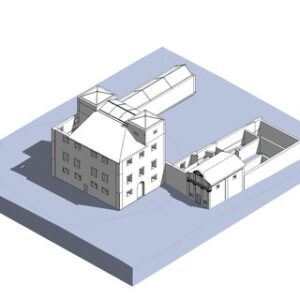
NonicaTab Pro For Revit Pro Tools + AI Connector MCP 4.8.0.8
NonicaTab Pro For Revit Pro Tools 4.8.0.9 Download
Final Verdict
NonicaTab PRO Professional Download is a powerful productivity tool that addresses one of the most common challenges in Revit—workflow inefficiency.
Instead of adding complexity, it simplifies the user experience by bringing everything into one place. For professionals who spend hours ежедневно working in Revit, the time savings alone can justify the investment.
While it may require some initial setup, the long-term benefits in speed, efficiency, and workflow optimization are substantial.



Reviews
There are no reviews yet.