Description
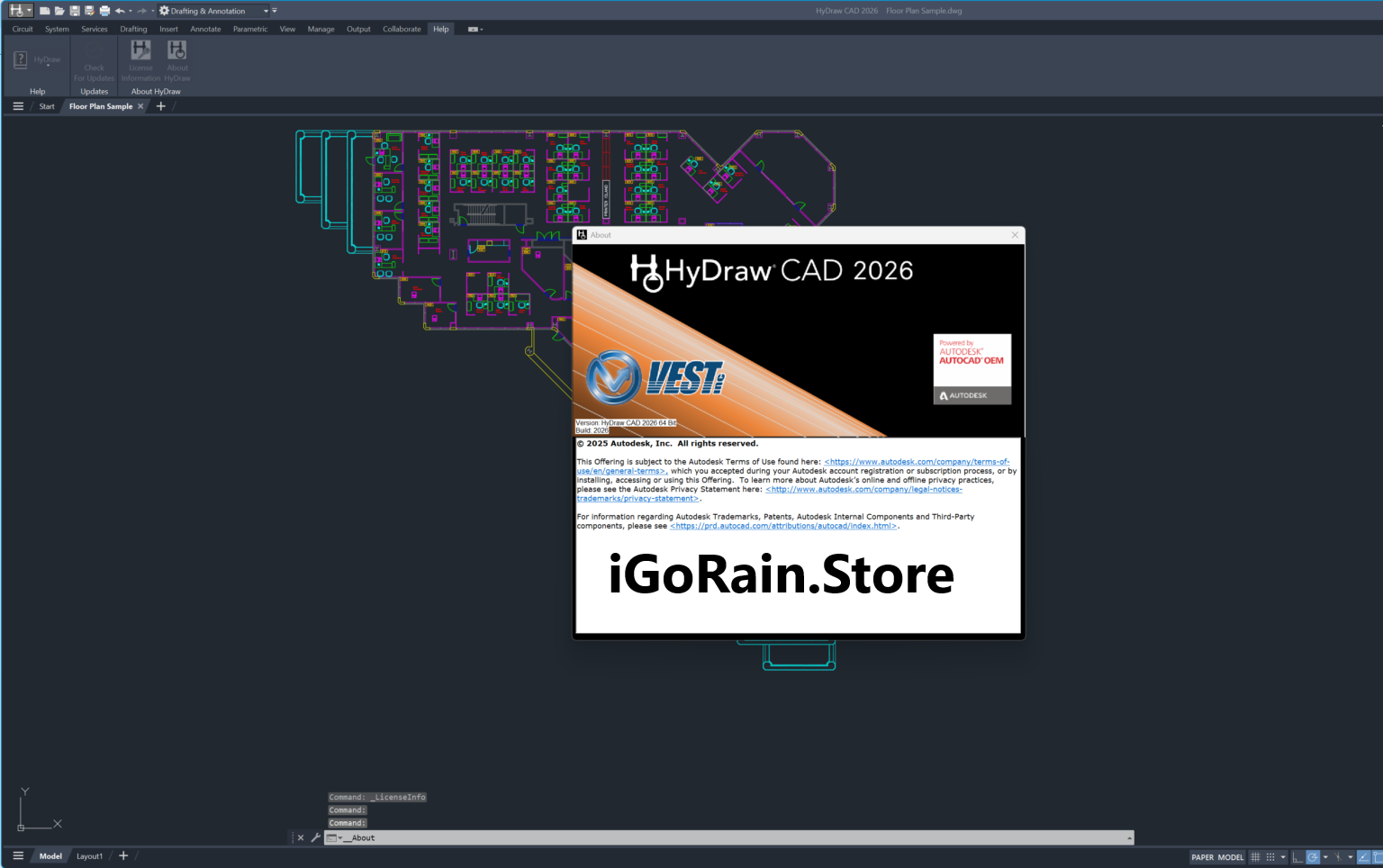
HyDraw CAD Review: A Powerful Hydraulic and Pneumatic Circuit Design Solution for Engineers
Summary
HyDraw CAD is a specialized engineering software designed to simplify the creation, simulation, and documentation of hydraulic and pneumatic circuit diagrams. Built for engineers, designers, machine manufacturers, and industrial automation professionals, the software combines intelligent schematic design tools with extensive component libraries and automated documentation features.
Unlike generic CAD platforms that require extensive customization for fluid power applications, HyDraw CAD is purpose-built for hydraulic and pneumatic systems. This targeted approach allows users to design circuits faster, reduce engineering errors, improve project accuracy, and streamline collaboration between design, manufacturing, and maintenance teams.
Whether you’re developing industrial machinery, automated production equipment, agricultural systems, or hydraulic power units, HyDraw CAD offers a practical and efficient environment for designing professional-grade fluid power systems.
Introduction to HyDraw CAD
Hydraulic and pneumatic systems are essential components of modern industrial equipment. From manufacturing plants and construction machinery to automated assembly lines and mobile equipment, these systems require precise engineering and detailed documentation.
Traditional CAD software can certainly create fluid power schematics, but it often lacks the specialized tools engineers need for hydraulic and pneumatic design. This is where HyDraw CAD stands out.
HyDraw CAD is specifically engineered to support hydraulic and pneumatic circuit development. It provides industry-standard symbols, automated design functions, component databases, and intelligent drafting tools that help engineers complete projects faster while maintaining compliance with engineering standards.
Many engineering teams choose HyDraw CAD because it reduces repetitive work, minimizes documentation errors, and improves design consistency across projects.
Key Features of HyDraw CAD
Extensive Hydraulic and Pneumatic Symbol Libraries
One of the software’s most valuable features is its comprehensive collection of standard hydraulic and pneumatic symbols.
Users can quickly insert:
- Pumps
- Motors
- Cylinders
- Valves
- Compressors
- Filters
- Pressure regulators
- Actuators
- Connectors
- Sensors
The drag-and-drop workflow significantly speeds up circuit development compared to manually creating symbols.
Benefits
- Faster schematic creation
- Standardized engineering drawings
- Reduced drafting errors
- Improved design consistency
Intelligent Circuit Design Environment
HyDraw CAD includes intelligent design functionality that helps engineers create accurate circuit diagrams.
Instead of manually connecting every element, users can leverage smart tools that:
- Automatically align components
- Maintain schematic clarity
- Assist with connection routing
- Reduce drafting mistakes
- Improve overall diagram readability
These capabilities become especially valuable when working on large industrial projects with complex fluid power systems.
Automated Bill of Materials (BOM)
Generating parts lists manually can consume a significant amount of engineering time.
HyDraw CAD automatically creates:
- Bills of materials
- Component lists
- Equipment schedules
- Parts documentation
This automation improves project efficiency and helps procurement teams order the correct components.
Real-World Advantage
Engineering departments often report substantial time savings because documentation updates automatically when schematic changes are made.
Manufacturer Component Databases
The software provides access to extensive component databases from leading hydraulic and pneumatic manufacturers.
This enables engineers to:
- Select real-world components
- Design with accurate specifications
- Improve project feasibility
- Reduce design-to-production issues
Using verified manufacturer data helps bridge the gap between engineering concepts and actual implementation.
Project Documentation Tools
Documentation is a critical part of any engineering project.
HyDraw CAD simplifies documentation by generating:
- Technical reports
- Circuit documentation
- Component references
- Engineering drawings
- Maintenance information
This feature is particularly useful for companies that must provide detailed documentation to clients, regulatory agencies, or maintenance personnel.
Custom Symbol Creation
Organizations often use specialized components not found in standard libraries.
HyDraw CAD allows users to:
- Create custom symbols
- Save proprietary components
- Build company-specific libraries
- Maintain design standards
This flexibility supports a wide variety of engineering applications.
Practical Use Cases of HyDraw CAD
Industrial Machinery Design
Machine builders frequently use HyDraw CAD to design hydraulic systems for industrial equipment.
For example, a manufacturing company developing automated press machines can use the software to:
- Design hydraulic circuits
- Select appropriate valves
- Create system documentation
- Generate BOM reports
- Support installation teams
This reduces development time while improving engineering accuracy.
Pneumatic Automation Systems
Modern factories rely heavily on pneumatic automation.
Engineers designing:
- Robotic assembly stations
- Packaging machines
- Conveyor systems
- Material handling equipment
can create detailed pneumatic schematics using HyDraw CAD’s specialized tools.
The software helps ensure proper airflow management and component integration throughout the system.
Mobile Hydraulic Equipment
Construction and agricultural equipment often contain sophisticated hydraulic systems.
Examples include:
- Excavators
- Loaders
- Cranes
- Harvesters
- Forestry machinery
HyDraw CAD assists engineers in designing reliable hydraulic circuits while maintaining accurate documentation for service and maintenance teams.
Educational and Training Environments
Engineering schools and technical institutions also benefit from HyDraw CAD.
Students can learn:
- Hydraulic circuit design
- Pneumatic system development
- Industry-standard schematic practices
- Fluid power engineering principles
The intuitive interface makes it suitable for both beginners and experienced engineers.
Maintenance and Retrofit Projects
Many industrial facilities regularly upgrade existing machinery.
Maintenance engineers use HyDraw CAD to:
- Recreate legacy schematics
- Document modifications
- Identify replacement components
- Improve troubleshooting procedures
Having accurate digital documentation can significantly reduce downtime during maintenance operations.
Performance Analysis
Design Efficiency
One of HyDraw CAD’s strongest performance areas is engineering productivity.
Compared to general-purpose CAD software, users often complete hydraulic and pneumatic schematic development significantly faster because the software eliminates many repetitive drafting tasks.
Key productivity improvements include:
- Drag-and-drop components
- Automated documentation
- Smart alignment tools
- Integrated databases
These features collectively reduce engineering workload.
Accuracy and Reliability
Engineering errors can lead to costly manufacturing mistakes.
HyDraw CAD helps minimize these risks by:
- Using standardized symbols
- Supporting verified components
- Maintaining documentation consistency
- Reducing manual data entry
The result is improved project reliability from concept through implementation.
Learning Curve
Most engineers familiar with CAD software can become productive relatively quickly.
The software’s specialized interface focuses on fluid power engineering rather than general drafting functions.
This targeted design helps users learn workflows faster and complete projects more efficiently.
Scalability
HyDraw CAD performs well across different project sizes.
Whether designing:
- Simple pneumatic circuits
- Medium-sized hydraulic systems
- Large industrial automation projects
the software provides the tools needed to maintain organization and documentation quality.
User Experience and Real-World Feedback
Many engineering professionals appreciate HyDraw CAD because it addresses practical challenges encountered during hydraulic and pneumatic design.
A common experience involves organizations transitioning from generic CAD platforms.
Initially, engineers may rely on traditional drafting software. However, as project complexity grows, they often discover that specialized tools dramatically improve productivity.
Users frequently highlight:
- Faster circuit creation
- Better documentation quality
- Reduced engineering errors
- Easier collaboration
- Improved project standardization
Maintenance teams also benefit from clearer schematics and more accurate parts information.
For companies managing multiple engineering projects simultaneously, these advantages can lead to measurable operational improvements.
Pros and Cons of HyDraw CAD
Pros
Purpose-Built for Fluid Power Engineering
Unlike generic CAD systems, HyDraw CAD focuses specifically on hydraulic and pneumatic applications.
Large Symbol Library
Extensive component libraries reduce drafting time and improve consistency.
Automated Documentation
Automatic BOM generation and reporting save considerable engineering effort.
Professional Design Standards
Supports industry-standard schematic development practices.
Improved Accuracy
Reduces errors through intelligent design tools and verified components.
Customizable
Allows creation of custom symbols and company-specific libraries.
Cons
Specialized Scope
Organizations requiring extensive mechanical or architectural design capabilities may still need additional CAD software.
Initial Setup Time
Companies implementing custom standards and libraries may require some initial configuration.
Training Requirements
Although user-friendly, new users still need time to learn best practices and advanced features.
Pricing and Plans
HyDraw CAD pricing may vary depending on:
- License type
- Number of users
- Software version
- Optional modules
- Support packages
Organizations interested in deployment should consult authorized software providers for the most current pricing information and licensing options.
Businesses should also evaluate:
- Training requirements
- Maintenance agreements
- Upgrade policies
- Technical support availability
This ensures the selected licensing model aligns with project requirements and budget expectations.
Why HyDraw CAD Stands Out in the Market
The engineering software market contains many general-purpose CAD platforms, but relatively few solutions are designed specifically for hydraulic and pneumatic systems.
HyDraw CAD differentiates itself through:
- Fluid power specialization
- Intelligent schematic design tools
- Extensive symbol databases
- Automated documentation workflows
- Industry-focused engineering features
For organizations that regularly design hydraulic and pneumatic systems, these specialized capabilities often deliver greater value than adapting general CAD software for the same tasks.
Final Verdict
HyDraw CAD is a highly capable hydraulic and pneumatic circuit design software that delivers substantial productivity benefits for engineers and industrial organizations. Its specialized design environment, comprehensive symbol libraries, automated documentation features, and manufacturer component databases make it an excellent choice for fluid power engineering projects.
From industrial machinery and factory automation to mobile equipment and maintenance documentation, the software provides the tools necessary to create professional, accurate, and standards-compliant hydraulic and pneumatic schematics.
For engineering teams seeking to improve efficiency, reduce drafting errors, and streamline project documentation, HyDraw CAD represents a practical and reliable solution.
If your organization regularly works with hydraulic or pneumatic systems, exploring HyDraw CAD could be a valuable step toward faster project delivery, improved engineering quality, and more efficient fluid power system design.



Reviews
There are no reviews yet.