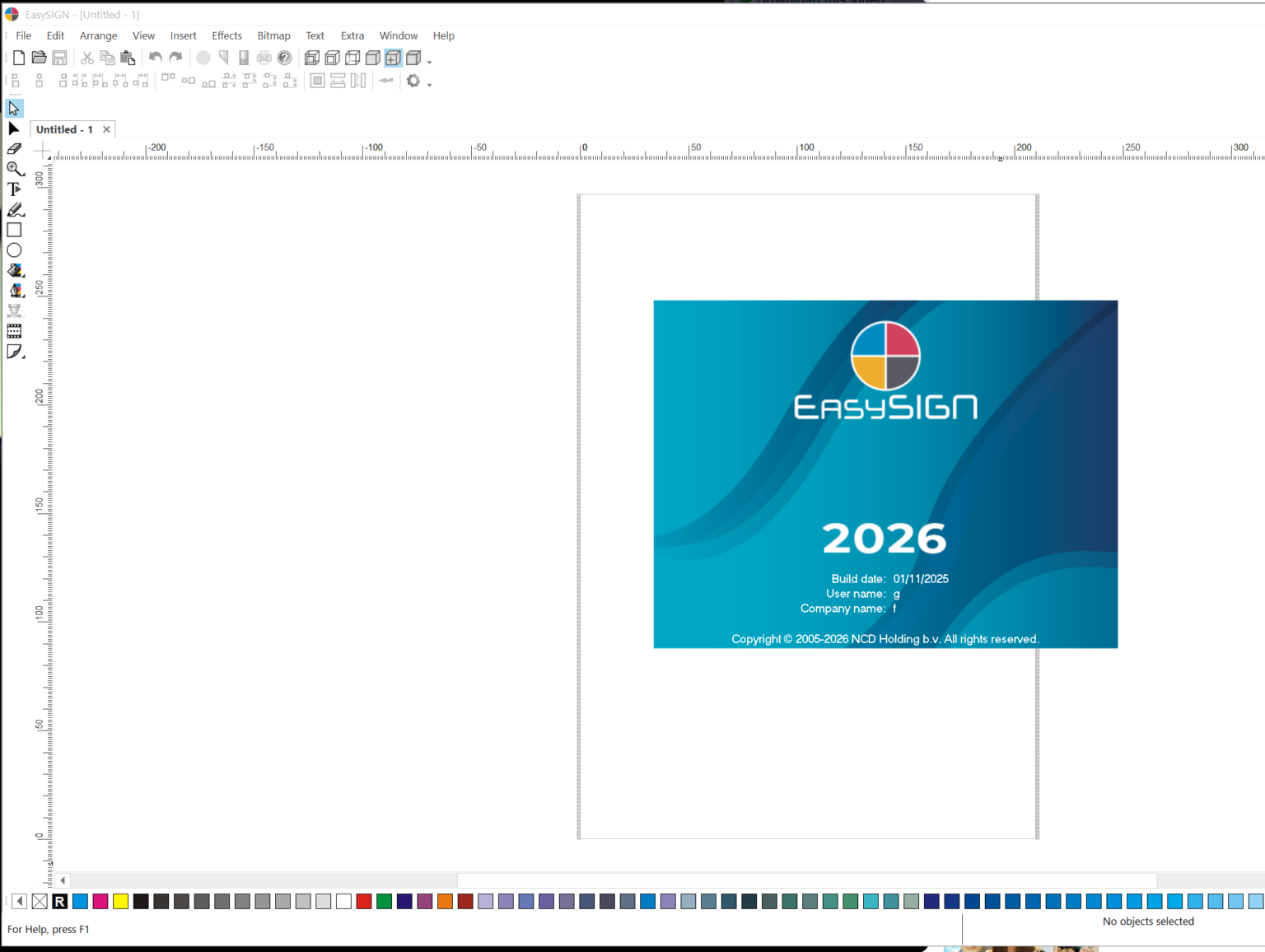
Description
EasySign Software Review: A Complete Guide to Secure, Fast, and Modern Digital Signing
Summary
In a world where business speed depends on digital transformation, EasySign emerges as a modern e-signature software designed to simplify document signing, approval workflows, and contract management. Whether you are handling client agreements, HR onboarding forms, or internal approvals, EasySign provides a streamlined way to send, sign, and manage documents online without printing or manual processing.
This software is built for businesses that want secure electronic signatures, improved workflow automation, and faster turnaround times. From small startups to enterprise teams, EasySign positions itself as a reliable digital signature solution that reduces paperwork delays and enhances operational efficiency.
This review explores EasySign in detail, including its key features, real-world use cases, performance insights, advantages, limitations, and overall value for modern organizations.
Introduction
Digital transformation has reshaped how organizations handle documentation. Traditional paper-based signing processes are no longer practical in fast-paced business environments. This is where electronic signature software like EasySign becomes essential.
EasySign is designed to replace manual signing workflows with a secure, legally recognized, and fully digital system. It allows users to upload documents, send them to multiple recipients, track signing status, and store completed files in a centralized system.
The growing demand for remote work solutions, contract automation tools, and cloud-based document management platforms has increased the relevance of tools like EasySign. Businesses now prioritize speed, compliance, and accessibility, all of which are central to its design.
Key Features of EasySign
EasySign offers a wide range of capabilities focused on simplifying document workflows while maintaining security and compliance.
1. Digital Signature Creation
Users can easily create legally binding electronic signatures. The software supports typed, drawn, and uploaded signature formats depending on user preference.
2. Document Upload and Management
EasySign allows multiple document formats to be uploaded, including PDF, Word files, and scanned agreements. Documents can be organized into folders for better management.
3. Workflow Automation
One of the strongest aspects of EasySign is its ability to automate approval workflows. Documents can be routed automatically to multiple stakeholders in a predefined sequence.
4. Real-Time Tracking
Users can monitor document status in real time, including:
- Sent
- Viewed
- Signed
- Completed
This improves transparency and reduces follow-up delays.
5. Secure Cloud Storage
All signed documents are stored securely in the cloud with encryption protocols to ensure data protection and confidentiality.
6. Audit Trail and Compliance Logs
Every action taken on a document is recorded. This audit trail helps ensure accountability and supports legal verification processes.
7. Multi-Party Signing Support
EasySign supports multiple signers in a single workflow, making it ideal for contracts, agreements, and team approvals.
8. Mobile-Friendly Signing
Users can sign documents from smartphones or tablets, enabling remote and on-the-go approvals.
9. Template System
Frequently used documents can be saved as templates, reducing repetitive setup and improving efficiency.
Practical Use Cases
EasySign is versatile and can be applied across multiple industries and business scenarios.
1. Human Resources and Hiring
HR departments can streamline onboarding by sending employment contracts, NDA forms, and policy documents for digital signing. New hires can complete paperwork remotely before joining.
2. Real Estate Transactions
Agents and property managers use EasySign to finalize lease agreements, purchase contracts, and tenant documents without requiring in-person meetings.
3. Legal Agreements
Law firms and legal departments benefit from secure document signing with audit trails that help validate contractual obligations.
4. Freelancers and Agencies
Freelancers use EasySign to send service agreements, invoices, and project contracts to clients, ensuring clear and formal commitments.
5. Corporate Approvals
Internal business workflows such as procurement approvals, budget requests, and vendor agreements can be handled digitally, reducing delays in decision-making.
6. Education and Institutions
Schools and universities can use EasySign for enrollment forms, permission slips, and administrative approvals.
Performance Analysis
EasySign is built with a focus on speed, reliability, and security. Its cloud-based infrastructure ensures that documents load quickly and signing processes are smooth even with multiple participants.
Speed and Responsiveness
Document uploads and signing actions typically perform without noticeable lag. Even large files are processed efficiently due to optimized backend handling.
Reliability
The system is designed to maintain consistent uptime, which is critical for business workflows that depend on time-sensitive approvals.
Security Standards
EasySign incorporates encryption protocols for data protection. Combined with audit logs and access control mechanisms, it helps maintain document integrity throughout the signing process.
Ease of Use
The interface is generally intuitive, allowing users without technical experience to navigate document uploads, signature placement, and sending workflows with minimal learning curve.
Scalability
Whether used by a small business or a growing enterprise, EasySign adapts well to increasing document volume and multiple user accounts.
Pros and Cons
Pros
- Simplifies document signing and approval workflows
- Supports multiple signers and complex workflows
- Secure cloud storage with encryption
- Real-time tracking of document status
- Mobile-friendly access for remote signing
- Template system improves efficiency
- Reduces paper-based administrative work
- Suitable for multiple industries
Cons
- Advanced workflow customization may require learning time
- Internet dependency for all operations
- Some enterprise-grade integrations may be limited depending on configuration
- Pricing structure may vary depending on usage scale
Pricing and Plans
While pricing structures can differ based on provider offerings, EasySign typically follows a subscription-based model designed to fit different business sizes.
Common plan structures include:
Basic Plan
Designed for individuals or freelancers needing occasional document signing features. Includes essential signature tools and limited document volume.
Business Plan
Ideal for small to mid-sized teams. Includes workflow automation, multi-user access, templates, and enhanced tracking features.
Enterprise Plan
Built for large organizations requiring advanced integrations, compliance controls, dedicated support, and high-volume document processing.
Many e-signature platforms also offer free trials or limited free versions, allowing users to test functionality before committing to a plan.
Final Verdict
EasySign stands out as a practical and efficient e-signature software solution for modern businesses that prioritize speed, security, and workflow automation. It removes the friction of traditional paperwork and replaces it with a streamlined digital system that supports remote collaboration and fast decision-making.
Its strongest advantages lie in its simplicity, security features, and ability to handle multi-party workflows. While it may require some adjustment for advanced configurations, the overall user experience remains smooth and accessible.
For organizations looking to modernize their document handling processes, reduce administrative overhead, and improve contract turnaround times, EasySign presents a strong and reliable option in the digital signature software category.
Businesses that adopt tools like EasySign are better positioned to operate efficiently in remote and hybrid work environments, making it a valuable addition to any digital toolkit.
Conclusion
EasySign is more than just a signing tool; it is a workflow efficiency solution designed for modern business needs. By replacing manual documentation processes with a secure, digital-first approach, it helps organizations save time, reduce errors, and improve operational transparency.
For professionals and businesses aiming to upgrade their document management systems, exploring EasySign can be a strategic step toward faster and more reliable digital operations.

Reviews
There are no reviews yet.