Description
Cubicost TAS Review 2026: Advanced Quantity Takeoff Software for Faster and More Accurate Estimation
Estimating construction quantities manually can be one of the most time-consuming and error-prone tasks in a project lifecycle. Whether you’re a quantity surveyor, contractor, cost consultant, or estimator, delays in quantity takeoffs often impact bidding accuracy, project planning, and overall profitability. Cubicost TAS aims to solve these challenges by offering an intelligent, BIM-driven quantity takeoff solution designed specifically for modern construction professionals.
Cubicost TAS has gained recognition among estimators and quantity surveying teams for its ability to automate takeoffs directly from 3D BIM models, significantly reducing manual work while improving consistency and precision. It combines advanced measurement capabilities, visual model analysis, and real-time quantity calculations to streamline workflows for projects of all sizes.
This review explores Cubicost TAS in detail, covering its core features, practical applications, performance, advantages, limitations, and overall value for construction businesses.
Introduction to Cubicost TAS
Cubicost TAS is a professional quantity takeoff software developed to simplify measurement and estimation processes in building construction projects. The software primarily works with BIM models, allowing users to extract quantities directly from digital building data rather than relying solely on traditional drawings.
The platform is especially useful for:
- Quantity Surveyors
- Cost Engineers
- Construction Estimators
- Project Managers
- Contractors
- BIM Consultants
- Cost Planning Firms
Unlike conventional estimation tools that require extensive manual calculations, Cubicost TAS leverages BIM technology to automate repetitive tasks and provide a highly visual approach to quantity surveying.
As construction projects become increasingly complex, tools like Cubicost TAS help companies remain competitive by improving speed, reducing errors, and supporting more informed decision-making.
Key Features of Cubicost TAS
BIM-Based Quantity Takeoff
One of the strongest capabilities of Cubicost TAS is its BIM-integrated quantity takeoff engine.
Users can import BIM models and automatically calculate quantities for:
- Concrete
- Reinforcement
- Walls
- Columns
- Slabs
- Doors
- Windows
- Finishes
- Structural elements
- Architectural components
This automation significantly decreases the time spent on traditional manual measurement processes.
Intelligent Measurement Rules
Cubicost TAS provides customizable measurement rules that align with industry standards.
Benefits include:
- Standardized calculations
- Consistent project outputs
- Reduced estimation discrepancies
- Easier compliance with local quantity surveying methods
Organizations can develop reusable templates for multiple projects, ensuring uniformity across estimating teams.
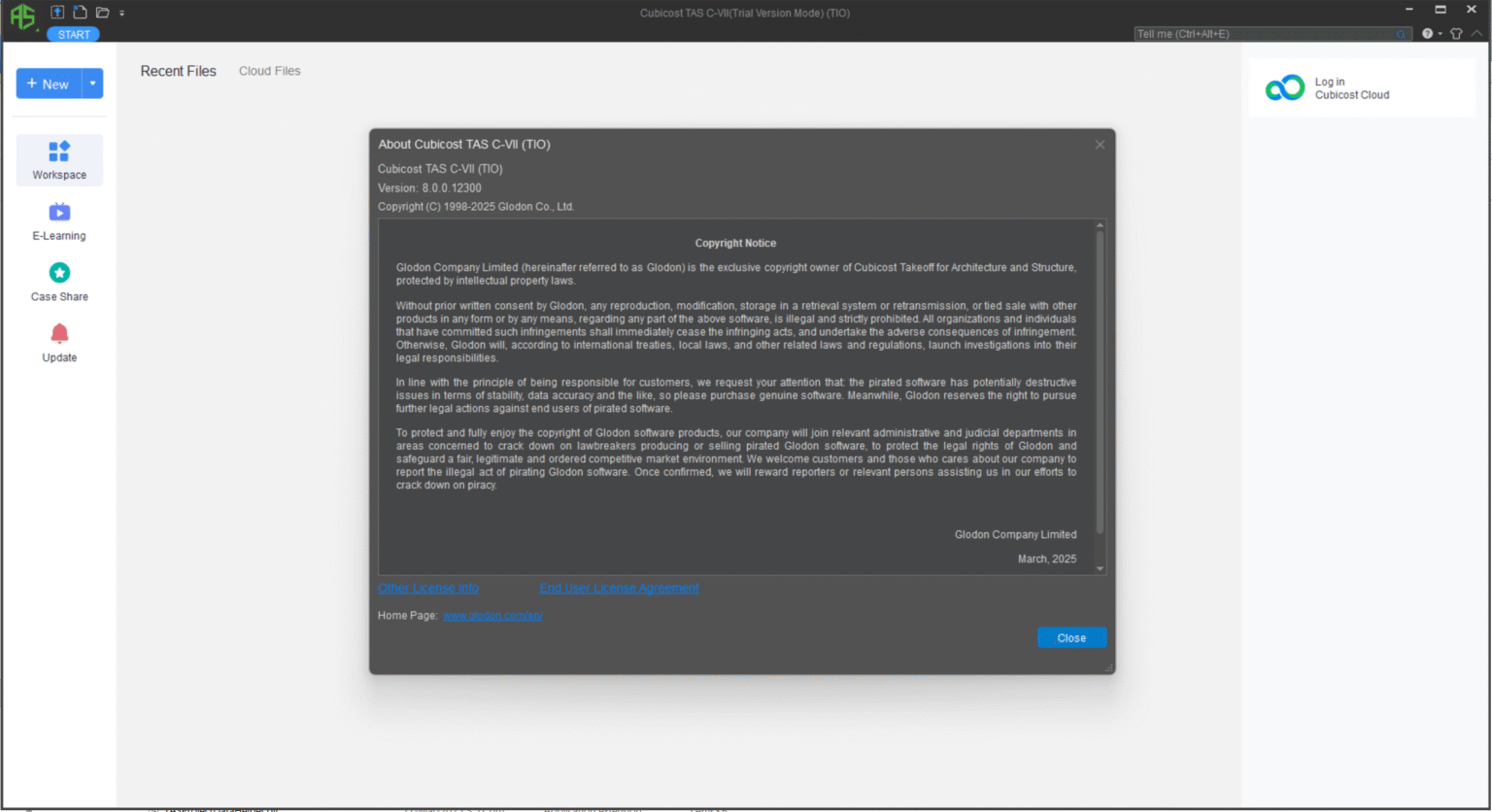
Cubicost TAS 8.0.0.123 Download
Dynamic Quantity Updates
Construction projects frequently undergo design modifications.
With Cubicost TAS:
- Quantity changes update automatically.
- Revised BIM models synchronize efficiently.
- Estimators avoid repeating measurements.
- Teams can compare project revisions quickly.
This capability helps reduce workload during design development phases.
3D Visualization Environment
Traditional spreadsheets often make it difficult to identify quantity errors.
Cubicost TAS addresses this issue through interactive 3D visualization.
Users can:
- Inspect measured components.
- Validate quantities visually.
- Detect missing objects.
- Improve communication among project stakeholders.
The visual interface is particularly useful when reviewing large-scale commercial developments.
Reinforcement Quantity Estimation
Rebar estimation can become highly complicated in reinforced concrete structures.
Cubicost TAS offers dedicated tools for:
- Rebar length calculations
- Reinforcement weight estimation
- Detailed bar schedules
- Structural quantity analysis
These features support more accurate budgeting and procurement planning.
Data Export Capabilities
Project teams often need quantity information in various formats.
Cubicost TAS supports exporting data for:
- Cost estimation software
- Excel reports
- Quantity schedules
- Procurement documentation
- Tender preparation
Flexible reporting options improve collaboration between departments.
Practical Use Cases
Quantity Surveying Firms
Quantity surveying consultants often manage numerous projects simultaneously.
One common challenge is meeting tight submission deadlines while maintaining accuracy.
By using Cubicost TAS, surveyors can:
- Complete takeoffs faster
- Minimize manual errors
- Deliver professional reports
- Handle larger project volumes
For firms aiming to increase productivity, this automation becomes a substantial advantage.
General Contractors
Contractors preparing bids must estimate costs precisely.
Inaccurate quantities may result in:
- Underpricing bids
- Reduced profit margins
- Material shortages
- Construction delays
Cubicost TAS allows contractors to generate dependable quantity information directly from BIM models, improving bid confidence and reducing financial risk.
High-Rise Residential Projects
Large residential towers involve thousands of measurable elements.
Manual estimation could require weeks of work.
Using Cubicost TAS enables teams to:
- Analyze structural components rapidly
- Track design modifications
- Review quantity changes instantly
- Improve project planning
For developers managing multiple residential projects, the software provides considerable time savings.
Infrastructure and Commercial Developments
Shopping centers, hospitals, office complexes, and industrial facilities often involve intricate designs.
Cubicost TAS assists professionals by offering:
- Better visualization
- Automated quantity extraction
- Enhanced coordination
- More reliable budgeting
These advantages become particularly important during competitive tendering.
Real-World Benefits Experienced by Users
Construction professionals who transition from manual workflows to BIM quantity takeoff solutions often notice immediate improvements.
Commonly reported advantages include:
Faster Estimation Cycles
Estimators spend less time measuring drawings and more time analyzing project costs.
Projects that previously required several days may be completed within hours.
Reduced Human Error
Manual calculations increase the possibility of omissions.
Automated quantity extraction helps improve consistency and confidence in project estimates.
Improved Collaboration
Architects, engineers, estimators, and project managers can review the same BIM environment.
This shared visibility promotes better communication and quicker issue resolution.
Better Change Management
Design revisions are inevitable.
Cubicost TAS simplifies revision tracking by updating quantities based on modified models, helping teams avoid duplicate work.
Performance Analysis
User Interface
Cubicost TAS offers a modern interface designed around BIM workflows.
The software presents:
- Model navigation tools
- Quantity summaries
- Interactive measurement windows
- Structured project management panels
Although beginners may require some training, experienced BIM users generally adapt quickly.
Processing Speed
Performance depends on hardware specifications and project complexity.
In most professional environments, Cubicost TAS handles medium and large BIM models efficiently.
Advantages include:
- Faster model loading
- Responsive visualization
- Rapid quantity generation
- Smooth navigation
Organizations working with substantial datasets benefit from optimized processing capabilities.
Accuracy
Accuracy remains one of the primary reasons professionals adopt BIM quantity takeoff software.
Cubicost TAS reduces the risks associated with:
- Duplicate measurements
- Missed components
- Spreadsheet inconsistencies
- Manual counting mistakes
The ability to verify quantities visually further strengthens quality control.
Learning Curve
As a specialized construction estimation platform, Cubicost TAS does require some familiarization.
Users new to BIM technology may need time to understand:
- Model-based workflows
- Measurement rules
- Template creation
- Data management processes
However, once mastered, the productivity gains can be significant.
Pros and Cons
Pros
Excellent BIM Integration
Direct interaction with BIM models streamlines quantity extraction and improves project understanding.
Significant Time Savings
Automation reduces repetitive manual tasks and accelerates estimating workflows.
High Measurement Accuracy
Visual verification helps identify discrepancies before project execution.
Effective Change Tracking
Automatic quantity updates simplify management of revised project models.
Professional Reporting
Export capabilities support tender preparation and cost planning activities.
Cons
Training Requirements
New users may experience a learning period before fully utilizing advanced functions.
Hardware Considerations
Large BIM projects may require capable workstations to achieve optimal performance.
Specialized User Base
Cubicost TAS primarily targets construction professionals and may not be suitable for businesses outside the building industry.
Pricing and Plans
Cubicost TAS pricing can vary depending on licensing models, deployment options, regional distributors, and enterprise requirements.
Potential licensing structures may include:
- Perpetual licenses
- Subscription plans
- Enterprise packages
- Multi-user network licensing
Organizations interested in deployment should consult authorized Cubicost representatives to obtain current pricing details, available modules, and support options.
Businesses evaluating quantity takeoff software should also consider factors such as:
- Training availability
- Technical support
- Software updates
- Integration capabilities
- Scalability for future projects
Who Should Use Cubicost TAS?
Cubicost TAS is particularly suitable for professionals who regularly work with BIM-based construction projects.
Ideal users include:
- Quantity surveying firms
- Construction companies
- Cost consultants
- Estimation departments
- Infrastructure contractors
- BIM service providers
- Real estate developers
Companies transitioning from traditional 2D estimating methods can gain measurable efficiency improvements through BIM-driven quantity takeoffs.
Final Verdict
Cubicost TAS stands out as a sophisticated BIM quantity takeoff solution built to meet the demands of modern construction estimation. Its automated measurement capabilities, intelligent quantity management tools, and interactive 3D environment help professionals save time, improve accuracy, and manage design changes more effectively.
For quantity surveyors and estimators seeking to modernize their workflows, Cubicost TAS offers a compelling combination of automation, visualization, and precision. While there is an initial learning investment, the long-term productivity benefits can make it a valuable addition to construction cost management processes.
If your organization wants to reduce manual estimation efforts, enhance bidding accuracy, and embrace BIM-enabled quantity surveying, Cubicost TAS is certainly worth exploring as part of your digital construction toolkit.




Reviews
There are no reviews yet.