Description
Zed Axis 2024 Software Review 2026: Advanced Accounting Data Import and Migration Solution
Strong Summary
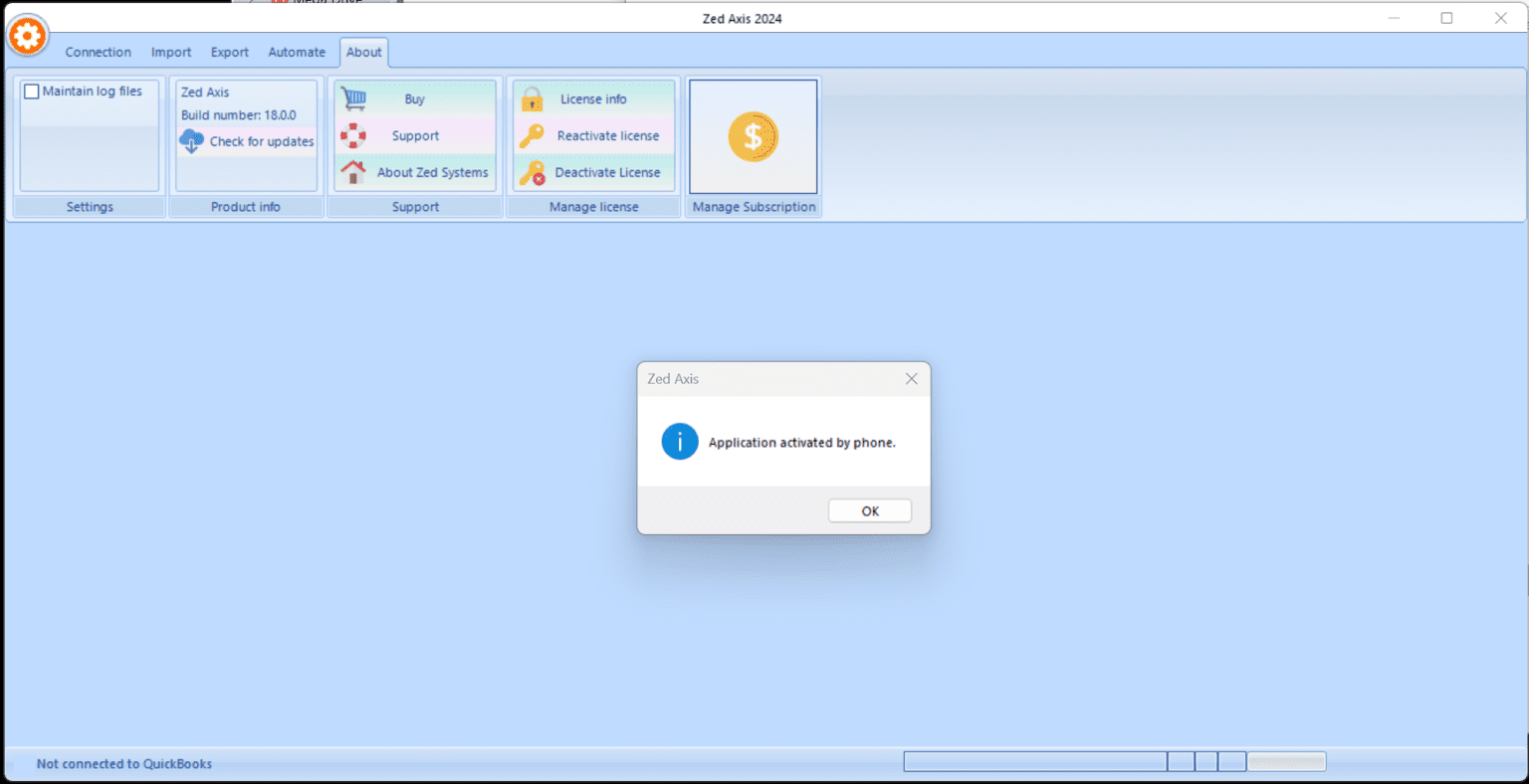
Zed Axis 2024 is a specialized accounting data import and migration software designed to simplify how businesses move financial data into platforms like QuickBooks, Xero, and Sage. Instead of manually entering invoices, bills, bank transactions, or journal entries, Zed Axis automates the entire process with structured import tools, mapping flexibility, and batch processing capabilities. For accountants, finance teams, and small to mid-sized businesses, it significantly reduces data entry time while improving accuracy and consistency in financial records.
This review explores Zed Axis in detail, focusing on its real-world applications, performance strengths, limitations, and overall value for modern accounting workflows.
Introduction
In today’s accounting environment, businesses deal with large volumes of financial data coming from multiple sources such as spreadsheets, CRM systems, banking platforms, and third-party applications. Manual entry into accounting software is not only time-consuming but also prone to human error.
Zed Axis addresses this challenge by acting as a bridge between raw financial data and accounting platforms. It allows users to import data directly from Excel, CSV, and other structured formats into accounting systems like QuickBooks Desktop, QuickBooks Online (via supported workflows), Xero, and Sage accounting software.
Unlike basic import utilities, Zed Axis provides advanced mapping controls, automation rules, and validation features, making it suitable for both routine bookkeeping and complex data migration projects.
Key Features
Zed Axis stands out due to its flexibility and depth of control over financial data imports. Below are its core features:
1. Multi-Format Data Import
- Supports Excel (XLS/XLSX), CSV, and text-based data files
- Converts structured external data into accounting-ready formats
- Reduces dependency on manual data entry
2. Smart Field Mapping System
- Map spreadsheet columns to accounting fields such as:
- Customer name
- Invoice number
- Transaction date
- Tax codes
- Reusable mapping templates for recurring imports
3. Direct Integration with Accounting Platforms
- Designed for QuickBooks Desktop integration
- Supports Sage accounting workflows
- Compatible data structuring for Xero imports (via formatted exports)
4. Batch Processing Capability
- Import thousands of records in a single operation
- Ideal for large financial migrations or bulk invoice uploads
- Reduces repetitive tasks significantly
5. Data Validation and Error Handling
- Detects missing fields or incorrect formats before import
- Prevents corrupted or incomplete financial entries
- Provides logs for troubleshooting import issues
6. Automation and Scheduling Options
- Automate recurring imports such as daily sales or weekly bank feeds
- Reduces manual intervention for routine accounting tasks
7. Custom Import Rules
- Apply conditional logic during import
- Format transformation (dates, currencies, tax rules)
- Enhances compatibility across different accounting systems
Practical Use Cases
Zed Axis is widely used across different industries where financial data handling is critical. Its versatility makes it useful for both technical and non-technical users.
1. Accounting Firms and Bookkeepers
Accounting professionals use Zed Axis to:
- Import client financial records quickly
- Migrate legacy data into modern accounting systems
- Reduce manual bookkeeping workload
2. E-Commerce Businesses
Online sellers benefit by:
- Importing sales data from platforms like Shopify or custom spreadsheets
- Syncing order records into accounting software
- Managing high-volume transaction entries efficiently
3. Retail and Inventory Businesses
Retailers use Zed Axis for:
- Bulk invoice and purchase record imports
- Supplier billing management
- Stock-related financial tracking
4. Financial Data Migration Projects
When switching accounting systems:
- Businesses migrate years of historical data
- Zed Axis ensures structured transfer without data loss
- Reduces downtime during system transitions
5. Bank Transaction Management
- Import bank statements in bulk
- Categorize transactions using predefined rules
- Reconcile accounts faster and more accurately
These practical applications make Zed Axis a strong solution for companies that deal with frequent or large-scale accounting data movement.
Performance Analysis
Zed Axis performs best in environments where structured data import and consistency are critical.
Speed and Efficiency
The software handles bulk imports efficiently, even when dealing with thousands of rows of financial data. Compared to manual entry, it reduces workload by up to 80–90 percent in repetitive accounting tasks.
Accuracy and Reliability
Its mapping and validation system significantly reduces human errors such as:
- Incorrect account assignments
- Missing tax codes
- Duplicate invoice entries
This ensures cleaner financial records and smoother audits.
Usability
While the interface is functional rather than visually modern, it is logically structured. Users with basic accounting knowledge can learn it quickly, especially those familiar with spreadsheets.
System Compatibility
Zed Axis is optimized primarily for desktop accounting environments. Performance is stable on standard business systems, and it handles large datasets without significant lag when properly configured.
Limitations in Performance
- Not fully cloud-native in all versions
- Requires initial setup for mapping rules
- Slight learning curve for advanced automation features
Despite these limitations, its reliability in structured financial workflows remains strong.
Pros and Cons
Pros
- Strong automation for accounting data imports
- Excellent support for Excel and CSV-based workflows
- Reduces manual data entry significantly
- High accuracy with validation rules
- Ideal for bulk financial migrations
- Customizable mapping templates for repeated use
- Suitable for accountants and business owners
Cons
- Interface is functional but not modern
- Requires setup time for first-time users
- Limited cloud-native capabilities depending on version
- Not ideal for users seeking fully automated plug-and-play systems
- Advanced features may require training
Pricing and Plans
Zed Axis is generally offered through licensed software models, often based on business usage requirements. While exact pricing may vary depending on the vendor, region, and version, the structure typically includes:
Common Licensing Structure
- Single-user license for small businesses or freelancers
- Multi-user licenses for accounting firms
- Business or enterprise packages for large-scale data operations
Typical Cost Considerations
- One-time purchase or annual license renewal depending on version
- Optional support and upgrade plans
- Pricing varies based on integration needs and number of supported accounting systems
For businesses evaluating Zed Axis, the cost is usually justified by time savings, reduced labor costs, and improved accounting accuracy.
Final Verdict
Zed Axis 2026 is a powerful accounting data import and migration tool built for users who regularly work with structured financial data. It is especially valuable for accountants, bookkeeping professionals, and businesses handling large transaction volumes across multiple systems.
While it may not offer the sleekest modern interface or full cloud-native flexibility, its strength lies in reliability, precision, and automation of repetitive accounting processes. For organizations struggling with manual data entry or complex financial migrations, Zed Axis delivers clear operational efficiency and long-term productivity gains.
In practical terms, it transforms accounting data handling from a slow manual process into a structured, semi-automated workflow that saves time and reduces errors.
Actionable Conclusion
For businesses aiming to streamline financial data imports, improve accounting accuracy, and reduce operational workload, Zed Axis presents a practical and proven solution. Exploring its features in a real workflow environment can help determine how effectively it integrates with your accounting system and whether it can become a core part of your financial operations strategy.


Reviews
There are no reviews yet.