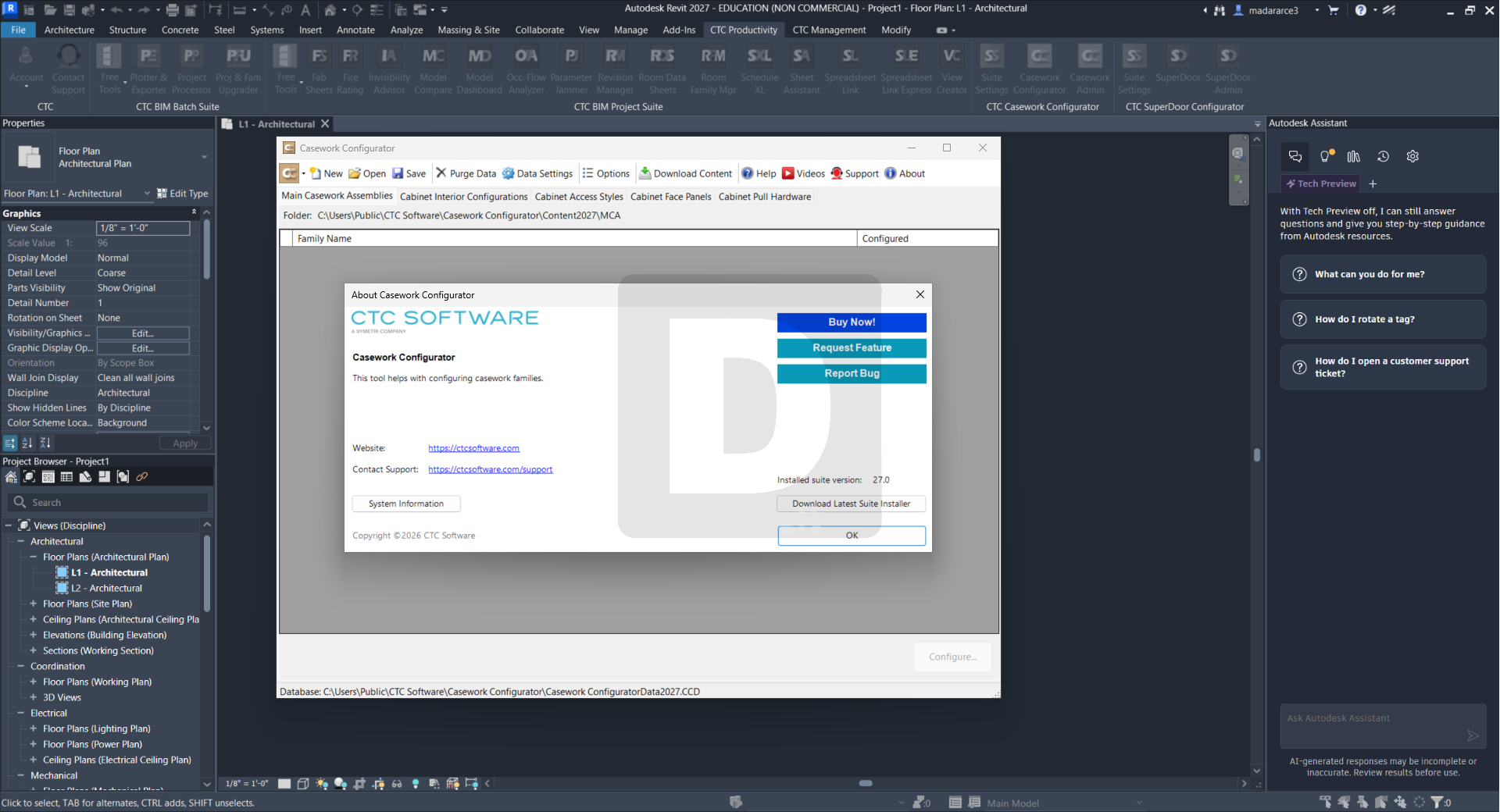
Description
CTC BIM Manager Suite for Autodesk Revit Review – The Complete BIM Management Solution for Revit Professionals
CTC BIM Manager Suite for Autodesk Revit: A Powerful Toolkit for Smarter BIM Workflows
Managing Building Information Modeling (BIM) projects can quickly become challenging as project size, team collaboration, and data complexity increase. Revit already provides an impressive modeling environment, but many BIM managers and project coordinators require additional tools to improve quality control, standardization, project auditing, and overall efficiency. This is exactly where CTC BIM Manager Suite for Autodesk Revit stands out.
Designed specifically for BIM managers, CAD administrators, and Revit professionals, CTC BIM Manager Suite extends Autodesk Revit with a collection of productivity tools that simplify project management, automate repetitive tasks, and help organizations maintain consistent BIM standards across every project.
Whether you’re managing a small architectural office or coordinating multidisciplinary construction projects, this suite provides practical solutions that save valuable time while improving project accuracy.
Introduction
Modern BIM projects involve far more than creating 3D models. Today’s BIM managers are responsible for maintaining project standards, coordinating multiple teams, ensuring data consistency, and delivering high-quality models throughout the project lifecycle.
While Autodesk Revit offers powerful modeling capabilities, many administrative tasks still require manual effort. From cleaning project files to auditing model health and managing shared parameters, these repetitive responsibilities consume countless hours.
CTC BIM Manager Suite for Autodesk Revit addresses these challenges by providing specialized management tools built specifically for Revit environments. Instead of replacing Revit, it enhances its capabilities with practical utilities that improve productivity and reduce project risks.
For firms that regularly handle commercial buildings, hospitals, educational facilities, industrial plants, or infrastructure projects, this software can become an essential part of daily BIM management.
Key Features of CTC BIM Manager Suite for Autodesk Revit
One of the strongest aspects of CTC BIM Manager Suite is its collection of practical utilities designed for real project environments.
Advanced Project Auditing
The software allows BIM managers to analyze Revit projects for common issues before they become major problems.
Project audits help identify:
- Missing information
- Incorrect project settings
- Model inconsistencies
- Naming violations
- Documentation errors
- Family management issues
This proactive approach improves project quality while reducing future rework.
Standards Enforcement
Maintaining company BIM standards across multiple teams is often difficult.
CTC BIM Manager Suite helps organizations enforce:
- Naming conventions
- Project templates
- Shared parameters
- View standards
- Family consistency
- Documentation standards
This creates uniformity across every Revit project.
Batch Processing Tools
Manual updates across dozens of Revit files can consume hours or even days.
Batch processing tools simplify repetitive work by allowing administrators to perform multiple updates automatically.
Examples include:
- Batch model maintenance
- File processing
- Parameter updates
- Project cleanup
- Multiple project modifications
Automation dramatically reduces administrative workload.
Family Management Utilities
Large Revit libraries often contain hundreds or thousands of families.
Managing these efficiently becomes much easier with dedicated family management features that assist with:
- Family organization
- Library maintenance
- Quality verification
- Family updates
- Standardization
Model Health Monitoring
Healthy BIM models perform faster and produce fewer unexpected issues.
The software helps monitor:
- File performance
- Warnings
- Unused content
- Model complexity
- Overall project health
Regular maintenance keeps projects running efficiently.
Shared Parameter Management
Managing shared parameters across multiple projects is often one of the most difficult BIM administration tasks.
The suite provides tools that simplify:
- Shared parameter organization
- Parameter consistency
- Project synchronization
- Company standards
Reporting and Documentation
Generating project reports manually can be tedious.
The software includes reporting capabilities that assist with:
- Project analysis
- Model statistics
- Standards compliance
- Warning summaries
- Quality assurance documentation
These reports are valuable during internal reviews and client deliverables.
Practical Use Cases
One of the reasons professionals appreciate CTC BIM Manager Suite is its versatility across different industries.
Architectural Firms
Architectural offices often manage multiple active Revit projects simultaneously.
The suite helps teams:
- Maintain office standards
- Reduce modeling errors
- Improve documentation quality
- Speed up project reviews
Engineering Consultants
MEP and structural consultants benefit from better coordination and project consistency.
The software assists engineers by:
- Auditing model quality
- Managing project standards
- Reducing documentation inconsistencies
- Supporting multidisciplinary collaboration
BIM Managers
For BIM managers responsible for multiple project teams, this software significantly reduces administrative overhead.
Instead of manually reviewing every project, automated tools quickly identify issues requiring attention.
Construction Companies
Construction teams rely on accurate BIM models during coordination and clash detection.
Improved project quality means:
- Better coordination
- Fewer construction errors
- More reliable documentation
- Smoother project delivery
Large Design Organizations
Companies with dozens of Revit users need centralized standards.
CTC BIM Manager Suite helps maintain consistency across:
- Multiple offices
- Multiple disciplines
- Numerous project teams
- Enterprise-wide BIM standards
Performance Analysis
Performance is one of the software’s strongest advantages.
Unlike tools that simply add more modeling functions, BIM Manager Suite focuses on improving project administration and reducing repetitive work.
During daily workflows, users typically notice:
- Faster project reviews
- Improved model consistency
- Less manual checking
- Reduced administrative effort
- Better project organization
Because many tasks become automated, BIM managers can spend more time supporting project teams instead of performing repetitive maintenance.
The interface integrates naturally with Autodesk Revit, allowing experienced users to become productive quickly without a steep learning curve.
For organizations managing multiple BIM projects simultaneously, these productivity improvements can translate into significant time savings over the course of a year.
Pros and Cons
Pros
- Excellent productivity tools for BIM managers
- Improves Revit project quality
- Automates repetitive administrative tasks
- Supports BIM standards enforcement
- Helpful reporting and auditing features
- Saves considerable project management time
- Suitable for firms of all sizes
- Integrates directly with Autodesk Revit
- Enhances collaboration across project teams
- Regularly used in professional BIM environments
Cons
- Primarily designed for BIM management rather than modeling
- Some advanced tools may require familiarity with Revit administration
- Full value is best realized in organizations with established BIM workflows
- Licensing costs may vary depending on organizational requirements
Pricing & Plans
CTC BIM Manager Suite for Autodesk Revit is generally offered through commercial licensing intended for professional users and organizations.
Pricing may vary depending on factors such as:
- License type
- Number of users
- Business requirements
- Subscription options
- Enterprise deployment
Organizations considering deployment should evaluate which licensing option best aligns with their team size and workflow requirements.
Why BIM Professionals Choose CTC BIM Manager Suite
The software has earned a strong reputation because it addresses practical challenges faced by BIM managers every day.
Professionals appreciate its ability to:
- Improve project quality
- Reduce repetitive manual work
- Standardize company workflows
- Simplify model maintenance
- Increase overall productivity
- Support better BIM governance
Rather than introducing unnecessary complexity, the suite focuses on solving real operational problems experienced in professional Revit environments.
CTC BIM Manager Suite for Autodesk Revit Developer
CTC BIM Manager Suite for Autodesk Revit 2027 27.0.0
Final Verdict
CTC BIM Manager Suite for Autodesk Revit is a highly capable solution for organizations looking to strengthen BIM management, streamline administrative tasks, and maintain consistent Revit standards across projects. Rather than replacing Autodesk Revit, it enhances the platform with a comprehensive set of tools that simplify auditing, reporting, parameter management, and project maintenance.
For BIM managers, CAD administrators, architects, engineers, and construction professionals, the suite offers measurable improvements in productivity, project quality, and workflow efficiency. Its emphasis on automation and standardization helps reduce repetitive work while supporting better collaboration across multidisciplinary teams.
If your organization depends on Autodesk Revit for daily project delivery and wants greater control over BIM standards, model health, and project governance, CTC BIM Manager Suite for Autodesk Revit is a practical investment worth exploring. By integrating it into your BIM workflow, you can improve consistency, minimize errors, and create a more efficient, reliable project environment from design through delivery.




Reviews
There are no reviews yet.