Description
NexarDocs 2026: Revit Documentation Automation for Faster BIM Delivery
Summary
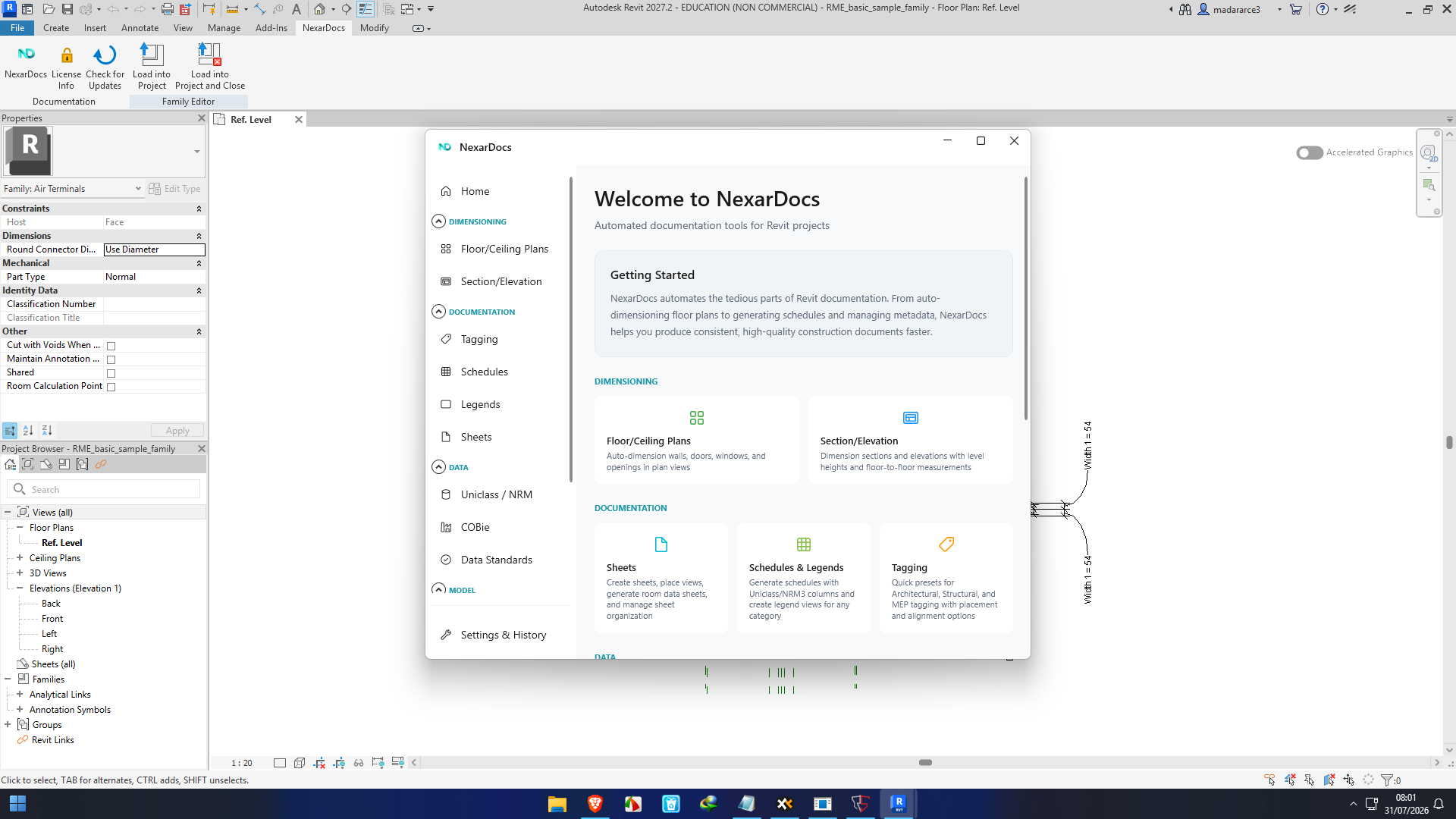
NexarDocs is a Revit-focused documentation automation solution designed to reduce the repetitive work that often slows down architecture, engineering, and construction teams. Instead of manually handling every dimension, tag, schedule, sheet, classification, COBie export, and model-cleanup task, NexarDocs brings many of these workflows into a more automated environment.
The software is particularly interesting for BIM teams working with large Revit projects, linked models, multiple disciplines, and demanding information-management requirements. Its feature set includes automated dimensioning, intelligent tagging, schedule and sheet generation, COBie workflows, classification tools, data-standard validation, model cleanup, and lightweight clash detection. It supports Revit 2025, 2026, and 2027 on Windows 10 and Windows 11, including local and Autodesk Construction Cloud models.
For teams spending significant time preparing Revit documentation, NexarDocs has the potential to shift the workflow from repetitive production toward coordination, checking, and design decisions. Recent user-facing reports also indicate that teams have experienced meaningful time savings on common documentation workflows, although actual results will naturally depend on project size, model quality, and office standards.
Introduction
Anyone who has worked on a serious Revit project knows that BIM productivity is not only about modelling.
The model may be complete, but then comes the documentation phase: dimensions need to be placed, doors and windows need tags, rooms need information, schedules need checking, sheets need organizing, classifications need assigning, and data needs to be prepared for delivery.
On a small project, these tasks may feel manageable. On a large project with hundreds of sheets and several linked models, however, repetitive documentation can become a major drain on project resources.
This is where NexarDocs takes a different approach.
Developed by AHA Associates, NexarDocs is positioned as a comprehensive Revit documentation automation suite. Rather than replacing Revit, it works alongside the BIM workflow to automate repetitive documentation and information-management processes.
The concept is straightforward: let the software handle predictable, repetitive operations while BIM professionals spend more time on coordination, quality control, design development, and project delivery.
Key Features of NexarDocs
Automated Revit Dimensioning
Dimensioning is one of the most repetitive parts of producing construction documentation.
NexarDocs provides automated dimensioning for plans, sections, elevations, and 3D views. The system can work with elements such as walls, openings, grids, curtain walls, structural columns, casework, slab edges, and building widths.
One particularly useful capability is linked-model dimensioning. Instead of restricting the workflow to the host model, NexarDocs can work with geometry from linked Revit files while accounting for model transformations.
For multidisciplinary projects, this can make documentation considerably more practical.
Automated Tagging
Tagging hundreds of elements manually is another task that can consume valuable BIM production time.
NexarDocs can automatically place tags while attempting to avoid crowded areas, overlapping leaders, and visibility problems. The system supports various architectural, structural, MEP, and room-related elements, with linked-model tagging also supported.
The real benefit is not simply placing tags faster. Consistent automation can also help establish a more predictable documentation workflow between team members.
Schedules and Sheet Creation
Schedules are essential for extracting information from a BIM model, but creating and maintaining them can become complicated on large projects.
NexarDocs includes advanced schedule creation with custom rules, formulas, and multi-category extraction. It also provides two-way Excel synchronization, allowing teams to work with information outside Revit and push changes back into the workflow.
Automated sheet generation is another valuable feature. For teams managing large drawing sets, reducing repetitive sheet setup can make project delivery easier to scale.
COBie and Data Standards
Modern BIM delivery increasingly involves more than geometry. Clients and asset owners often require structured information that can be handed over for operation and maintenance.
NexarDocs includes COBie export capabilities and region-aware classification options, including OmniClass for US workflows and Uniclass for UK-oriented workflows. It also provides data-standard rules, validation, sample testing, and Auto Fix functionality for certain naming violations.
This makes NexarDocs relevant not only to documentation teams but also to BIM managers and information-management professionals.
Classification Management
Classification can become especially difficult when hundreds or thousands of model elements need consistent coding.
NexarDocs supports OmniClass, UniFormat, MasterFormat, and Uniclass classifications. Rules can be applied based on logical filtering and family types, helping teams approach classification as a structured process rather than a completely manual exercise.
Model Health and Cleanup
A healthy Revit model is easier to coordinate and maintain.
NexarDocs provides model-health reporting covering areas such as file size, warnings, in-place families, and modelling practices. Its Model Cleanup module adds presets, scheduled cleanup runs, run history, and automated purging capabilities.
For BIM managers responsible for keeping coordination models under control, this can be a practical addition.
Lightweight Clash Detection
NexarDocs also includes internal conflict checking without requiring users to immediately move the workflow into separate clash-detection software.
The system can produce 2D and 3D views and PDF or HTML reports, with Excel switchback functionality available as part of the workflow.
This should not necessarily be viewed as a replacement for dedicated coordination platforms on complex projects, but it can be useful for quick internal checks.
Practical Use Cases
Architecture Firms
Architectural teams can use NexarDocs to automate repetitive dimensioning, tagging, sheet preparation, schedules, and model cleanup.
Instead of having a BIM technician spend hours repeating the same operations across dozens of views, automation can handle predictable portions of the workflow.
Structural Engineering
Structural teams working with large Revit models can benefit from automated dimensions, structural tagging, classification, and documentation preparation.
The linked-model functionality can also be useful when structural information must be coordinated with architectural or other discipline models.
MEP Projects
MEP documentation can involve large quantities of components and repeated annotation.
Automated tagging and information extraction can help teams reduce manual production work while maintaining a more consistent documentation process.
BIM Coordination
For BIM coordinators and managers, the value goes beyond drawing production.
Model-health reporting, data validation, classification, cleanup, and clash checking can help make the overall BIM workflow more controlled.
Large Federated Projects
Perhaps one of the most compelling use cases is a project involving multiple linked Revit models.
NexarDocs has been designed to handle linked models as an important part of its workflow, including automated dimensioning and tagging across linked content.
That becomes increasingly important as projects become larger and more multidisciplinary.
Performance Analysis
NexarDocs appears to be designed with production-scale BIM workflows in mind rather than simple demonstration models.
One noteworthy reliability feature is its batch failure handling. According to the product information, a problematic reference does not necessarily stop an entire batch operation, which is important when processing large quantities of documentation.
This matters because automation is only genuinely useful when it remains dependable during repetitive operations.
There are also reports from teams using NexarDocs that suggest time savings in common workflows. One public account reported savings of around 20–40 percent on certain documentation processes.
These figures should not be treated as a guaranteed performance benchmark. Revit model complexity, office standards, project scale, user configuration, and the type of documentation being produced can all affect the results.
The stronger performance argument is therefore not simply “NexarDocs is faster.” It is that NexarDocs can automate repetitive operations at a scale where manual production becomes increasingly difficult to manage.
Pros and Cons
Pros
- Automates repetitive Revit documentation workflows
- Supports automated dimensioning and tagging
- Works with linked Revit models
- Provides schedule and sheet automation
- Includes COBie and classification workflows
- Supports data-standard validation
- Offers model-health and cleanup tools
- Includes lightweight clash detection
- Supports Revit 2025, 2026, and 2027
- Useful for multidisciplinary BIM environments
- Designed around production-oriented workflows
Cons
- Primarily valuable for teams already working heavily in Revit
- New users may need time to understand automation rules and settings
- Results can depend on model quality and office standards
- Dedicated specialist software may still be preferable for advanced clash detection
- Smaller projects may not gain enough benefit to justify introducing additional automation
Pricing and Plans
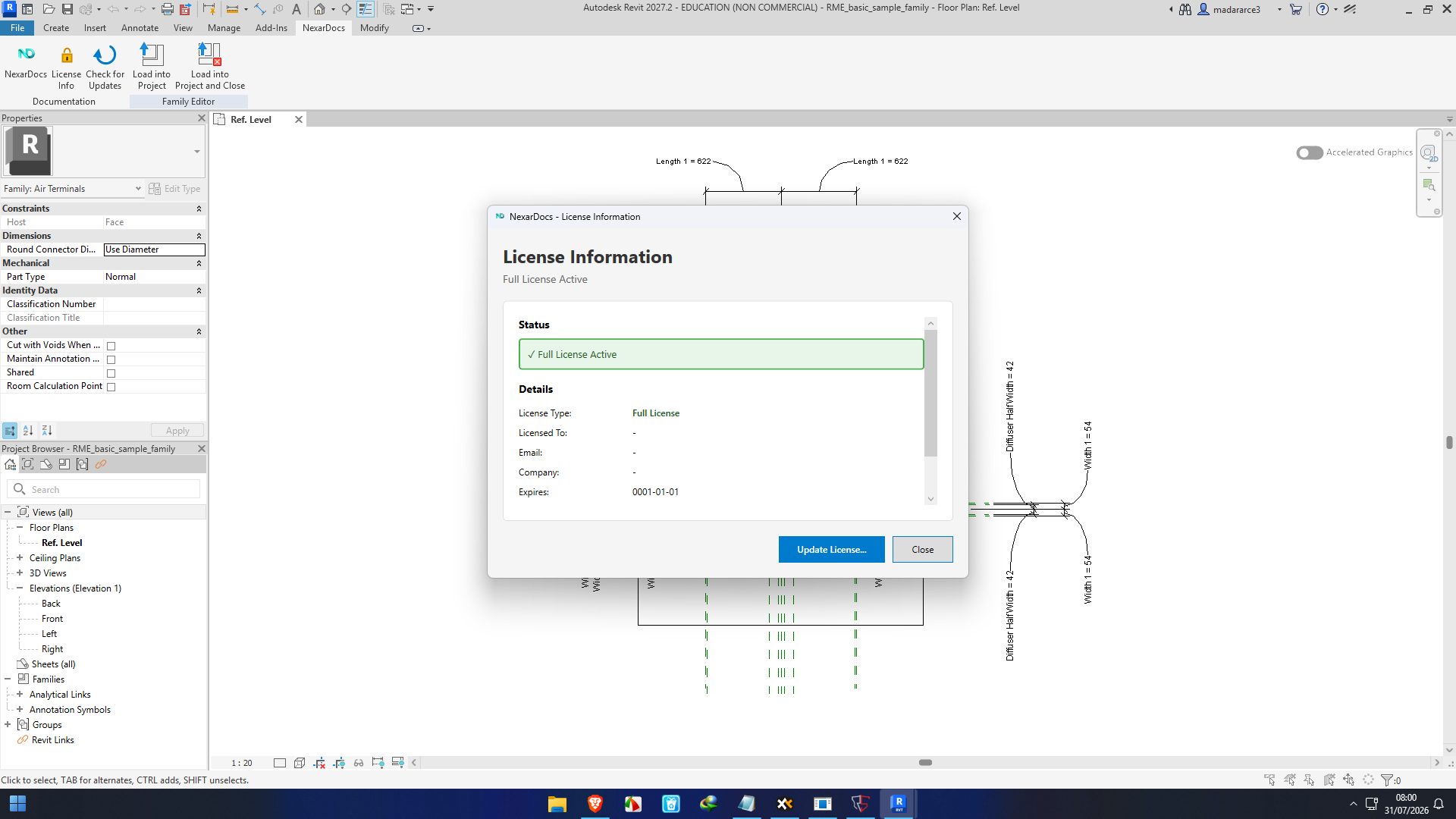
NexarDocs currently offers a 14-day free trial with full functionality and no credit card requirement, according to its Autodesk Marketplace listing. The product listing also indicates that organisations requiring longer evaluation periods can contact the vendor for arrangements.
Because software licensing can change, organizations should evaluate the current commercial terms based on their required number of users, project scale, deployment requirements, and support expectations before making a purchasing decision.
For a software-selling environment, NexarDocs is particularly interesting because its value is closely connected to productivity. The more repetitive documentation a team produces, the more opportunity there is for automation to produce a measurable return.
User Experience and Workflow Impact
The most interesting aspect of NexarDocs is not necessarily any individual feature.
It is the way the features fit together.
A BIM professional might begin with model cleanup, move into automated dimensions and tags, generate schedules and sheets, validate data standards, assign classifications, and prepare COBie information without relying on completely separate manual processes for every stage.
That creates a more connected documentation workflow.
Public discussions around NexarDocs also emphasize the pressure that repetitive documentation can place on project teams. One reported experience described automated sheet generation as reducing deadline pressure and giving designers more time to understand and manage the actual project workflow.
This highlights an important point: productivity software should not only be judged by how many minutes it saves. Reducing repetitive work can also give experienced professionals more time for decisions that genuinely require human judgment.
Final Verdict
NexarDocs is a compelling Revit documentation automation solution for architecture, engineering, construction, and BIM teams that regularly deal with repetitive production work.
Its strongest advantage is breadth. Rather than focusing exclusively on one task, it combines automated dimensioning, tagging, schedules, sheets, classifications, COBie, data standards, model cleanup, and internal clash checking into one Revit-oriented toolkit.
For a small project with only a handful of drawings, some of these capabilities may be unnecessary. For a large BIM project involving hundreds of sheets, multiple disciplines, linked models, and substantial asset information requirements, the value becomes much easier to understand.
The software is especially worth considering for teams asking a simple question: “How much of our Revit documentation process is repetitive?”
If the answer is “a lot,” NexarDocs deserves a closer evaluation.
Rather than asking BIM professionals to work faster at repetitive tasks, the better approach is to automate predictable work and allow skilled people to concentrate on coordination, quality, information management, and design decisions. That is where NexarDocs makes its strongest case.



Reviews
There are no reviews yet.