Description
Summa GoProduce Laser Edition Review – Advanced Workflow Software for Precision Laser Cutting
Summary
Summa GoProduce Laser Edition is a specialized production workflow software designed to control and optimize laser cutting operations for digital manufacturing environments. Built for industries that demand precision, speed, and reliable automation, the software bridges the gap between digital design and laser-based production systems.
In modern fabrication and finishing workflows, laser cutting has become essential for producing intricate shapes, detailed engravings, and high-precision parts across a wide range of materials. However, managing laser cutting jobs efficiently requires more than just powerful hardware. It requires intelligent software that can organize jobs, generate optimized cutting paths, and ensure consistent machine performance.
Summa GoProduce Laser Edition addresses these needs by providing a centralized platform where designers, operators, and production teams can prepare, manage, and execute laser cutting tasks with maximum efficiency. By automating many of the complex steps involved in laser production workflows, the software helps businesses reduce setup time, improve accuracy, and maximize throughput.
Whether used in signage production, packaging prototyping, industrial manufacturing, or custom fabrication, Summa GoProduce Laser Edition delivers a reliable environment for managing complex laser cutting projects. This detailed review explores its capabilities, features, real-world applications, and overall value for professionals working with laser cutting systems.
Introduction to Summa GoProduce Laser Edition
Laser cutting technology has transformed industries ranging from digital printing and packaging to electronics manufacturing and creative fabrication. Laser cutters offer unmatched precision, allowing businesses to create intricate designs that would be extremely difficult with traditional cutting methods.
However, the success of laser cutting operations depends heavily on the efficiency of the workflow software controlling the machine.
Summa GoProduce Laser Edition was developed to provide an intelligent production interface that connects design files directly with laser cutting hardware. Instead of relying on manual job preparation, operators can use the software to organize cutting tasks, configure machine settings, and execute jobs in a streamlined workflow.
The software simplifies several complex steps in laser production, including:
- Preparing cutting paths from design files
- Optimizing layouts to reduce material waste
- Managing multiple cutting jobs in sequence
- Monitoring machine performance during production
By automating these processes, Summa GoProduce Laser Edition helps production teams focus on output quality rather than manual setup tasks.
For businesses operating laser cutting systems in professional production environments, this type of workflow automation can dramatically improve efficiency.
Key Features of Summa GoProduce Laser Edition
Summa GoProduce Laser Edition includes a variety of powerful tools designed to simplify laser cutting workflows and maximize productivity.
Intelligent Job Management
Efficient production environments rely on organized job scheduling. The software allows operators to manage multiple cutting jobs from a single interface.
Users can easily:
- Import multiple design files
- Arrange jobs within a queue
- Assign job priorities
- Schedule production runs
This job management system ensures that laser cutting operations remain organized even during high production volumes.
Automated Cutting Path Creation
Preparing laser cutting paths manually can be time-consuming, particularly when working with complex designs.
Summa GoProduce Laser Edition automatically generates optimized cutting paths based on the imported design file. This feature ensures that the laser follows the most efficient path during cutting operations.
Benefits of automated path generation include:
- Faster job preparation
- Reduced operator workload
- Consistent cutting accuracy
- Improved machine efficiency
These optimizations help production facilities increase output without sacrificing quality.
Material Layout Optimization
Material efficiency plays a major role in production costs. The software includes nesting and layout optimization tools that arrange multiple designs within a single material sheet.
This allows businesses to maximize the use of available material while minimizing waste.
Material optimization is especially useful for industries working with expensive materials such as acrylic, specialized plastics, or coated substrates.
Support for Multiple Laser Applications
Laser cutting systems are capable of performing several types of operations beyond simple cutting.
Summa GoProduce Laser Edition supports workflows involving:
- Precision cutting
- Laser engraving
- Perforation
- Etching and marking
Operators can assign different laser settings to various sections of a design, allowing multiple operations to be completed in a single production run.
Real-Time Machine Monitoring
Maintaining control over laser cutting operations is essential for preventing production errors.
The software provides real-time monitoring features that allow operators to track job progress and machine performance during cutting.
Production teams can view:
- Current job status
- Estimated completion times
- Machine activity indicators
- Job queue progress
This transparency helps ensure consistent production quality.
File Compatibility and Workflow Integration
Summa GoProduce Laser Edition is designed to integrate smoothly into modern design workflows.
The software supports common design file formats used in graphic design, CAD modeling, and industrial design software. This allows designers to create artwork using their preferred tools and then transfer files directly to the cutting environment.
This seamless integration eliminates unnecessary file conversions and simplifies collaboration between design and production teams.
Practical Use Cases
Summa GoProduce Laser Edition is used across multiple industries that rely on precision laser cutting and engraving.
Signage and Graphic Production
Sign manufacturers frequently use laser cutters to produce detailed lettering, logos, and decorative elements from materials such as acrylic and wood.
The software allows operators to prepare complex signage jobs quickly while ensuring accurate cutting results.
Packaging and Product Prototyping
Packaging designers often create prototype boxes and product packaging using laser cutting technology.
With Summa GoProduce Laser Edition, designers can convert packaging designs into production-ready cutting files, allowing rapid prototyping and testing before mass manufacturing.
Custom Fabrication and Design Studios
Creative studios that produce custom decorative items, engraved products, or artistic designs benefit from the software’s flexibility.
Designers can experiment with intricate patterns and engraving effects while maintaining precise cutting control.
Industrial Component Manufacturing
Laser cutting is widely used for producing components in industries such as electronics, automotive manufacturing, and industrial equipment production.
Summa GoProduce Laser Edition helps manufacturers manage complex production runs involving multiple parts and materials.
Educational and Research Institutions
Technical schools and research facilities often use laser cutting equipment for engineering projects and product development.
The software provides an organized environment for managing student projects and prototype fabrication.
Performance Analysis
Evaluating the performance of production workflow software involves examining efficiency, stability, and precision.
Production Efficiency
Automation features within Summa GoProduce Laser Edition significantly reduce job preparation time. By generating cutting paths automatically and optimizing layouts, the software allows operators to move from design to production quickly.
This improves overall workflow efficiency and helps businesses complete projects faster.
Cutting Accuracy
Laser cutting requires extremely precise path control to achieve clean edges and accurate shapes.
The software ensures that cutting paths follow the design specifications closely, helping maintain consistent output quality across production runs.
Stability in Production Environments
Production facilities require reliable software that can operate continuously during long cutting sessions.
Summa GoProduce Laser Edition is designed for professional environments and maintains stable performance even when processing large or complex design files.
User Experience
The interface is structured to make complex laser cutting tasks manageable for operators.
Although some advanced features may require training, most users with experience in digital production environments can learn the system relatively quickly.
Pros and Cons
Like any specialized production software, Summa GoProduce Laser Edition has both strengths and limitations.
Pros
- Designed specifically for professional laser cutting workflows
- Automated cutting path generation
- Efficient nesting and material optimization
- Real-time production monitoring
- Supports cutting, engraving, and marking operations
- Integrates well with design software workflows
- Improves productivity and cutting accuracy
Cons
- Primarily beneficial for businesses using laser cutting systems
- May require training for advanced features
- Smaller operations may not need all available functionality
- Hardware compatibility may depend on supported laser systems
Despite these considerations, the software offers substantial value for organizations that rely on laser cutting for production.
Pricing and Plans
Summa GoProduce Laser Edition is typically offered as a professional production workflow software solution designed for businesses operating laser cutting equipment.
Pricing can vary depending on several factors, including:
- Software version and feature set
- Licensing model
- Integration with specific laser systems
- Technical support and update packages
Organizations may choose single-user licenses or multi-user options depending on the scale of their operations.
Because pricing structures can change over time, users should verify current licensing details through their software provider.
Who Should Use Summa GoProduce Laser Edition?
Summa GoProduce Laser Edition is ideal for professionals and organizations that depend on laser cutting technology for their production processes.
Common users include:
- Signage manufacturers
- Packaging designers and prototyping teams
- Industrial manufacturers
- Creative design studios
- Print service providers
- Product development laboratories
Businesses that regularly process complex cutting jobs or large production batches will benefit the most from the software’s workflow automation features.
Summa GoProduce Laser Edition Developer
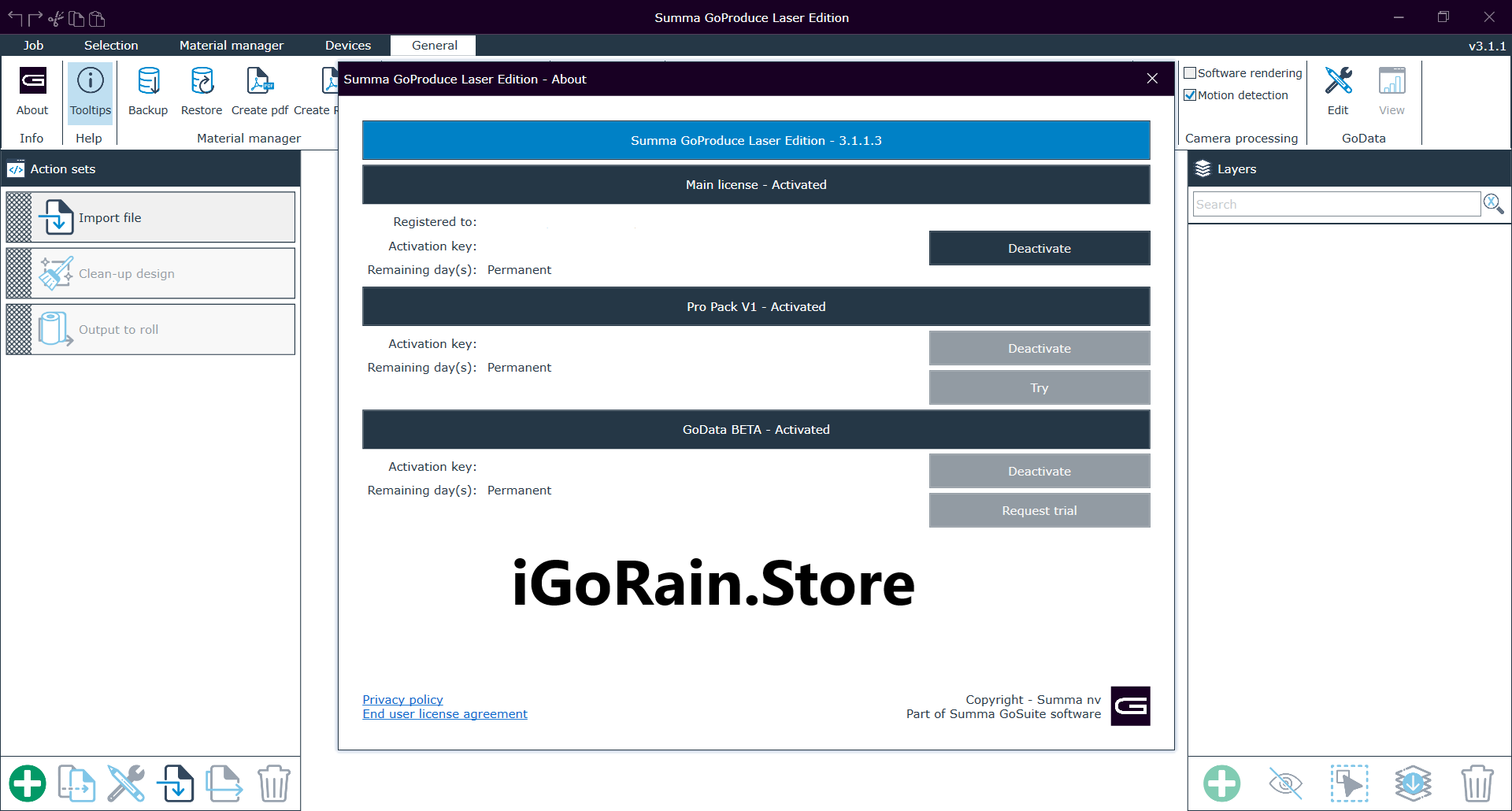
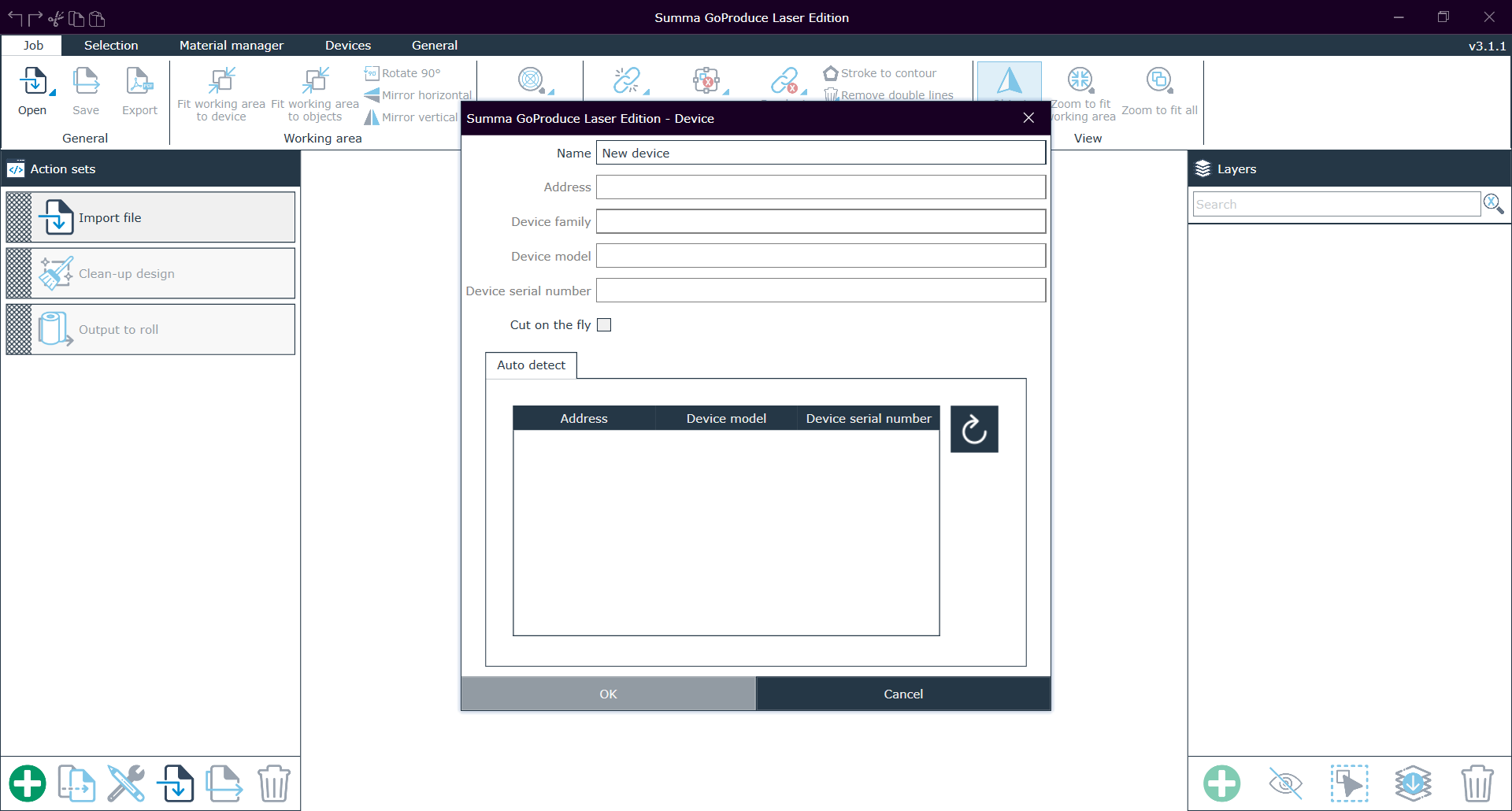
Summa GoProduce Laser Edition 3.1.1.3 + Pro Pack
Final Verdict
Summa GoProduce Laser Edition is a robust and specialized software platform designed to bring efficiency and precision to modern laser cutting environments. By connecting design workflows with laser hardware through an intelligent production interface, the software simplifies complex tasks and ensures consistent cutting performance.


Reviews
There are no reviews yet.