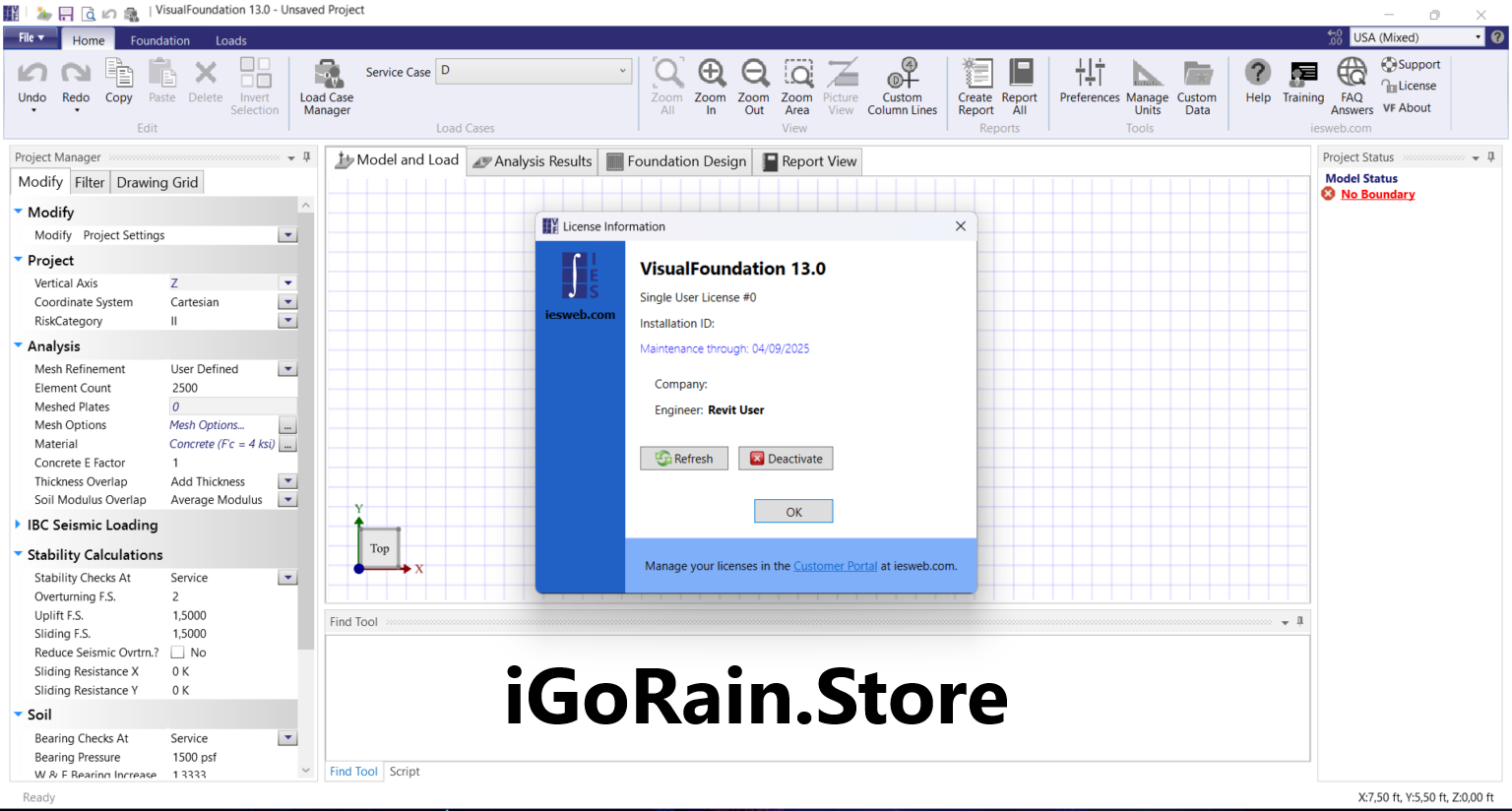
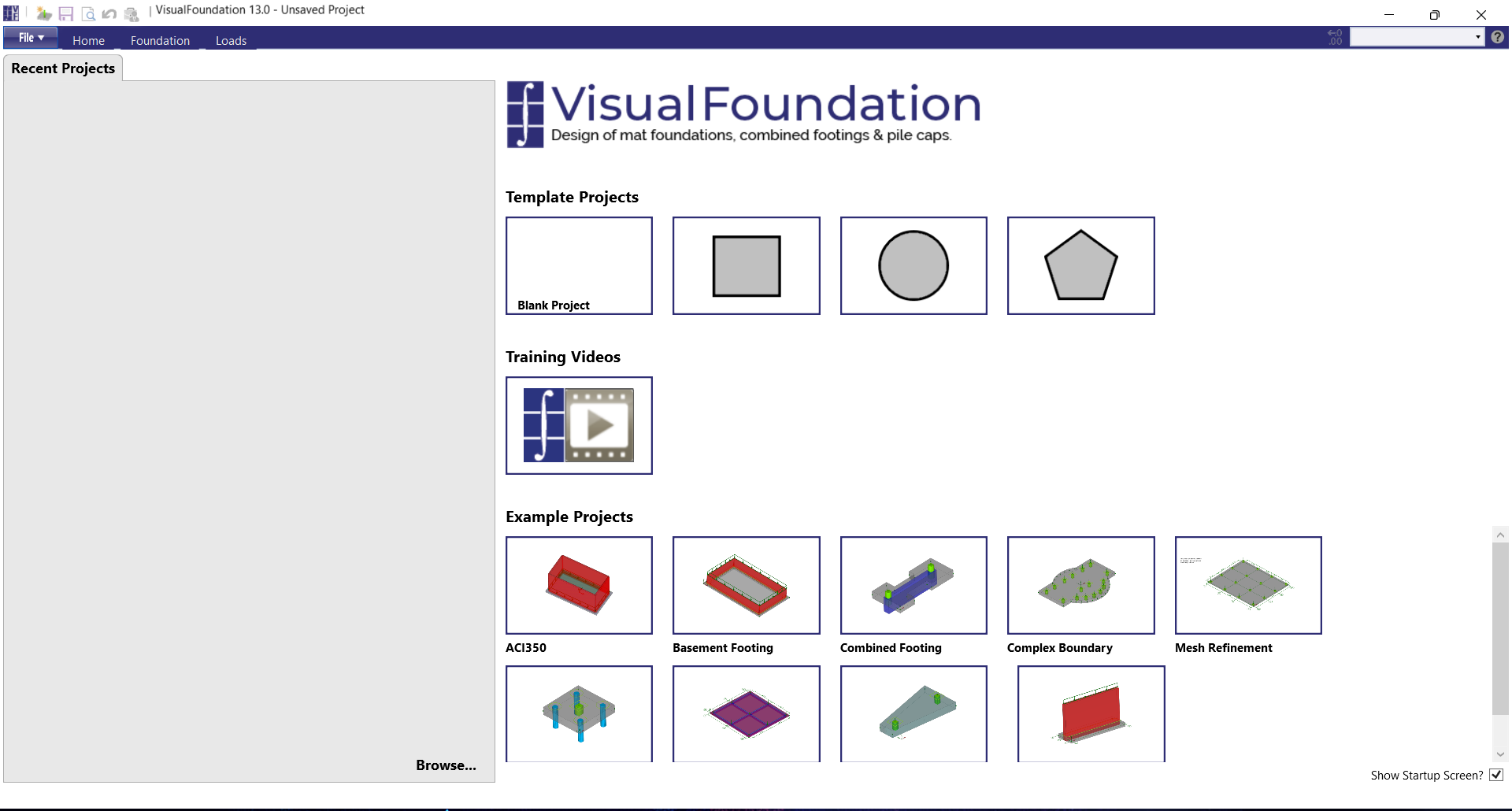
Description
VisualAnalysis Software Review – A Powerful Structural Engineering and Analysis Solution
Summary
VisualAnalysis is a professional structural engineering software designed for engineers who need reliable tools for modeling, analyzing, and designing complex structural systems. Known for its powerful analysis engine and intuitive graphical interface, VisualAnalysis helps structural engineers evaluate loads, stresses, and structural performance with precision.
In modern engineering workflows, analyzing structural behavior is a critical part of building design. Engineers must ensure that structures such as buildings, bridges, towers, and industrial facilities can safely handle various loads and environmental conditions. VisualAnalysis simplifies this process by providing a robust platform where engineers can model structures, simulate forces, and analyze results within a visual environment.
What makes VisualAnalysis particularly valuable is its combination of advanced analytical capabilities and user-friendly modeling tools. Instead of relying on complex coding or manual calculations, engineers can create structural models graphically, apply loads, and quickly visualize the results.
In this detailed review, we will explore how Visual Analysis works, its key features, real-world applications, performance benefits, and why it remains a trusted structural analysis tool for engineering professionals.
Introduction to VisualAnalysis
Structural engineering projects require careful analysis to ensure safety, efficiency, and compliance with design standards. Traditionally, engineers performed many calculations manually or used multiple software tools to complete different aspects of structural analysis.
VisualAnalysis was developed to streamline this process.
The software provides a comprehensive environment for structural modeling, load analysis, and design verification. Engineers can build digital models of structures and simulate real-world forces such as gravity loads, wind pressure, seismic forces, and live loads.
Through these simulations, engineers can evaluate how structural elements behave under different conditions and make informed design decisions.
Visual Analysis is widely used in various engineering sectors including:
- Building design
- Infrastructure development
- Industrial facility engineering
- Structural consulting projects
- Educational research and teaching
By providing clear visual representations of structural behavior, the software helps engineers identify potential issues early in the design process.
Key Features of VisualAnalysis
Visual Analysis includes a wide range of tools that support detailed structural modeling and analysis.
Graphical Structural Modeling
One of the standout features of Visual Analysis is its intuitive graphical modeling environment.
Instead of entering data through complex command lines, engineers can visually create structural elements such as beams, columns, frames, and supports directly in the workspace.
This graphical approach allows users to quickly build and modify structural models while maintaining full control over geometry and connections.
Common structural components that can be modeled include:
- Steel frames
- Concrete structures
- Trusses and bracing systems
- Multi-story building frames
- Structural supports and foundations
This visual modeling approach significantly improves productivity and reduces modeling errors.
Advanced Load Analysis
Structural design requires accurate evaluation of loads that act on a structure during its lifetime.
VisualAnalysis allows engineers to apply various load types including:
- Dead loads
- Live loads
- Wind loads
- Seismic loads
- Thermal loads
The software then calculates how these forces distribute across the structure, helping engineers determine whether components meet safety requirements.
Engineers can also combine multiple load scenarios to simulate real-world conditions.
Structural Design Verification
Beyond analysis, VisualAnalysis helps engineers verify that structural elements meet design requirements.
The software supports design checks for materials such as:
- Structural steel
- Reinforced concrete
- Aluminum structures
- Cold-formed steel
These checks ensure that structural members comply with engineering design standards and building codes.
Detailed Result Visualization
One of the strengths of VisualAnalysis is its ability to present complex analysis results in clear visual formats.
Engineers can view:
- Stress distribution diagrams
- Deflection plots
- Load paths
- Reaction forces
These visualizations make it easier to understand how forces travel through a structure and where potential weaknesses may occur.
Automated Calculations and Reporting
Manual structural calculations can be time-consuming and prone to human error.
VisualAnalysis automates many of these calculations and can generate detailed engineering reports that document the analysis process and results.
These reports are useful for:
- Engineering documentation
- Project approvals
- Client presentations
- Construction planning
The ability to produce professional reports directly from the analysis model improves workflow efficiency.
Flexible Modeling for Complex Structures
VisualAnalysis supports a wide range of structural configurations, allowing engineers to model both simple frameworks and highly complex structural systems.
This flexibility makes the software suitable for projects ranging from small residential structures to large commercial buildings and industrial facilities.
Practical Use Cases
VisualAnalysis is used in many real-world engineering scenarios where accurate structural analysis is essential.
Building Structural Design
Architectural projects require structural frameworks that can safely support building loads.
Structural engineers use VisualAnalysis to model building frames, evaluate load distribution, and verify that columns and beams meet design standards.
This ensures that buildings remain stable and safe throughout their lifespan.
Bridge and Infrastructure Analysis
Infrastructure projects such as bridges and transportation structures must withstand heavy loads and environmental stresses.
VisualAnalysis helps engineers simulate these conditions and evaluate structural performance before construction begins.
Industrial Facility Engineering
Industrial plants, warehouses, and manufacturing facilities often include large steel structures and heavy equipment loads.
Engineers can use VisualAnalysis to assess how these loads affect structural stability and ensure safe design.
Retrofitting and Structural Evaluation
Existing structures sometimes require reinforcement or upgrades to meet new design standards.
VisualAnalysis allows engineers to analyze existing structural models and determine whether additional support or modifications are needed.
Academic and Educational Use
Engineering universities often use structural analysis software to teach students about structural behavior and design principles.
VisualAnalysis provides a visual learning environment where students can experiment with structural models and observe the results of different load scenarios.
Performance Analysis
Understanding the performance of VisualAnalysis requires evaluating how it performs in practical engineering workflows.
Modeling Efficiency
The graphical modeling interface allows engineers to construct structural models quickly and accurately.
This reduces the time required for project setup and allows engineers to focus more on analysis and design.
Analysis Accuracy
VisualAnalysis uses advanced structural analysis methods to evaluate how structures respond to loads.
The software provides reliable results that engineers can use for professional design decisions.
Handling Complex Models
Large projects often involve complex structural systems with hundreds or thousands of elements.
VisualAnalysis is capable of handling these models efficiently while maintaining stable performance.
User Learning Curve
Engineers with experience in structural design concepts can typically learn VisualAnalysis quickly.
However, beginners may need some time to understand advanced analysis techniques and modeling workflows.
Pros and Cons
Like any professional engineering software, VisualAnalysis has both advantages and limitations.
Pros
- Powerful structural modeling and analysis capabilities
- Intuitive graphical interface for creating structural models
- Supports multiple material design standards
- Advanced load simulation and combination tools
- Clear visualization of structural results
- Automated engineering report generation
- Suitable for both simple and complex structural systems
Cons
- Requires structural engineering knowledge to use effectively
- Advanced analysis features may take time to master
- Large structural models may require powerful computer hardware
- Primarily focused on structural engineering applications
Despite these limitations, the software remains highly valuable for professionals working in structural analysis and design.
Pricing and Plans
VisualAnalysis is typically offered as professional structural engineering software with different licensing options depending on the user’s needs.
Pricing structures may vary based on factors such as:
- Software version
- Licensing model
- Professional or educational use
- Access to updates and technical support
Engineering firms may purchase individual licenses for engineers or multi-user licenses for larger design teams.
Because pricing models can change over time, users should confirm the latest licensing options through their software provider.
Who Should Use VisualAnalysis?
VisualAnalysis is designed for professionals and organizations involved in structural engineering and analysis.
The software is particularly useful for:
- Structural engineers
- Civil engineering professionals
- Engineering consulting firms
- Infrastructure design teams
- Construction engineering specialists
- Engineering students and educators
Anyone responsible for evaluating structural performance or verifying structural design safety can benefit from using VisualAnalysis.
Final Verdict
VisualAnalysis is a powerful and reliable structural engineering software that provides advanced modeling, analysis, and design verification tools within an intuitive visual environment. By combining graphical modeling with sophisticated analysis capabilities, the software helps engineers evaluate structural performance efficiently and accurately.



Reviews
There are no reviews yet.