Description
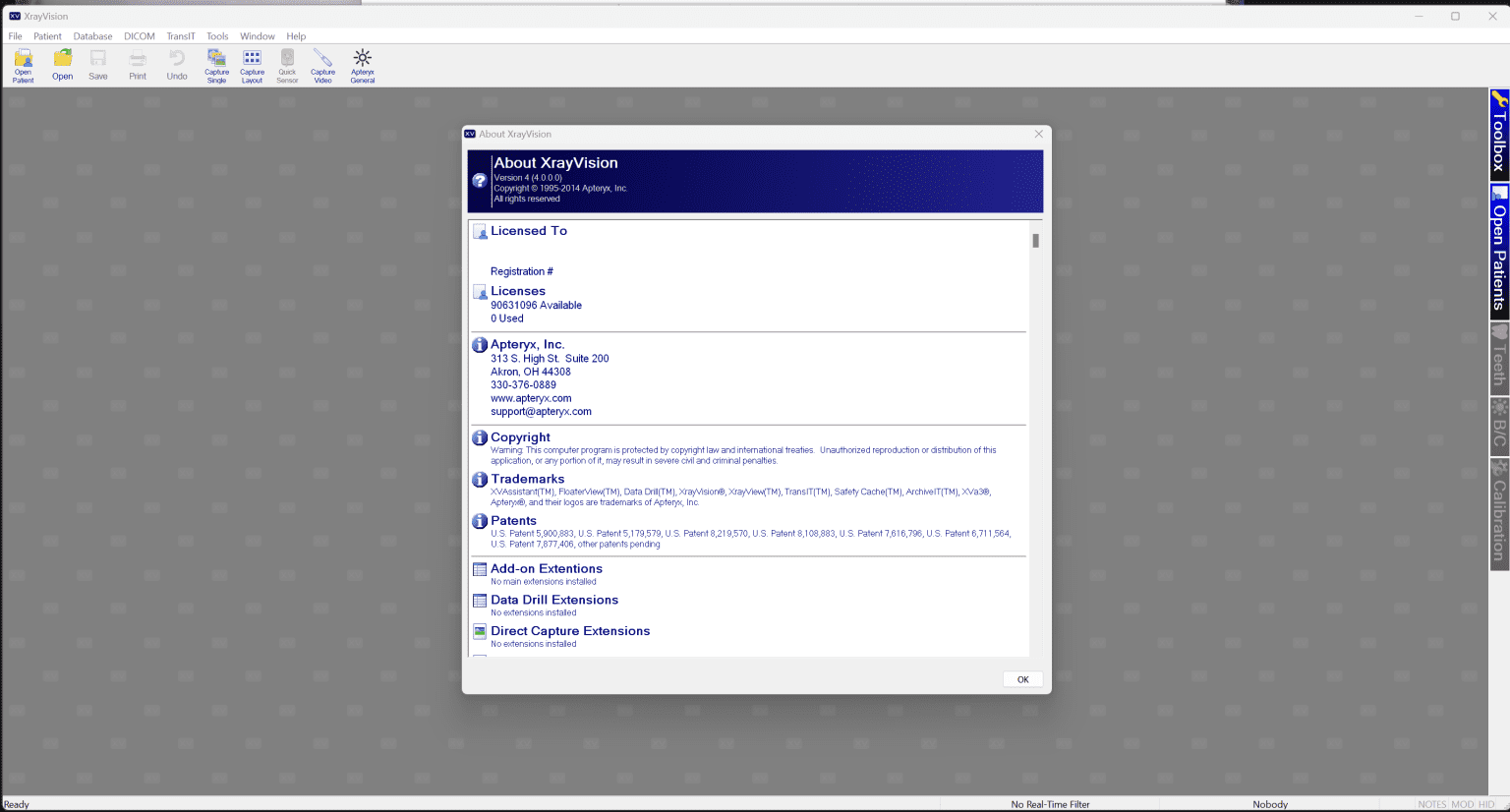
Apteryx XrayVision Review 2026: Advanced Dental Imaging Software for Modern Practices
Apteryx XrayVision at a Glance
Apteryx XrayVision has established itself as a trusted dental imaging solution designed to simplify image acquisition, management, and diagnostic workflows for dental professionals. Whether operating a single-chair clinic or managing multiple dental locations, XrayVision provides clinicians with fast image capture, efficient patient record organization, and powerful enhancement tools that support accurate treatment planning.
For practices transitioning from film-based radiography or replacing outdated imaging platforms, Apteryx XrayVision offers a practical balance between usability and functionality. Its compatibility with numerous imaging devices, intuitive interface, and integration capabilities make it an appealing option for general dentists, orthodontists, oral surgeons, endodontists, and specialty practices.
In this review, we’ll examine Apteryx XrayVision’s features, performance, real-world applications, advantages, limitations, and overall value to help determine whether it is the right dental imaging software for your practice.
Introduction to Apteryx XrayVision
Digital dentistry continues to reshape how dental professionals diagnose conditions, communicate with patients, and manage clinical workflows. High-quality imaging software has become an essential component of modern dental practices.
Apteryx XrayVision 4.5 was developed specifically to address these needs by offering a centralized imaging platform capable of handling:
- Intraoral radiographs
- Panoramic images
- Cephalometric studies
- Cone Beam CT scans
- Digital photographs
- Scanned documents
- Patient image archives
The software focuses on improving efficiency while maintaining image quality and accessibility. Rather than requiring clinicians to switch between multiple applications, XrayVision consolidates imaging tasks into a streamlined environment.
Many dental professionals appreciate that the learning curve is relatively short, allowing teams to begin using the system with minimal disruption.
Key Features of Apteryx XrayVision
1. Comprehensive Digital Image Acquisition
One of the strongest aspects of Apteryx XrayVision is its ability to acquire images from various imaging devices.
Supported imaging technologies often include:
- Digital intraoral sensors
- Phosphor plate scanners
- Panoramic systems
- Cephalometric units
- CBCT scanners
- DSLR cameras
- Intraoral cameras
This flexibility helps practices avoid replacing existing hardware investments.
Benefits
Clinics can standardize imaging workflows while utilizing equipment from different manufacturers.
2. Advanced Image Enhancement Tools
Image clarity plays a major role in accurate diagnosis.
Apteryx XrayVision includes multiple enhancement functions, such as:
- Brightness adjustments
- Contrast optimization
- Sharpness controls
- Zoom capabilities
- Measurement tools
- Annotation features
- Colorization options
- Edge enhancement filters
These tools assist clinicians in identifying subtle anatomical structures and pathological findings.
Example
A dentist evaluating early-stage caries can adjust contrast settings to reveal details that may not be immediately visible in standard radiographs.
3. Patient Image Management
Managing thousands of patient images can become overwhelming without a dedicated imaging solution.
XrayVision offers organized patient records with easy retrieval capabilities.
Features include:
- Centralized image storage
- Historical comparison tools
- Searchable patient databases
- Thumbnail previews
- Multi-image viewing layouts
Clinicians can quickly compare previous and current radiographs to monitor treatment progression.
4. Imaging Device Compatibility
A significant challenge many practices face is software incompatibility.
Apteryx XrayVision is designed to work with a broad range of dental imaging devices.
Advantages include:
- Reduced hardware replacement costs
- Easier practice upgrades
- Protection of existing investments
- Simplified implementation
For growing clinics, this compatibility can significantly reduce technology transition expenses.
5. Integration with Practice Management Systems
Dental practices rely heavily on interconnected software systems.
XrayVision supports integration with many dental management platforms.
Potential integration benefits include:
- Faster patient access
- Reduced duplicate data entry
- Improved administrative efficiency
- Better clinical coordination
Staff members spend less time switching between systems and more time focusing on patient care.
6. Image Sharing Capabilities
Collaboration between dental specialists is increasingly common.
Apteryx XrayVision supports image sharing for:
- Referrals
- Insurance submissions
- Specialist consultations
- Treatment planning discussions
Images can be exported in commonly accepted formats, improving communication among healthcare providers.
Practical Use Cases
General Dentistry
General dentists frequently use XrayVision for routine diagnostic imaging.
Common applications include:
- Detecting cavities
- Assessing bone loss
- Monitoring restorations
- Evaluating impacted teeth
Fast image acquisition allows appointments to proceed efficiently.
Orthodontic Practices
Orthodontists benefit from centralized access to multiple imaging modalities.
Examples include:
- Cephalometric analysis
- Growth assessment
- Treatment progress tracking
- Appliance evaluation
Historical comparisons help orthodontists monitor long-term treatment outcomes.
Endodontic Specialists
Root canal specialists often require enhanced image analysis.
XrayVision assists by providing:
- Detailed zoom functions
- Measurement tools
- Contrast enhancement
- High-resolution image viewing
Clinicians can better visualize canal anatomy and identify complications.
Oral Surgery Clinics
Oral surgeons frequently handle complex imaging datasets.
Typical uses involve:
- Implant planning
- Bone assessment
- Surgical evaluations
- Extraction planning
Combining panoramic and CBCT images within one environment simplifies case reviews.
Real-World User Experience
Dental offices adopting Apteryx XrayVision often report noticeable workflow improvements.
One practice transitioning from traditional film imaging found that image availability became nearly instantaneous.
Instead of waiting several minutes for film development, staff members could capture, review, and discuss radiographs with patients within seconds.
Patients also responded positively.
Seeing enlarged digital images on-screen made treatment explanations easier to understand.
This enhanced communication frequently contributed to improved case acceptance rates.
Front desk personnel benefited as well.
Finding archived images no longer involved searching through physical files.
Everything became accessible from a single workstation.
For busy practices managing dozens of appointments daily, these time savings can accumulate substantially over months and years.
Performance Analysis
Speed
Image acquisition is generally fast.
Most supported sensors transfer images quickly, reducing patient chair time.
Advantages include:
- Improved appointment flow
- Less waiting
- Greater productivity
Stability
Users typically seek imaging platforms capable of operating consistently throughout busy clinical schedules.
XrayVision is designed for daily use in high-volume dental environments.
Factors supporting reliability include:
- Established software architecture
- Device compatibility
- Centralized data management
Proper installation and maintenance remain important for optimal long-term performance.
Ease of Use
One reason practices choose Apteryx XrayVision is its approachable interface.
Staff training usually focuses on:
- Capturing images
- Enhancing radiographs
- Managing patient files
- Exporting studies
Dental assistants often become comfortable using the software relatively quickly.
Diagnostic Support
While imaging software does not replace clinical expertise, quality visualization tools contribute significantly to better decision-making.
Features that aid diagnosis include:
- Side-by-side comparisons
- Measurement capabilities
- Annotation tools
- Enhanced image visibility
These functions can help clinicians make more confident assessments.
Pros and Cons
Pros
Wide Hardware Compatibility
Supports multiple imaging systems, protecting previous investments.
Intuitive User Interface
Simple navigation minimizes staff learning time.
Comprehensive Image Management
Centralized storage improves organization.
Diagnostic Enhancement Tools
Image processing features assist clinical evaluations.
Better Patient Communication
Visual presentations help patients understand recommended treatments.
Practice Management Integration
Streamlines administrative workflows.
Cons
Initial Setup Requirements
Practices may require technical assistance during installation.
Hardware Performance Dependency
Larger imaging datasets may benefit from modern computer systems.
Feature Availability Varies
Certain integrations or advanced capabilities may depend on licensing configurations.
Pricing and Plans
Apteryx XrayVision pricing is not always publicly standardized and may vary based on several factors.
Pricing considerations often include:
- Number of workstations
- Imaging modalities supported
- Integration requirements
- Technical support packages
- Training services
Prospective buyers should contact authorized providers or resellers to receive customized quotations based on their practice size and workflow needs.
Evaluating implementation costs alongside expected productivity gains can provide a clearer understanding of long-term return on investment.
How Apteryx XrayVision Compares to Traditional Imaging Workflows
Compared with film-based radiography, XrayVision offers several meaningful improvements.
| Feature | Traditional Film | Apteryx XrayVision |
|---|---|---|
| Image Availability | Minutes | Seconds |
| Physical Storage | Required | Digital |
| Image Enhancement | Limited | Extensive |
| Specialist Sharing | Manual | Digital |
| Patient Education | Basic | Interactive |
| Historical Comparisons | Time-consuming | Instant |
Practices looking to modernize operations often find digital imaging platforms significantly more efficient.
Who Should Consider Apteryx XrayVision?
Apteryx XrayVision is well suited for:
- General dental clinics
- Orthodontic practices
- Endodontic specialists
- Oral surgery centers
- Multi-location dental groups
- Practices upgrading from film radiography
- Clinics seeking improved patient communication
Its versatility makes it a practical choice for organizations aiming to standardize imaging procedures without sacrificing flexibility.
Final Verdict
Apteryx Xray Vision remains a capable and well-rounded dental imaging software solution for practices seeking efficient image acquisition, reliable patient record management, and enhanced diagnostic visualization. Its broad device compatibility, intuitive workflow, and integration capabilities make it especially appealing for clinics that want to modernize operations while preserving existing imaging investments.
Although implementation may require planning and pricing details are typically customized, the software delivers meaningful benefits in productivity, patient communication, and clinical decision-making. For dental professionals looking for a scalable digital imaging platform that supports everyday diagnostics as well as specialized treatment planning, Apteryx Xray Vision 4.0 deserves serious consideration.
If your practice is ready to improve imaging efficiency, streamline workflows, and provide a more engaging patient experience, exploring Apteryx XrayVision could be a valuable next step toward a smarter and more connected dental practice.



Reviews
There are no reviews yet.