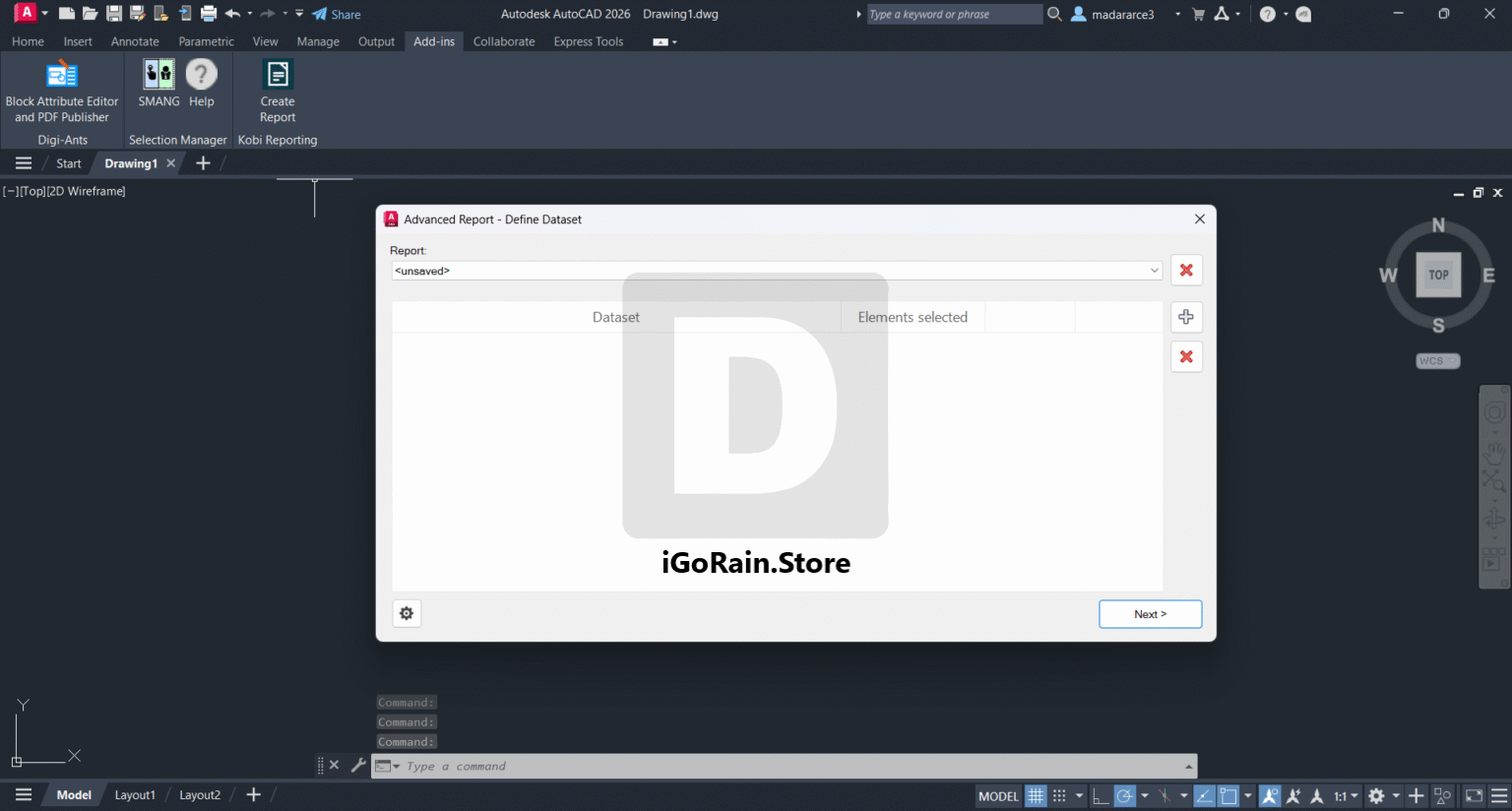
Description
KobiLabs Kobi Reporting – Complete Software Review for BIM Reporting Automation
Industry Summary
In modern BIM workflows, managing data from complex Revit models can quickly become overwhelming without the right reporting tools. KobiLabs Kobi Reporting is designed to simplify this challenge by offering a structured, automated, and highly flexible reporting system tailored for Autodesk Revit users. It enables architects, engineers, and BIM managers to extract, organize, and present model data in a clear, actionable format.
What makes this tool stand out is its ability to bridge the gap between raw BIM data and decision-ready reports. Instead of manually creating schedules or exporting fragmented datasets, users can generate consistent, customizable reports in a fraction of the time. For firms dealing with large-scale construction projects, infrastructure modeling, or MEP coordination, Kobi Reporting significantly improves productivity and data accuracy.
This review explores its capabilities, real-world applications, performance strengths, limitations, and overall value for professionals seeking reliable Revit reporting automation software.
Introduction to KobiLabs Kobi Reporting
KobiLabs Kobi Reporting is a Revit add-in built to streamline reporting workflows inside BIM environments. It focuses on transforming model data into structured outputs such as schedules, quantity reports, and customized data sheets.
Traditional Revit schedules often require repetitive manual adjustments, especially when dealing with multiple project phases or complex parameter sets. Kobi Reporting eliminates much of this manual effort by allowing users to automate extraction rules, filter datasets intelligently, and generate standardized reports across multiple projects.
From a professional standpoint, it serves as a BIM reporting automation tool for Revit users, particularly beneficial for teams that rely heavily on data-driven decision-making.
Key Features of KobiLabs Kobi Reporting
Kobi Reporting provides a range of tools designed to enhance Revit data handling and reporting efficiency. Below are its most important features:
1. Automated Report Generation
Users can generate reports directly from Revit models without building complex schedules manually. This automation reduces repetitive tasks and ensures consistency across outputs.
2. Flexible Data Filtering
The software allows advanced filtering based on parameters such as categories, phases, families, and custom attributes. This helps users extract only relevant data for specific reporting needs.
3. Excel-Based Output Integration
One of the most practical features is the ability to export structured reports directly into Excel formats. This is particularly useful for engineers and project managers who rely on spreadsheets for analysis and presentation.
4. Custom Template Creation
Kobi Reporting enables users to build reusable report templates. These templates ensure standardized reporting formats across multiple projects and teams.
5. Multi-Category Reporting
Instead of creating separate schedules for each Revit category, users can combine multiple categories into unified reports, simplifying documentation workflows.
6. Parameter Mapping Tools
The software allows mapping of Revit parameters into organized reporting structures, making data interpretation more intuitive and structured.
7. Batch Processing Capabilities
For large firms managing multiple models or project versions, batch reporting significantly reduces time spent generating repetitive outputs.
8. Integration with BIM Workflows
Kobi Reporting integrates smoothly within Revit environments, ensuring minimal disruption to existing BIM processes while enhancing reporting efficiency.
KobiLabs Kobi Reporting Developer
KobiLabs Kobi Reporting 2026.1.35 Download
Practical Use Cases
KobiLabs Kobi Reporting is widely applicable across various industries that rely on BIM-based workflows. Below are some real-world scenarios where it adds measurable value:
Architectural Firms
Architects often need to generate room data sheets, material schedules, and design validation reports. Kobi Reporting automates these tasks, ensuring accuracy and saving significant design coordination time.
Structural Engineering Projects
Structural engineers can use the software to extract reinforcement data, steel quantities, and structural element reports. This supports better cost estimation and construction planning.
MEP Coordination
MEP engineers benefit from consolidated reporting of mechanical, electrical, and plumbing systems. The tool helps identify clashes, system counts, and equipment schedules more efficiently.
Construction Management
Contractors and project managers use Kobi Reporting for quantity takeoffs, progress tracking, and procurement planning. The structured output improves communication between site teams and office engineers.
Facility Management
After project completion, facility managers can use generated reports for maintenance planning, asset tracking, and lifecycle management of building components.
Performance Analysis
When evaluating KobiLabs Kobi Reporting from a performance perspective, several key aspects stand out.
Speed and Efficiency
The tool significantly reduces the time required to generate reports. Tasks that would normally take hours using manual Revit schedules can often be completed in minutes.
Data Accuracy
Because the reporting process is automated, it minimizes human error associated with manual data entry or schedule adjustments. This improves overall reliability of BIM data outputs.
System Stability
Kobi Reporting performs well within standard Revit environments. Even when handling large models, it maintains stable performance without noticeable lag, provided system resources are adequate.
Learning Curve
While the interface is user-friendly, beginners may require some time to fully understand parameter mapping and template customization. However, once mastered, the workflow becomes highly efficient.
Workflow Integration
The software integrates seamlessly into existing BIM processes, which makes it a practical addition rather than a disruptive overhaul.
Pros and Cons of KobiLabs Kobi Reporting
Pros
- Strong automation for Revit reporting tasks
- Saves significant time in data extraction and formatting
- Flexible filtering and customization options
- Excel export compatibility for advanced analysis
- Useful for multiple disciplines including architecture, structure, and MEP
- Supports standardized reporting across teams and projects
- Improves data consistency and reduces manual errors
Cons
- Requires initial setup time for templates and configurations
- Advanced features may require training for new users
- Works specifically within Revit ecosystem, limiting standalone use
- Performance depends on model size and system capabilities
Pricing and Plans
KobiLabs typically offers its tools through licensing models that may vary depending on user type, team size, and deployment needs. While exact pricing can differ by region and distributor, the general structure often includes:
Individual License
Designed for single users such as freelance architects or engineers. Suitable for small-scale project reporting needs.
Team License
Ideal for BIM teams working on shared projects. Allows consistent reporting standards across multiple users.
Enterprise License
Tailored for large firms requiring centralized reporting workflows, multi-project management, and administrative control.
Some versions may also include trial access or limited-feature demonstrations, allowing users to evaluate functionality before committing to a purchase.
Final Verdict
KobiLabs Kobi Reporting stands out as a practical and efficient solution for professionals working in Revit-based BIM environments. Its core strength lies in simplifying complex reporting workflows and turning raw model data into structured, usable insights.
For architects, engineers, and construction teams dealing with large datasets and frequent reporting requirements, this tool can significantly enhance productivity and consistency. While it does require some initial setup and learning, the long-term benefits in automation, accuracy, and time savings make it a strong investment.
In an industry where data management is becoming increasingly critical, Kobi Reporting offers a reliable way to standardize reporting workflows without disrupting established BIM processes.
Conclusion
KobiLabs Kobi Reporting is best suited for professionals who want to eliminate repetitive manual reporting tasks and improve the quality of BIM data output. Its automation capabilities, flexible reporting structure, and strong integration with Revit make it a valuable addition to any BIM toolkit.


Reviews
There are no reviews yet.