Description
Prodesk for Revit Review 2026: The Smart Productivity Toolkit for Faster BIM Workflows
Summary
Building Information Modeling (BIM) professionals are constantly searching for ways to complete projects faster without sacrificing accuracy. While Autodesk Revit already offers an extensive set of design tools, repetitive tasks, data management, and documentation often consume valuable project time. This is where Prodesk for Revit becomes a practical productivity solution.
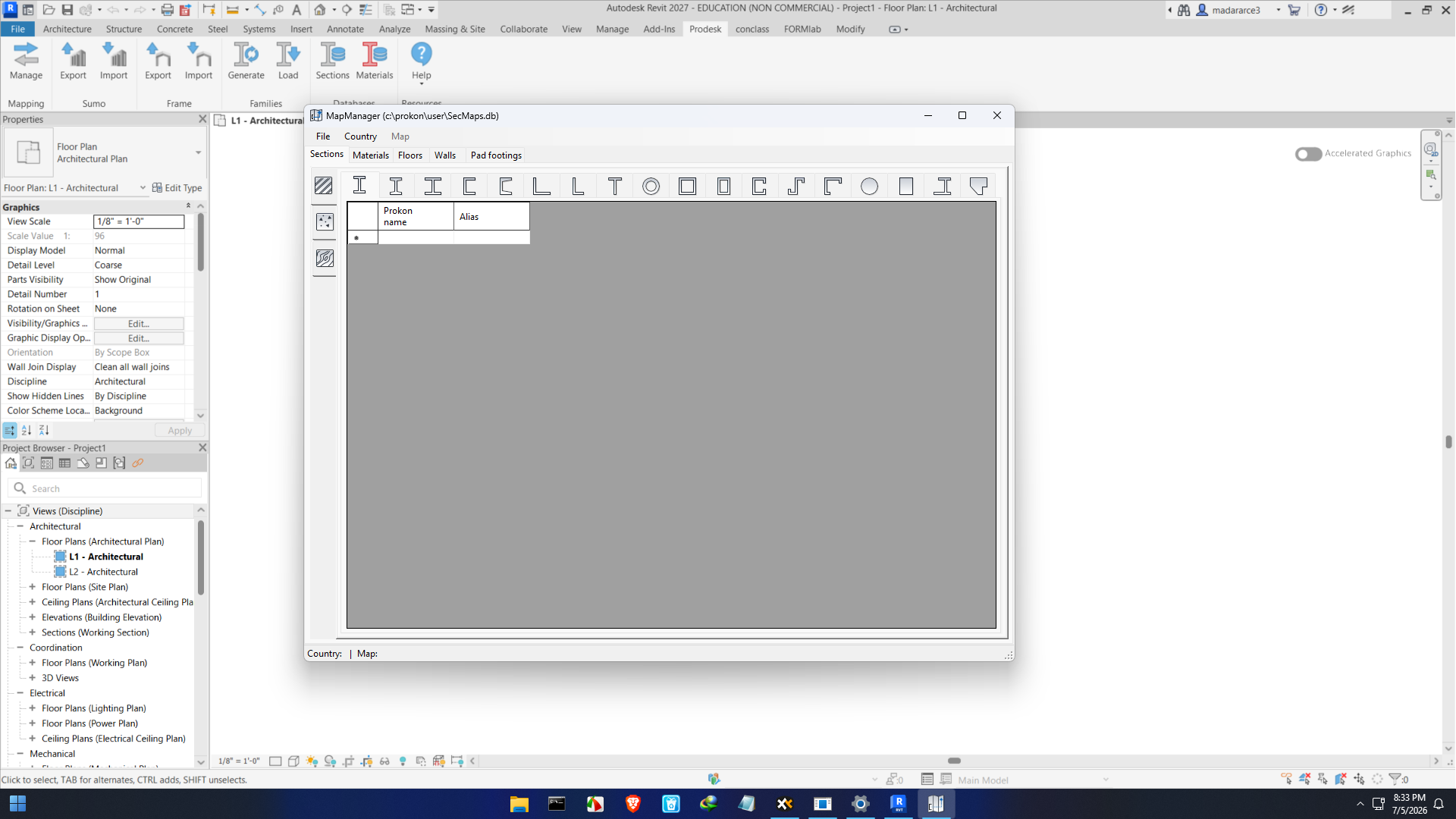
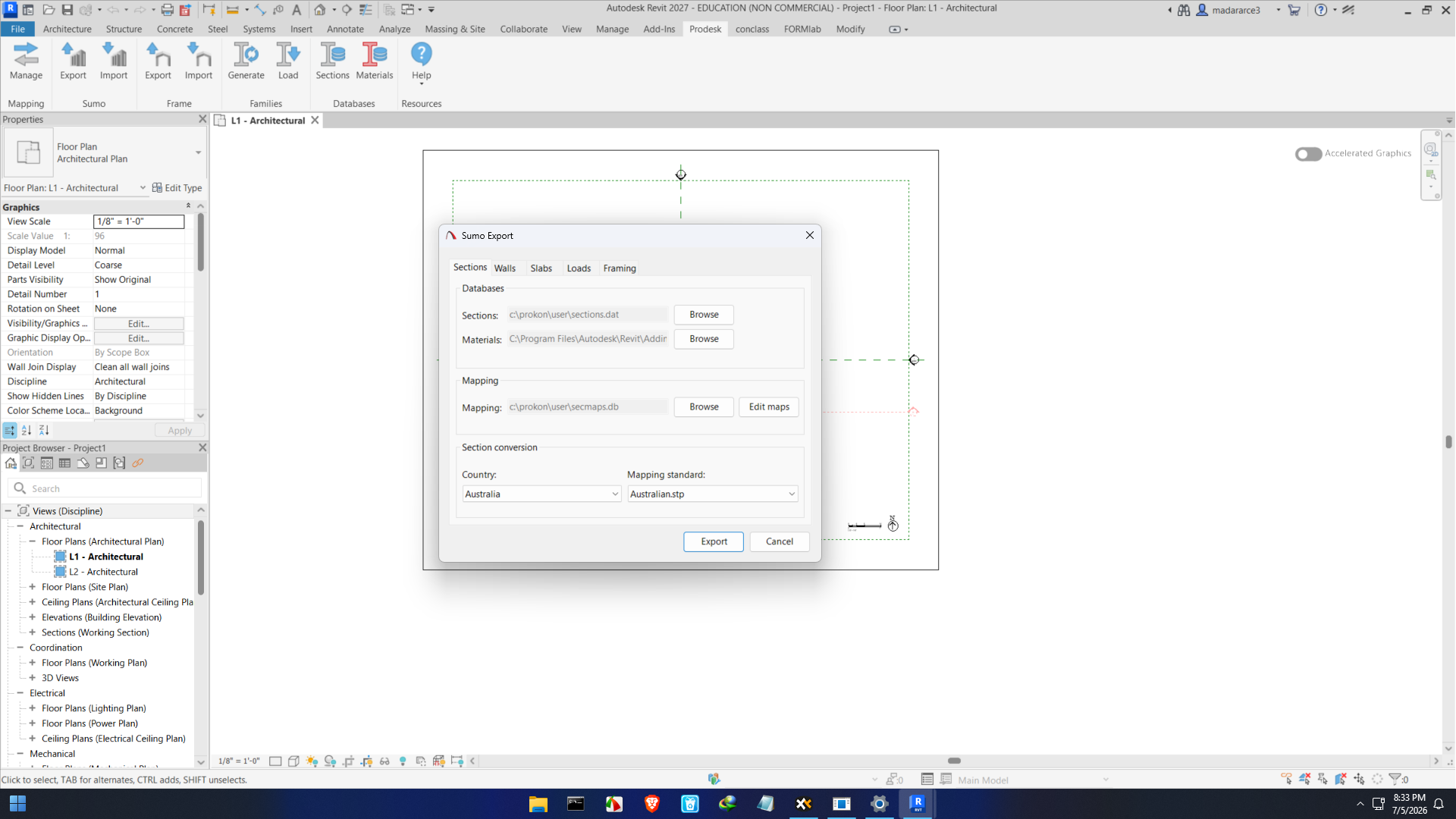
Prodesk for Revit is a collection of intelligent productivity tools designed to simplify repetitive modeling, automate documentation tasks, improve project organization, and enhance overall BIM workflows. Instead of replacing Revit, it expands its capabilities by giving architects, engineers, BIM coordinators, and construction professionals access to automation features that reduce manual work and improve consistency.
Whether you’re managing a small architectural project or coordinating a large multidisciplinary BIM model, Prodesk for Revit provides practical tools that save time while improving project quality.
Introduction
Modern construction projects demand speed, precision, and collaboration. As BIM adoption continues to grow, professionals need solutions that eliminate repetitive work and allow them to focus on design decisions rather than administrative tasks.
Prodesk for Revit addresses this challenge by offering a collection of workflow enhancement tools built specifically for Autodesk Revit users. Instead of requiring complicated scripting or programming knowledge, many of its utilities provide simple interfaces that automate common BIM operations.
From project setup to documentation and model management, Prodesk for Revit helps users streamline everyday activities while maintaining high-quality project standards.
For firms handling multiple Revit projects simultaneously, the time savings gained through automation can significantly improve productivity and project profitability.
Key Features of Prodesk for Revit
Comprehensive Productivity Toolkit
Prodesk for Revit includes numerous utilities that simplify routine BIM tasks. Instead of manually repeating similar operations throughout a project, users can complete them with only a few clicks.
This helps reduce repetitive work while improving consistency across large projects.
Model Management Tools
Large Revit projects become increasingly difficult to manage as they grow in complexity.
Prodesk assists users by providing tools that help organize model elements, maintain project standards, and improve overall model quality.
Benefits include:
- Better project organization
- Cleaner BIM models
- Easier navigation
- Improved team coordination
Automated Documentation
Construction documentation often consumes a significant portion of project time.
Prodesk for Revit automates many documentation processes, helping users generate standardized outputs more efficiently.
Common documentation improvements include:
- Faster sheet preparation
- Improved annotation consistency
- Streamlined documentation workflows
- Reduced manual editing
Batch Processing Capabilities
One of the strongest advantages of Prodesk is handling repetitive operations across multiple project elements simultaneously.
Instead of editing objects individually, users can apply changes in batches, saving hours of manual work.
This feature becomes especially valuable on large commercial, institutional, and infrastructure projects.
Data Management
Modern BIM projects rely heavily on accurate data.
Prodesk helps manage project information more effectively by simplifying parameter editing, element management, and data consistency throughout the model.
This reduces errors while improving collaboration between project teams.
Workflow Automation
Automation is one of the biggest productivity improvements available for Revit professionals.
Prodesk automates numerous repetitive operations including:
- Model cleanup
- Parameter management
- Documentation preparation
- Project organization
- Object modification
- Quality control routines
The result is more efficient project delivery with fewer repetitive manual tasks.
Practical Use Cases
Architectural Design Firms
Architects often spend considerable time preparing documentation, organizing views, and maintaining project standards.
Prodesk reduces these repetitive activities, allowing designers to focus more on creativity and client requirements.
Structural Engineering
Structural engineers frequently manage large models with thousands of elements.
Using Prodesk simplifies data editing, documentation, and project organization while reducing the chance of manual errors.
MEP Engineering
Mechanical, electrical, and plumbing teams benefit from workflow automation when coordinating complex building systems.
The software assists with:
- Parameter updates
- Model organization
- Documentation preparation
- Project consistency
BIM Managers
BIM managers are responsible for maintaining standards across multiple projects.
Prodesk provides useful utilities for:
- Standard enforcement
- Model quality checks
- Workflow optimization
- Team productivity
Construction Documentation
Preparing construction documents can be repetitive and time-consuming.
Automation tools within Prodesk reduce documentation effort while maintaining consistency throughout drawing packages.
Large Multi-Disciplinary Projects
On projects involving architects, engineers, contractors, and consultants, maintaining organized BIM data becomes critical.
Prodesk helps teams improve coordination through standardized workflows and efficient project management.
Performance Analysis
Speed Improvements
One of the first improvements users notice is the reduction in repetitive manual work.
Tasks that normally require dozens of clicks can often be completed much faster using Prodesk’s automation tools.
Over the lifespan of a project, these small time savings become significant productivity gains.
Ease of Use
Despite offering numerous productivity features, Prodesk remains approachable for experienced Revit users.
Most tools integrate naturally into existing workflows without requiring major changes to project processes.
This allows teams to adopt new automation features gradually.
Stability
Since Prodesk is designed specifically for Autodesk Revit environments, it integrates smoothly into BIM workflows.
Users generally experience dependable performance during everyday modeling and documentation activities.
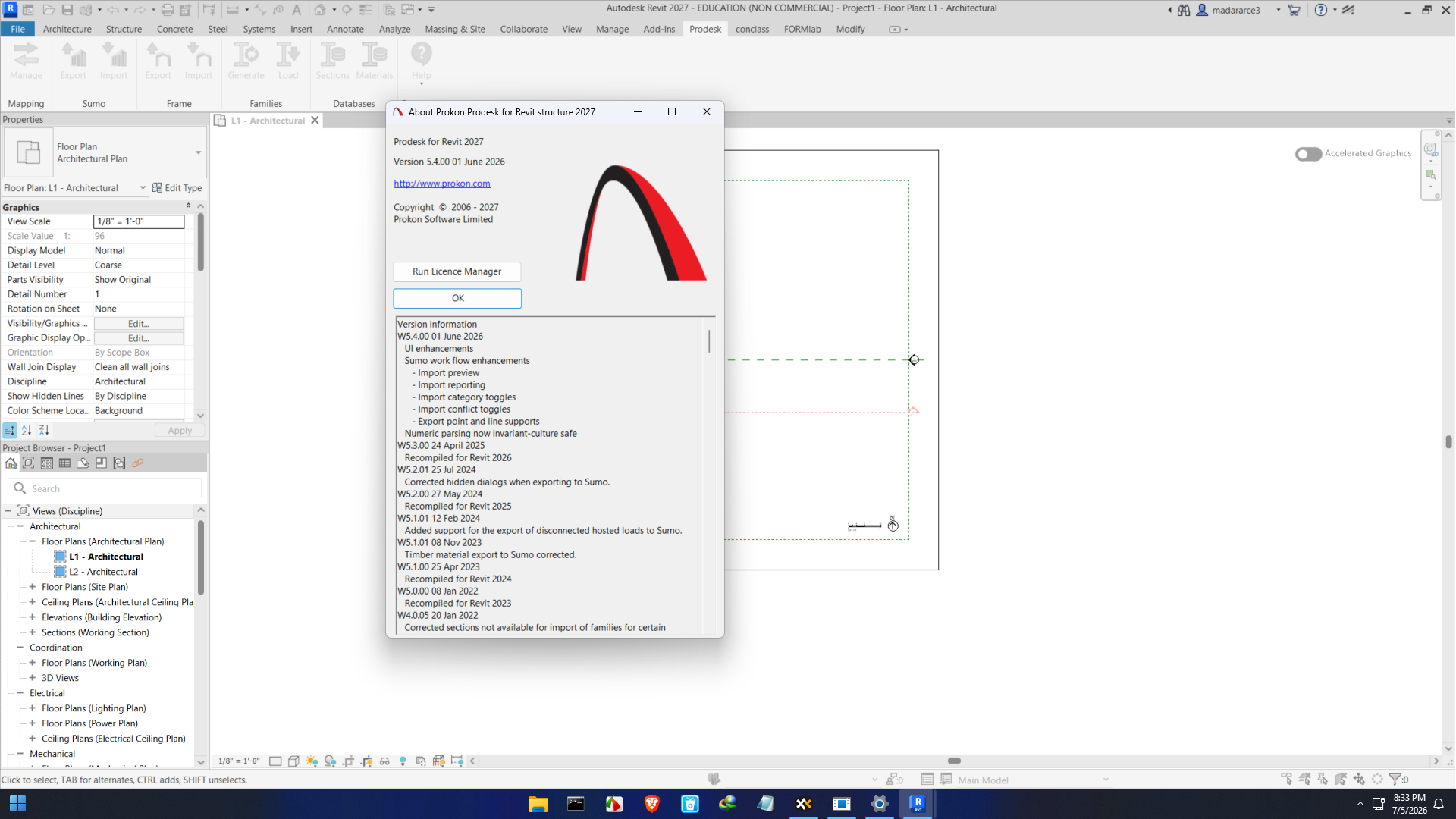
As with any productivity plugin, compatibility should be verified with the installed Revit version before deployment.
Learning Curve
The learning curve is relatively manageable.
Professionals already familiar with Revit can begin using many automation tools quickly.
Advanced utilities may require additional practice, but the productivity benefits typically justify the learning investment.
Productivity Gains
Many firms adopt productivity plugins primarily for efficiency improvements.
Common workflow advantages include:
- Reduced repetitive work
- Faster documentation
- Better project consistency
- Improved BIM quality
- Reduced human error
- More time for design work
These benefits become increasingly valuable on larger and longer-duration projects.
Pros and Cons
Pros
- Extensive collection of Revit productivity tools
- Automates repetitive BIM workflows
- Improves documentation efficiency
- Helps maintain project consistency
- Reduces manual editing
- Supports better BIM management
- Suitable for architects, engineers, and BIM managers
- Saves considerable project time
- Enhances workflow organization
- Easy integration into existing Revit environments
Cons
- Requires Autodesk Revit to operate
- Some advanced features may require initial training
- Productivity gains are most noticeable on medium to large projects
- Feature availability may vary depending on the software version
Pricing & Plans
Prodesk for Revit licensing may vary depending on the version, deployment model, and organizational requirements.
Available licensing options can include:
- Individual professional licenses
- Commercial business licenses
- Team deployments
- Enterprise licensing for larger organizations
Pricing structures may change over time, so users should verify the latest licensing information before making a purchasing decision.
When evaluating the investment, firms should also consider the productivity savings generated through workflow automation, reduced manual effort, and improved documentation efficiency.
Why Professionals Choose Prodesk for Revit
Professionals working in BIM environments often evaluate software based on practical results rather than feature lists alone.
Prodesk delivers value by helping teams:
- Complete projects faster
- Reduce repetitive work
- Improve documentation quality
- Standardize BIM workflows
- Increase modeling efficiency
- Minimize human errors
- Enhance project organization
- Improve collaboration between disciplines
These advantages make it a valuable addition to many professional Revit workflows.
Is Prodesk for Revit Worth It?
For firms that rely heavily on Autodesk Revit, Prodesk offers a practical way to increase productivity without changing existing design processes.
Instead of replacing familiar workflows, it enhances them through intelligent automation and workflow optimization.
Smaller firms benefit from faster project delivery, while larger organizations appreciate improved consistency across teams and projects.
Professionals looking to eliminate repetitive BIM tasks, improve documentation quality, and increase project efficiency will likely find Prodesk to be a worthwhile investment.
Final Verdict
Prodesk for Revit is a well-rounded productivity extension that enhances Autodesk Revit by automating repetitive tasks, improving project organization, and streamlining documentation workflows. Its collection of practical tools enables architects, engineers, BIM managers, and construction professionals to work more efficiently while maintaining consistent BIM standards.
Rather than introducing unnecessary complexity, the software focuses on solving everyday challenges faced by Revit users. From batch processing and parameter management to model organization and documentation automation, Prodesk helps reduce manual effort and allows teams to dedicate more time to design, coordination, and project delivery.
If your organization depends on Revit for architectural, structural, or MEP projects, Prodesk for Revit is a valuable productivity solution worth considering. Explore its capabilities, evaluate how its automation features fit your workflow, and discover how it can help your team deliver BIM projects with greater speed, accuracy, and confidence.


Reviews
There are no reviews yet.