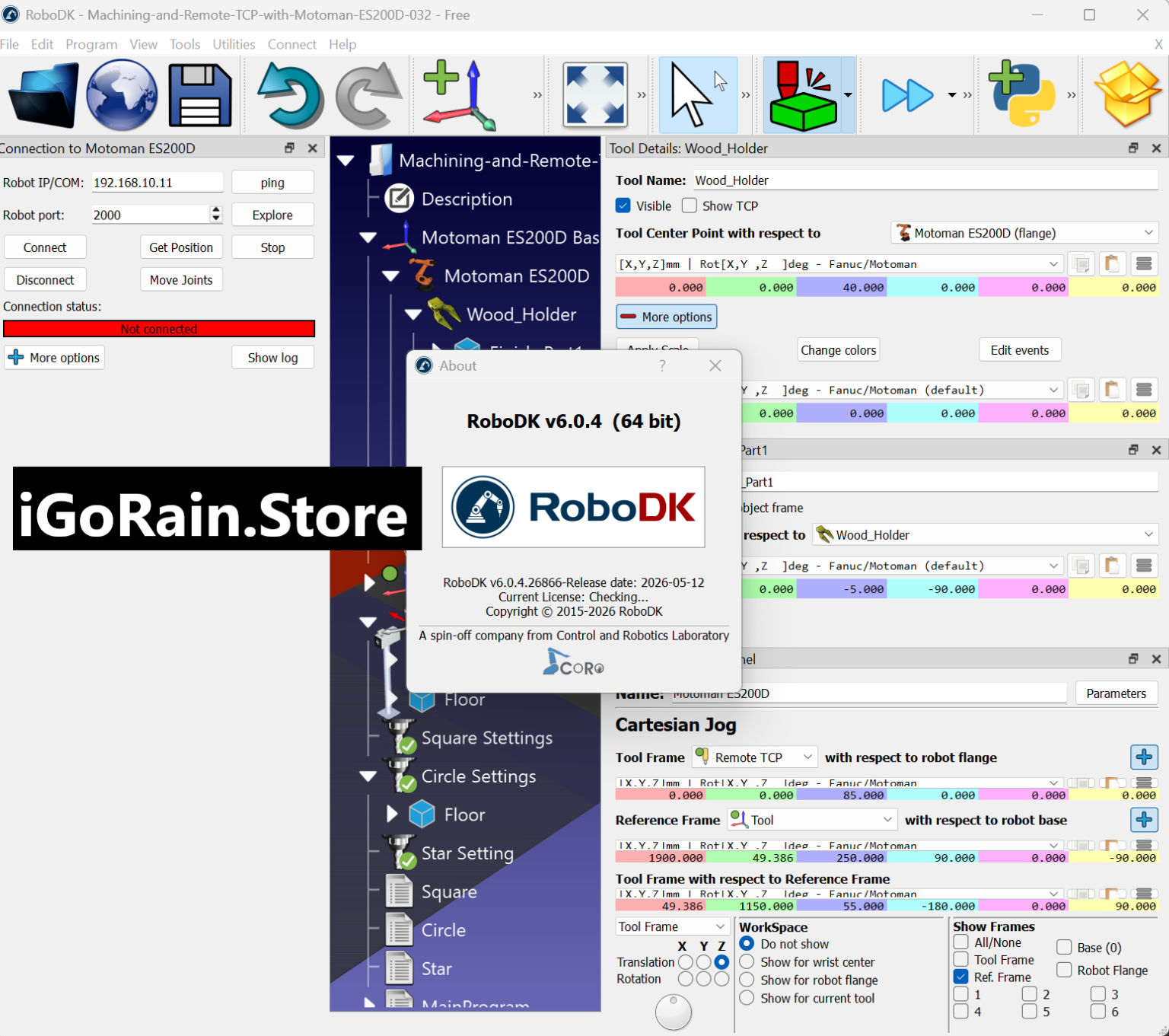
Description
RoboDK 6.0 Review: Advanced Offline Robotic Programming and Simulation for Industrial Automation
Summary
RoboDK 6.0 stands out as one of the most powerful and flexible offline robotic programming and simulation platforms used in modern industrial automation. Designed for engineers, manufacturers, educators, and robotics developers, it enables users to simulate, program, and optimize robotic systems without needing physical hardware at every stage. The software bridges the gap between CAD design and real-world robot execution, making robotic deployment faster, safer, and significantly more cost-effective.
With support for hundreds of robot models, integration with leading CAD tools, and advanced path planning capabilities, RoboDK 6.0 has become a trusted solution for industries such as automotive manufacturing, aerospace, machining, welding, and education. This review explores its features, performance, real-world applications, and overall value for professionals seeking reliable robotic automation software.
Introduction to RoboDK 6.0
RoboDK 6.0 is an industrial-grade robotic simulation and offline programming software that allows users to create, test, and optimize robotic tasks in a virtual environment. Instead of manually programming robots on the factory floor, engineers can design workflows digitally, simulate movements, detect errors, and generate robot-ready code.
This approach reduces downtime, minimizes production risks, and improves operational efficiency. RoboDK 6.0 supports a wide range of robotic arms from major manufacturers, making it a universal solution for multi-brand automation environments.
What makes RoboDK especially relevant today is the increasing demand for smart manufacturing and Industry 4.0 integration. Companies are moving toward digital twin environments, and RoboDK fits directly into this transformation.
Key Features of RoboDK 6.0
RoboDK 6.0 introduces a robust set of tools designed for precision, flexibility, and industrial scalability. Below are its most important capabilities:
1. Extensive Robot Library Support
RoboDK supports over 1000 robot arms and controllers from leading brands such as ABB, KUKA, FANUC, Yaskawa, and Universal Robots. This makes it a universal platform for multi-vendor environments.
2. Offline Programming (OLP)
Users can program robots without stopping production. RoboDK generates accurate robot code that can be deployed directly to real machines, reducing setup time and production interruptions.
3. 3D Simulation Environment
The software offers a realistic 3D simulation engine where users can visualize robotic movements, detect collisions, and validate workflows before deployment.
4. CAD-to-Path Integration
RoboDK 6.0 integrates with popular CAD tools like SolidWorks, Fusion 360, and AutoCAD. This allows users to convert designs into robotic toolpaths seamlessly.
5. Path Planning and Optimization
Advanced algorithms help optimize robot movements for speed, accuracy, and efficiency while avoiding collisions and singularities.
6. Python API and Automation Support
One of RoboDK’s strongest features is its Python API, enabling developers to automate tasks, customize workflows, and integrate robotics into larger software systems.
7. Post Processor Customization
Users can generate robot-specific code tailored to different controllers, ensuring compatibility across various industrial systems.
8. Digital Twin Capabilities
RoboDK allows companies to build digital replicas of real-world robotic cells, improving predictive maintenance and system analysis.
Practical Use Cases of RoboDK 6.0
RoboDK 6.0 is widely used across multiple industries due to its flexibility and precision. Below are some real-world applications:
Automotive Manufacturing
Car manufacturers use RoboDK to simulate welding paths, painting operations, and assembly line automation. It helps reduce production errors and ensures consistency in mass production.
CNC Machining and Milling
In machining environments, RoboDK generates optimized toolpaths for robotic milling arms, improving precision and reducing material waste.
Welding Automation
Robotic welding requires accuracy and consistency. RoboDK allows engineers to simulate weld seams and optimize torch angles before actual execution.
Education and Research
Universities and robotics labs use RoboDK to teach robotics programming, kinematics, and automation principles in a safe, virtual environment.
Aerospace Engineering
For aerospace manufacturing, where precision is critical, RoboDK helps simulate drilling, cutting, and composite material handling processes.
Pick and Place Systems
Warehousing and logistics companies use RoboDK for optimizing robotic sorting, packaging, and material handling operations.
Performance Analysis of RoboDK 6.0
RoboDK 6.0 delivers strong performance in both simulation accuracy and processing efficiency. Its simulation engine is optimized to handle complex robotic cells with multiple robots operating simultaneously.
Speed and Responsiveness
The software performs well even when handling large-scale industrial environments. Simulation playback is smooth, and path recalculations are fast.
Accuracy
One of RoboDK’s strongest advantages is its real-world accuracy. The generated robot paths closely match physical robot execution, reducing the need for manual corrections.
System Compatibility
RoboDK runs on standard Windows systems and also supports Linux in certain configurations. It does not require extremely high-end hardware, making it accessible for small and large organizations.
Stability
During extended simulations, the software remains stable without crashes or significant slowdowns, even when handling complex toolpaths or multiple robotic arms.
Pros and Cons of RoboDK 6.0
Pros
- Supports a wide range of industrial robots
- Powerful offline programming capabilities
- Highly accurate simulation results
- Strong CAD integration with popular engineering tools
- Python API for automation and customization
- Ideal for both industrial and educational use
- Reduces production downtime and operational risks
- Supports digital twin workflows
Cons
- Learning curve for beginners in robotics programming
- Advanced features require technical knowledge
- Full capabilities may require premium licensing
- Large projects may require structured workflow management
Pricing and Plans
RoboDK 6.0 follows a flexible licensing model depending on usage requirements. While pricing may vary based on region and license type, the typical structure includes:
1. Educational License
Designed for students, universities, and research institutions. Offers access to core simulation and programming tools at a reduced cost.
2. Professional License
Suitable for engineers and small to medium businesses. Includes full offline programming, simulation, and CAD integration features.
3. Industrial License
Tailored for large-scale manufacturing operations. Provides advanced automation, multi-robot support, and enterprise deployment options.
4. Trial Version
A limited version is available for users who want to explore the software before purchasing a license.
Overall, RoboDK provides strong value considering its industrial capabilities and long-term productivity benefits.
Real-World User Experience
In practical environments, engineers often highlight how RoboDK 6.0 significantly reduces setup time for robotic cells. Instead of manually adjusting robot movements on-site, they can pre-test everything digitally.
For example, a manufacturing engineer working in a welding production line can simulate the entire weld path, adjust angles, detect collisions, and optimize speed before deploying to the actual robot. This reduces downtime and minimizes costly trial-and-error processes.
Similarly, automation specialists appreciate the ability to reuse programs across different robot brands. This cross-compatibility is especially valuable in factories with mixed robotic systems.
Educators also report improved student engagement because RoboDK provides a visual and interactive way to understand robotic kinematics and programming logic.
Final Verdict
RoboDK 6.0 is a highly capable robotic simulation and offline programming platform designed for modern industrial automation needs. It excels in accuracy, flexibility, and multi-robot support, making it a valuable tool for engineers, manufacturers, and educators.
While it may require some technical learning for beginners, its long-term benefits far outweigh the initial complexity. The ability to simulate, optimize, and deploy robotic tasks virtually makes it an essential solution for reducing production risks and improving efficiency.
For businesses moving toward smart manufacturing and digital twin integration, RoboDK 6.0 offers a reliable and future-ready platform that enhances productivity and streamlines robotic operations.




Reviews
There are no reviews yet.