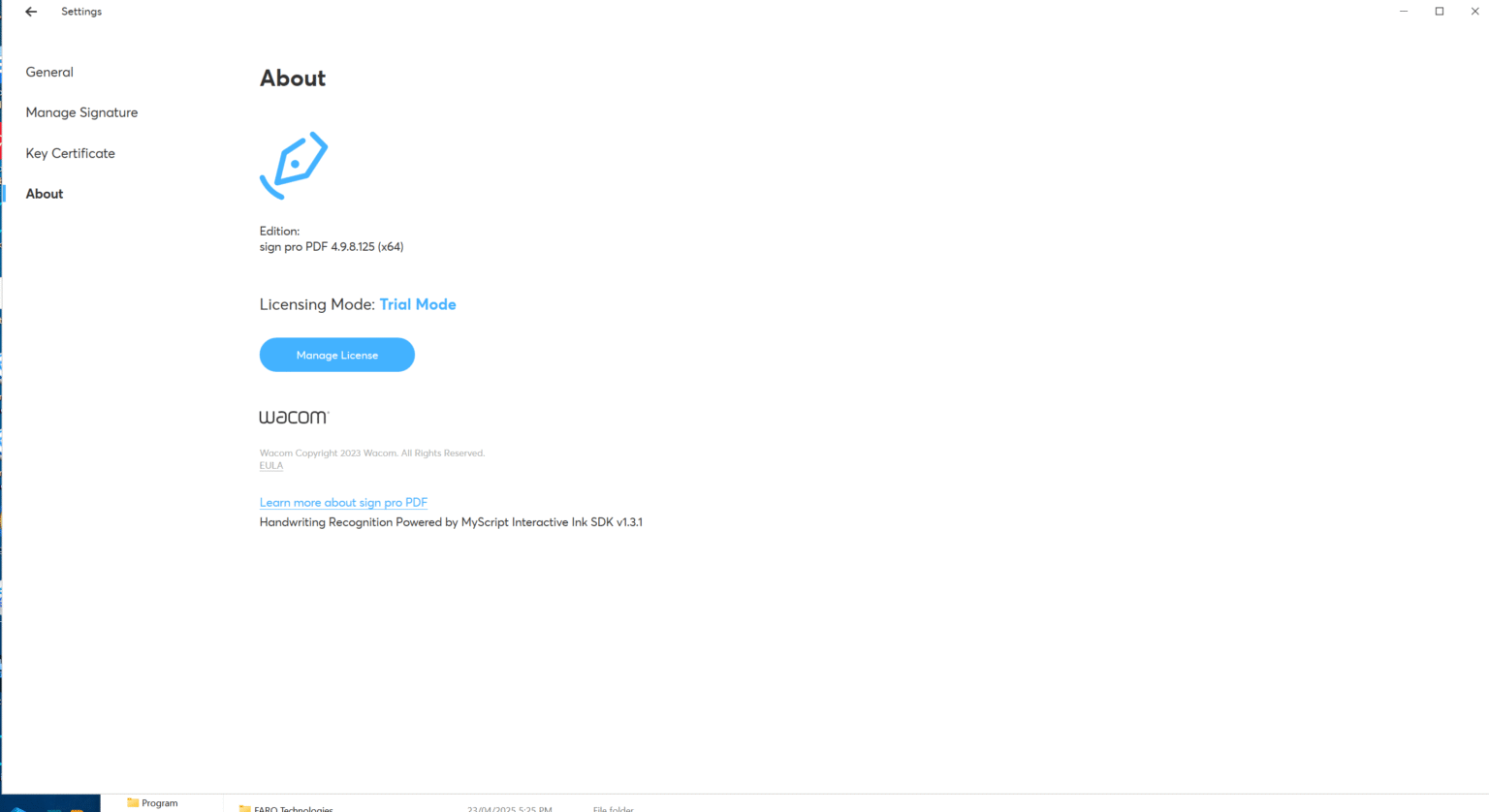
Description
Sign Pro PDF Software Review 2026: A Complete Digital Signature and PDF Management Solution
Strong Summary
Sign Pro PDF is an advanced PDF signing and document management software designed to simplify digital workflows for businesses, freelancers, and enterprises that rely on secure document authentication. As remote work and paperless operations continue to grow, tools like Sign Pro PDF have become essential for handling electronic signatures, editing PDFs, and managing secure document approvals in one streamlined platform.
Unlike basic PDF readers, Sign Pro PDF combines digital signature capabilities, document editing tools, and workflow automation features, making it a practical solution for legal, financial, HR, and administrative environments. This review explores its features, real-world applications, performance, pricing structure, and overall value for modern users seeking a reliable PDF signing tool.
Introduction
In today’s fast-moving digital environment, paperwork has shifted from physical folders to secure online documents. Businesses now require reliable electronic signature software that ensures authenticity, compliance, and efficiency. Sign Pro PDF enters this space as a comprehensive solution that merges PDF editing with secure digital signing functionality.
Whether you are managing contracts, onboarding employees, approving invoices, or handling legal agreements, Sign Pro PDF provides a structured and efficient way to complete document workflows without printing or scanning. It is built for users who need more than just a PDF viewer—they need a complete PDF workflow automation tool.
Key Features of Sign Pro PDF
Sign Pro PDF stands out due to its combination of usability and professional-grade features. Below are its core capabilities:
1. Digital Signature Integration
Sign Pro PDF allows users to apply legally binding electronic signatures to documents. It supports multiple signature formats, including typed, drawn, and certificate-based signatures.
2. Advanced PDF Editing Tools
Users can modify text, insert images, annotate documents, highlight sections, and rearrange pages. This makes it a complete PDF editor and not just a signing tool.
3. Secure Document Encryption
Security is a priority. The software includes encryption features that protect sensitive files, ensuring that only authorized users can access or modify documents.
4. Cloud-Based Document Access
Sign Pro PDF supports cloud synchronization, allowing users to access documents from multiple devices. This is useful for remote teams and mobile professionals.
5. Batch Processing Capabilities
Users can sign multiple documents at once, reducing manual workload and improving efficiency in high-volume environments.
6. Workflow Automation
The software supports automated approval workflows, enabling businesses to route documents to multiple stakeholders in a predefined sequence.
7. Template Creation
Frequently used documents can be saved as templates, helping users standardize contracts, agreements, and forms.
8. Cross-Platform Compatibility
Sign Pro PDF works across Windows, macOS, and selected mobile environments, ensuring flexibility for different user needs.
Practical Use Cases
Sign Pro PDF is designed for real-world business scenarios where document authentication and efficiency matter. Below are some practical applications:
Legal Sector
Law firms use Sign Pro PDF for signing contracts, affidavits, and legal agreements. The audit trail feature ensures transparency and compliance.
Human Resources
HR departments rely on it for employee onboarding documents, offer letters, NDA agreements, and policy acknowledgments.
Financial Institutions
Banks and accounting firms use the software for loan agreements, financial approvals, and client documentation workflows.
Freelancers and Remote Workers
Independent professionals use Sign Pro PDF to sign contracts and send invoices securely without printing paperwork.
Real Estate Industry
Agents and property managers use it for lease agreements, purchase contracts, and tenant documentation.
Corporate Enterprises
Large organizations integrate Sign Pro PDF into their internal document approval systems to streamline operations and reduce delays.
Performance Analysis
When evaluating Sign Pro PDF, performance plays a key role in determining its reliability as a business tool.
Speed and Responsiveness
The software performs efficiently even with large PDF files. Document loading times are minimal, and signing actions are processed quickly.
User Interface Experience
The interface is clean and structured, making it easy for both beginners and advanced users to navigate without extensive training.
Stability
During extended use, Sign Pro PDF remains stable with minimal crashes or delays, even when handling multiple documents simultaneously.
Integration Capability
It integrates well with cloud storage systems and supports exporting documents in multiple formats, improving workflow compatibility.
Security Performance
Encryption and authentication systems are strong, making it suitable for sensitive business environments where document integrity is critical.
Overall, the software maintains a balanced performance profile suitable for both small businesses and enterprise-level usage.
Pros and Cons of Sign Pro PDF
Pros
- All-in-one PDF editing and signing solution
- Secure digital signature support with audit trails
- Supports batch processing for efficiency
- Cloud synchronization for remote access
- Easy-to-use interface suitable for non-technical users
- Strong document encryption and security features
- Workflow automation for business processes
Cons
- Advanced features may require learning time for beginners
- Premium pricing may not suit very small personal users
- Some integrations may depend on third-party services
- Requires stable internet for full cloud functionality
Pricing and Plans
Sign Pro PDF typically follows a tiered pricing model based on user requirements and feature access. While pricing may vary depending on licensing and deployment type, it generally includes:
Basic Plan
Suitable for individual users who need essential PDF editing and signing features. It includes standard signature tools and basic document management options.
Professional Plan
Designed for freelancers and small businesses. It includes advanced editing, batch processing, and cloud storage integration.
Business Plan
Ideal for teams requiring workflow automation, multiple user access, and enhanced collaboration tools.
Enterprise Plan
Tailored for large organizations needing full-scale integration, advanced security controls, compliance features, and dedicated support.
This flexible pricing structure allows users to choose a plan based on operational scale and document handling needs.
Final Verdict
Sign Pro PDF positions itself as a powerful and practical solution in the growing market of digital signature software and PDF management tools. It successfully combines editing, signing, and workflow automation into a single platform, reducing the need for multiple software tools.
For businesses aiming to improve efficiency, reduce paper-based processes, and ensure secure document handling, Sign Pro PDF offers a reliable and scalable option. Its strongest advantages lie in its usability, security features, and ability to support professional workflows across multiple industries.
While it may require some learning for new users and comes with premium pricing for advanced tiers, its overall value is strong for organizations that depend heavily on document processing.
Conclusion
Sign Pro PDF is more than just a PDF signing tool—it is a complete digital document workflow solution designed for modern businesses. By integrating secure electronic signatures, editing tools, and automation features, it helps users move toward a fully paperless and efficient environment.
If your work involves frequent document approvals, contracts, or secure file handling, exploring Sign Pro PDF can significantly improve productivity and reduce operational delays.




Reviews
There are no reviews yet.