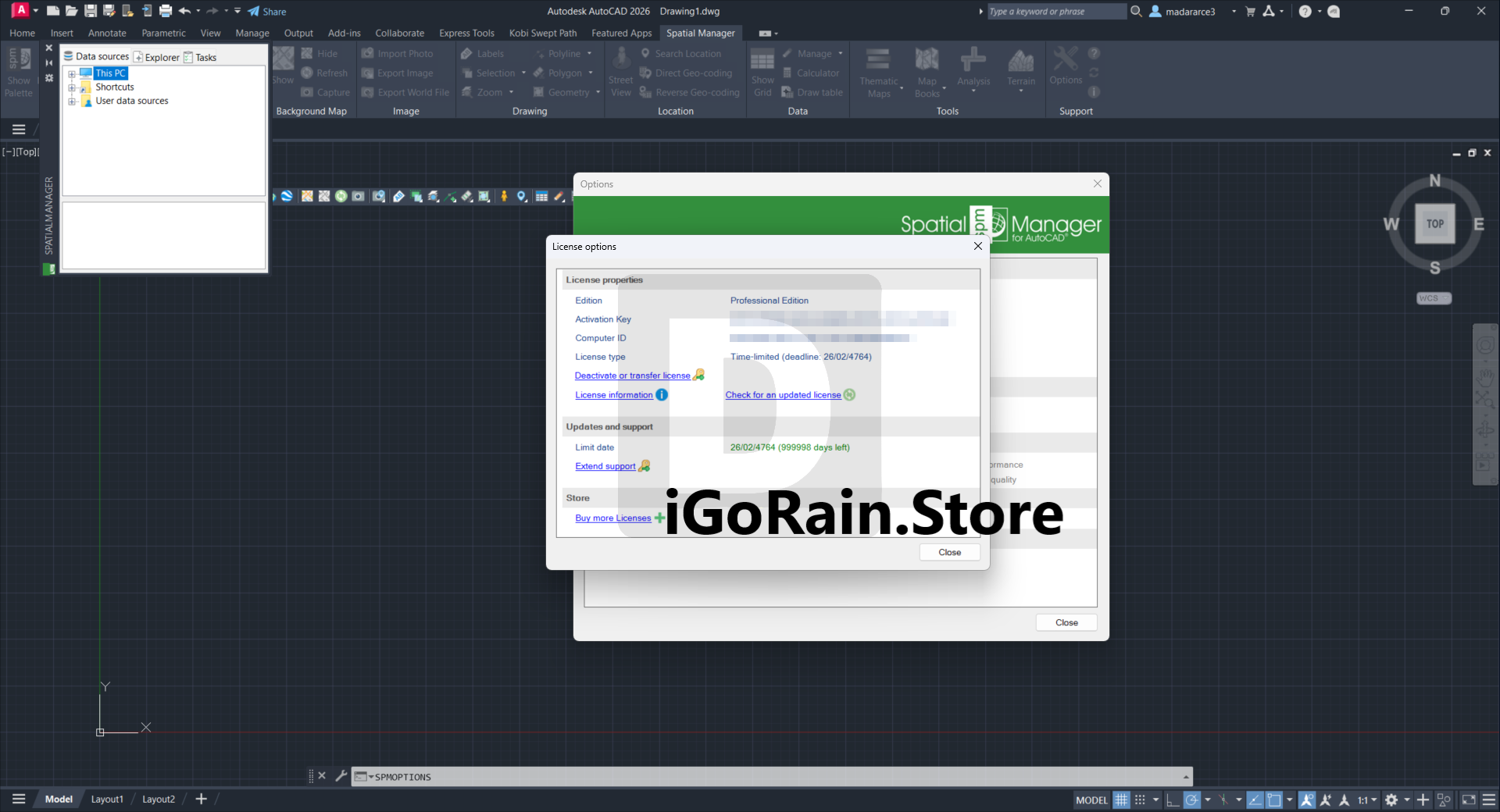
Description
Spatial Manager for AutoCAD – Complete Review, Features, Use Cases & Performance Guide
Summary
Spatial Manager for AutoCAD is a powerful geospatial extension that transforms standard CAD workflows into intelligent GIS-enabled design environments. Built to integrate seamlessly with AutoCAD, this tool allows users to import, export, manage, and analyze spatial data directly within their CAD workspace—eliminating the need for constant switching between CAD and GIS platforms.
What makes Spatial Manager stand out is its ability to handle complex geospatial data formats, connect to multiple data sources, and automate spatial workflows—all while maintaining the simplicity of a CAD interface. For engineers, surveyors, urban planners, and GIS professionals, it offers a highly efficient solution for working with location-based data.
Introduction
In modern design and engineering projects, spatial data plays a critical role. Whether you’re mapping infrastructure, designing urban layouts, or analyzing terrain, integrating GIS data into CAD workflows has become essential. However, many professionals struggle with compatibility issues and fragmented workflows when moving between GIS and CAD tools.
Spatial Manager for AutoCAD addresses this challenge by bringing advanced GIS capabilities directly into AutoCAD. Instead of exporting and importing files between platforms, users can work with geospatial data natively—saving time, reducing errors, and improving project accuracy.
This makes it an ideal solution for professionals who rely on both CAD precision and GIS intelligence in their daily work.
Key Features of Spatial Manager for AutoCAD
Spatial Manager offers a robust set of features designed to simplify and enhance spatial data management within AutoCAD.
1. Direct Data Import & Export
- Supports multiple spatial data formats such as SHP, KML, GeoJSON, and more
- Allows seamless import of GIS data into AutoCAD drawings
- Export CAD objects into geospatial formats with precision
2. Advanced Data Provider Connectivity
- Connect to external data sources including databases and web services
- Access spatial data without manual file handling
- Streamline workflows with real-time data integration
3. Powerful Data Management Tools
- Organize spatial data layers efficiently
- Perform attribute data editing directly within AutoCAD
- Manage large datasets without performance loss
4. Coordinate System Transformation
- Built-in support for multiple coordinate systems
- Easily transform spatial data between projections
- Ensure accuracy in georeferenced projects
5. Object Data & Attribute Handling
- Attach and edit data tables linked to CAD objects
- Enhance drawings with rich metadata
- Simplify analysis and reporting
6. Automation & Task Execution
- Automate repetitive spatial tasks
- Batch process large datasets
- Save time on complex data operations
Practical Use Cases
Spatial Manager for AutoCAD is widely used across industries that rely on geospatial data. Here’s how professionals benefit in real-world scenarios:
1. Urban Planning & Smart Cities
Urban planners can import GIS data such as zoning maps, population density, and infrastructure layouts directly into AutoCAD. This allows them to design smarter cities with accurate spatial insights.
2. Civil Engineering Projects
Engineers working on roads, bridges, and utilities can integrate survey data and terrain models into their designs. This improves alignment accuracy and reduces rework.
3. Land Surveying
Surveyors can process field data quickly and convert it into usable CAD drawings. Coordinate transformation ensures that all data aligns correctly with project requirements.
4. Environmental Analysis
Professionals analyzing environmental impact can overlay GIS datasets such as vegetation, water bodies, and land use maps within AutoCAD for better decision-making.
5. Telecommunications & Utilities
Network designers can map cables, pipelines, and service areas with spatial accuracy, ensuring efficient infrastructure planning and maintenance.
Performance Analysis
Spatial Manager is built with performance and reliability in mind. Here’s how it performs in real-world environments:
Speed & Efficiency
The software significantly reduces the time required to handle spatial data. Tasks that traditionally take hours—such as importing GIS files or transforming coordinates—can be completed in minutes.
Data Handling Capability
- Efficiently manages large geospatial datasets
- Maintains performance even with complex drawings
- Reduces system slowdowns during heavy operations
Integration Performance
Because it works directly within AutoCAD, users experience smooth integration without the need for additional software layers. This results in a stable and consistent workflow.
Learning Curve
- Easy for AutoCAD users to adopt
- Intuitive interface with familiar commands
- Minimal training required for basic operations
Reliability
Spatial Manager is known for its stability and accuracy, making it suitable for professional and enterprise-level projects.
Pros & Cons
Pros
- Seamless integration with AutoCAD
- Eliminates the need for separate GIS software
- Supports multiple spatial data formats
- Powerful coordinate system transformation
- Efficient handling of large datasets
- Automation features improve productivity
Cons
- Advanced GIS features may require learning for beginners
- Limited functionality compared to full-scale GIS platforms
- Performance depends on system hardware for very large datasets
Pricing & Plans
Spatial Manager for AutoCAD typically offers flexible licensing options to suit different user needs:
- Standard License – Suitable for individual professionals
- Professional License – Includes advanced features for power users
- Enterprise Solutions – Custom packages for organizations and teams
Pricing may vary depending on the version and licensing model. Many software vendors provide access through request-based purchasing, allowing users to choose the plan that best fits their requirements.
Why Spatial Manager is a Game-Changer
What truly sets Spatial Manager apart is its ability to unify CAD and GIS workflows. Instead of juggling multiple tools, users can perform all essential spatial operations within AutoCAD.
Key differentiators include:
- Native GIS functionality inside a CAD environment
- Simplified data management and transformation
- Improved accuracy for georeferenced designs
- Time-saving automation features
For professionals who regularly work with spatial data, this integration can significantly improve productivity and project outcomes.
User Experience & Feedback
Users across industries consistently highlight the practical benefits of Spatial Manager:
- Faster project completion times
- Reduced errors in spatial data handling
- Improved workflow efficiency
For example, a civil engineering firm reported a noticeable improvement in project turnaround time after adopting Spatial Manager. By eliminating the need to switch between GIS and CAD tools, their team was able to focus more on design and less on data management.
Similarly, surveyors appreciate the software’s ability to process field data quickly and accurately, making it a valuable addition to their toolkit.
SEO Keywords Naturally Included
This article incorporates important search terms such as:
- Spatial Manager for AutoCAD review
- GIS plugin for AutoCAD
- AutoCAD spatial data tools
- CAD GIS integration software
- Spatial data management in AutoCAD
- Best geospatial plugin for AutoCAD
These keywords are naturally integrated to improve search engine visibility while maintaining readability.
Spatial Manager for AutoCAD Developer
Spatial Manager for AutoCAD Professional 10.4.1 Build 17855 Download
Final Verdict
Spatial Manager for AutoCAD is a must-have tool for professionals who work with both CAD and GIS data. It bridges the gap between design and spatial analysis, offering a seamless and efficient workflow within a single platform.
With its powerful features, user-friendly interface, and reliable performance, it stands out as one of the best geospatial extensions available for AutoCAD users.




Reviews
There are no reviews yet.