Description
Trimble UASMaster Review: Advanced Photogrammetry Software for Professional Drone Mapping and Surveying
Quick Summary
Trimble UASMaster is a professional-grade photogrammetry software solution designed for processing drone imagery into highly accurate geospatial products. Widely used by surveyors, mapping professionals, engineering firms, government agencies, and geospatial specialists, UASMaster transforms raw UAV data into orthophotos, digital surface models (DSM), digital terrain models (DTM), point clouds, and 3D mesh models with impressive precision.
What sets Trimble UASMaster apart is its combination of advanced photogrammetric algorithms, automated workflows, and survey-grade accuracy. Whether you’re conducting infrastructure inspections, land surveys, mining operations, construction monitoring, or environmental mapping projects, the software provides a reliable platform for turning aerial imagery into actionable data.
In this comprehensive Trimble UASMaster review, we’ll explore its features, performance, practical applications, advantages, limitations, and overall value for professionals seeking a robust UAV photogrammetry solution.
Introduction to Trimble UASMaster
The drone mapping industry has experienced tremendous growth over the past decade. Organizations across construction, agriculture, mining, and civil engineering increasingly rely on UAV technology to capture detailed aerial imagery efficiently and cost-effectively.
However, collecting drone images is only part of the process. The real value lies in converting those images into accurate geospatial outputs that support decision-making and project planning.
This is where Trimble UASMaster excels.
Developed by Trimble, a recognized leader in geospatial technologies, UASMaster provides a complete photogrammetric processing environment for UAV data. The software combines automation with professional-level control, allowing users to process large image datasets while maintaining accuracy and consistency.
From small-scale surveying projects to extensive corridor mapping operations, UASMaster delivers the tools needed to generate reliable mapping products from drone imagery.
Key Features of Trimble UASMaster
1. Automated Aerial Triangulation
One of the most important aspects of photogrammetry is image alignment and aerial triangulation.
Trimble UASMaster automatically identifies tie points between images and computes precise camera positions. This process establishes the foundation for accurate mapping outputs.
Benefits include:
- Faster project processing
- Reduced manual intervention
- Improved positional accuracy
- Reliable block adjustment results
For survey professionals, this automation significantly reduces project turnaround times.
2. High-Accuracy Orthomosaic Generation
The software creates seamless orthophotos from UAV imagery with minimal distortions.
Users can generate:
- Survey-grade orthomosaics
- Large-area orthophotos
- Corridor mapping products
- Urban mapping datasets
The resulting orthomosaics provide detailed visual information suitable for planning, engineering, and GIS applications.
3. Dense Point Cloud Creation
Dense point clouds are essential for modern geospatial workflows.
UASMaster generates highly detailed 3D point clouds from overlapping drone images, enabling users to visualize terrain, structures, and vegetation accurately.
Applications include:
- Topographic surveys
- Volume calculations
- Infrastructure modeling
- Asset management
The software’s dense matching technology helps capture fine details often required in engineering projects.
4. Digital Surface Models and Terrain Models
Professionals frequently require elevation data for analysis and planning.
Trimble UASMaster produces:
- Digital Surface Models (DSM)
- Digital Terrain Models (DTM)
- Elevation maps
- Contour datasets
These outputs support numerous industries, including civil engineering, mining, environmental monitoring, and land development.
5. 3D Mesh Generation
Modern mapping projects increasingly demand realistic 3D visualizations.
The software allows users to create:
- Textured 3D models
- City models
- Building reconstructions
- Infrastructure representations
These models help stakeholders better understand project environments and improve communication across teams.
6. Ground Control Point Integration
For projects requiring survey-grade precision, ground control points play a crucial role.
UASMaster supports:
- Ground Control Points (GCPs)
- Check points
- RTK workflows
- PPK workflows
This flexibility helps organizations achieve higher levels of positional accuracy.
7. Professional Quality Control Tools
Quality assurance is critical in photogrammetry.
The software includes tools for:
- Accuracy verification
- Residual analysis
- Error reporting
- Project validation
These capabilities help professionals ensure that deliverables meet project specifications.
Practical Use Cases of Trimble UASMaster
Land Surveying Projects
Surveyors use UASMaster to rapidly process drone imagery and generate accurate topographic maps.
Instead of spending days conducting field measurements, teams can capture aerial data and produce comprehensive survey deliverables much faster.
Typical outputs include:
- Orthophotos
- Contours
- Terrain models
- Point clouds
This approach improves efficiency while reducing labor costs.
Construction Site Monitoring
Construction managers often need up-to-date project information.
Using drone imagery processed in UASMaster, project teams can:
- Track progress
- Monitor earthworks
- Measure stockpiles
- Compare planned versus actual conditions
These insights support better project management and resource allocation.
Mining and Quarry Operations
Mining companies frequently rely on aerial mapping for operational planning.
UASMaster helps generate:
- Volume calculations
- Mine site maps
- Surface models
- Change detection reports
By automating much of the processing workflow, the software allows mining professionals to obtain accurate measurements quickly.
Infrastructure Inspection
Roads, railways, bridges, and utility corridors require regular monitoring.
The software assists organizations in:
- Creating detailed inspection maps
- Building 3D infrastructure models
- Identifying potential issues
- Supporting maintenance planning
The ability to process large datasets makes it particularly useful for extensive infrastructure projects.
Environmental Monitoring
Environmental agencies and consulting firms use drone mapping to assess natural resources and environmental changes.
Common applications include:
- Flood mapping
- Coastal monitoring
- Forest analysis
- Habitat assessment
UASMaster’s detailed outputs help experts evaluate environmental conditions with confidence.
User Experience and Workflow
One aspect frequently appreciated by professional users is the balance between automation and manual control.
A typical workflow involves:
- Importing UAV imagery.
- Adding camera and project information.
- Running aerial triangulation.
- Applying ground control points if required.
- Generating dense point clouds.
- Producing orthophotos and elevation models.
- Exporting final deliverables.
The interface is structured around professional photogrammetry workflows, making it easier for experienced users to navigate complex projects.
While beginners may encounter a learning curve, geospatial professionals generally find the workflow logical and efficient.
Performance Analysis
Processing Speed
Trimble UASMaster performs well on medium and large drone mapping projects.
Its optimized processing engine helps reduce computation times while maintaining output quality.
Performance depends on factors such as:
- Image count
- Resolution
- Hardware specifications
- Project complexity
Organizations working with high-resolution drone imagery can benefit from powerful workstation configurations.
Accuracy
Accuracy remains one of UASMaster’s strongest advantages.
When combined with properly surveyed control points, users can achieve highly reliable results suitable for professional surveying and engineering applications.
The software is designed to support:
- Survey-grade mapping
- Engineering projects
- Infrastructure planning
- GIS integration
Scalability
The platform scales effectively from small local surveys to extensive mapping missions.
Whether processing a few hundred images or large UAV datasets, UASMaster provides the tools needed for professional project delivery.
Output Quality
Generated outputs consistently demonstrate:
- Sharp orthophotos
- Detailed point clouds
- Accurate surface models
- High-quality 3D visualizations
This level of quality is essential for organizations relying on precise geospatial information.
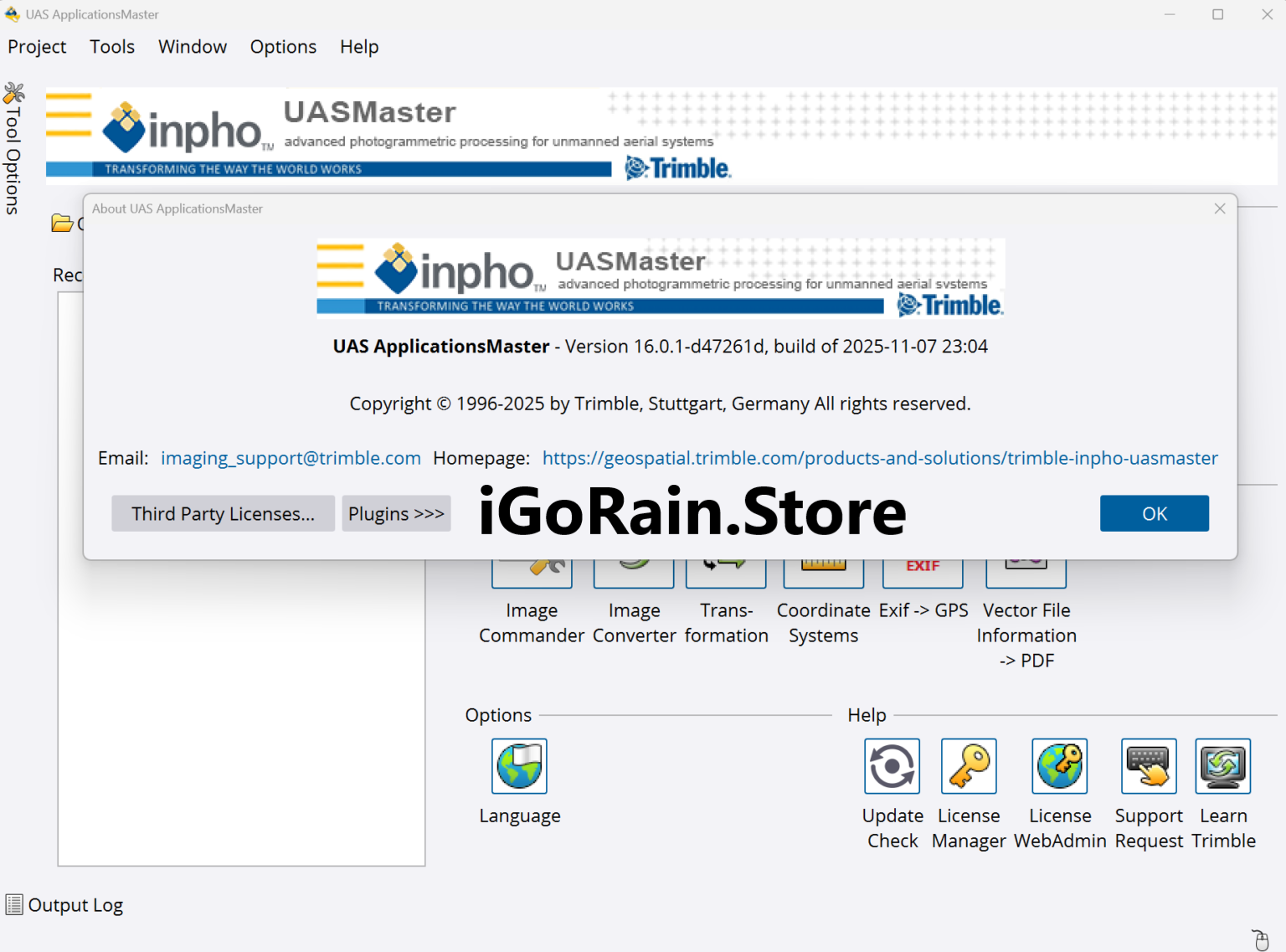
Trimble UASMaster 16.0.1 Download
Pros and Cons
Pros
Excellent Photogrammetric Accuracy
UASMaster is designed for professional mapping applications where precision matters.
Comprehensive Output Options
Users can generate a wide variety of geospatial products from a single dataset.
Professional Workflow Tools
Advanced processing, quality control, and validation features support demanding projects.
Strong Industry Reputation
Trimble’s long-standing presence in surveying and geospatial technology adds confidence for enterprise users.
Flexible Survey Integration
Support for GCPs, RTK, and PPK workflows enhances project accuracy.
High-Quality 3D Modeling
Detailed point clouds and textured mesh outputs provide valuable visualization capabilities.
Cons
Learning Curve for Beginners
Users new to photogrammetry may require training to fully utilize advanced features.
Hardware Requirements
Large projects often benefit from high-performance computing systems.
Professional Pricing Structure
The software is primarily targeted at commercial and enterprise users rather than hobbyists.
Advanced Features May Be Excessive for Small Projects
Organizations with simple drone mapping needs may not require all available functionality.
Pricing and Plans
Trimble UASMaster pricing can vary depending on licensing options, regional distribution, and organizational requirements.
Potential licensing models may include:
- Perpetual licenses
- Subscription licenses
- Professional service packages
- Enterprise deployment options
Because pricing structures can change, organizations should request current licensing information directly from authorized Trimble sales channels or software providers.
When evaluating cost, it is important to consider the productivity gains, accuracy improvements, and reduced fieldwork that the software can deliver.
Who Should Use Trimble UASMaster?
Trimble UASMaster is particularly well-suited for:
- Land surveyors
- Geospatial professionals
- Civil engineers
- Construction companies
- Mining organizations
- Government agencies
- Utility companies
- Environmental consultants
- Infrastructure management teams
Organizations requiring accurate drone mapping and professional photogrammetry workflows will likely find significant value in the platform.
Final Verdict
Trimble UASMaster stands among the leading professional UAV photogrammetry software solutions available today. Its combination of advanced aerial triangulation, dense point cloud generation, orthomosaic production, terrain modeling, and quality assurance tools makes it a powerful choice for surveying and mapping professionals.
The software delivers the precision, scalability, and reliability required for complex geospatial projects while maintaining efficient processing workflows. Although new users may face an initial learning curve and professional licensing costs can be substantial, the capabilities offered justify the investment for organizations that depend on accurate drone-derived data.
For surveyors, engineers, construction managers, mining operators, and GIS specialists seeking a robust drone mapping platform, Trimble UASMaster remains a highly capable solution that consistently produces professional-grade results.
If your organization relies on UAV photogrammetry for surveying, infrastructure planning, or geospatial analysis, exploring Trimble UASMaster could significantly improve both efficiency and mapping accuracy while helping you deliver dependable project outcomes.




Reviews
There are no reviews yet.