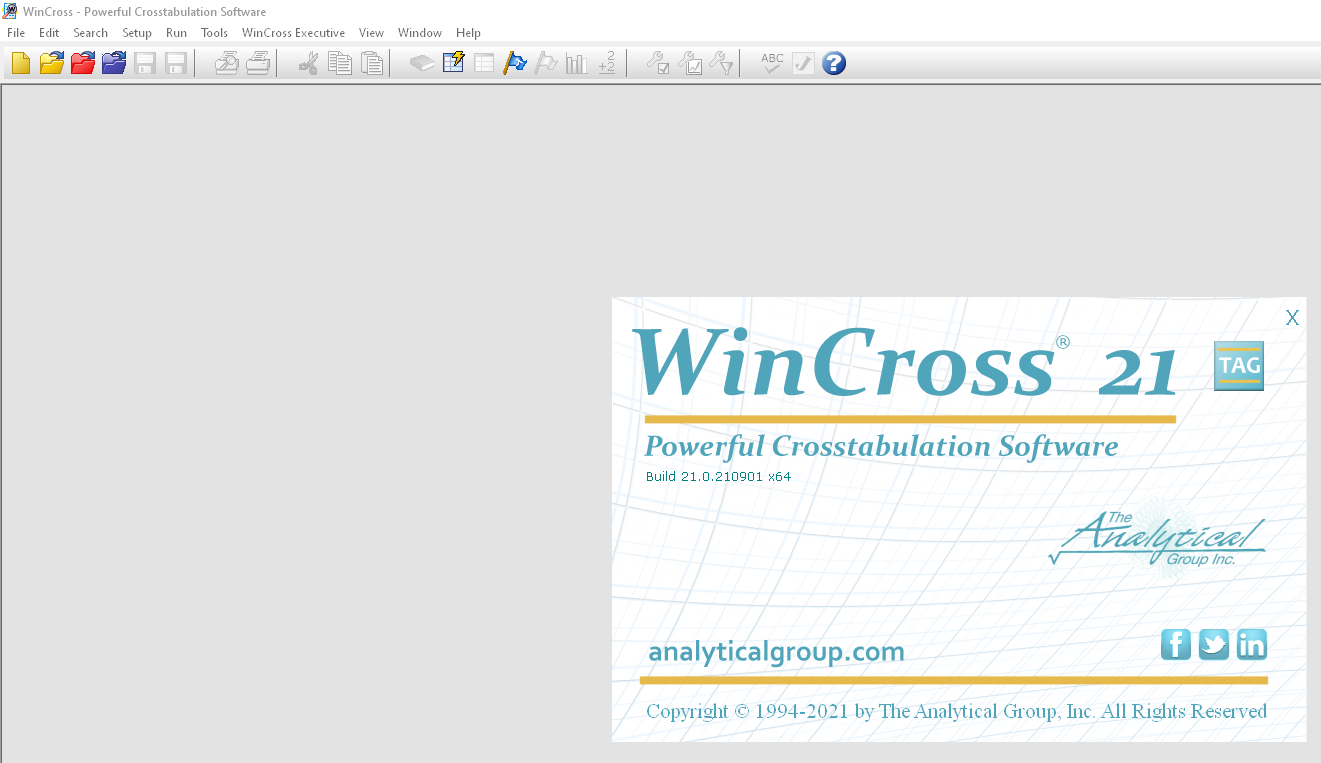
Description
WinCross 2026: The Professional Survey Data Analysis Software for Researchers and Market Analysts
Summary
WinCross is a professional cross-tabulation and survey data analysis software designed for market researchers, statisticians, polling organizations, and data analysts who need fast, accurate, and customizable reporting. It simplifies the process of transforming raw survey data into meaningful tables, charts, and statistical reports without requiring complex programming skills.
Whether you’re conducting customer satisfaction surveys, political polling, academic research, healthcare studies, or business intelligence projects, WinCross provides powerful analytical tools that help uncover trends, compare demographic groups, and generate publication-ready reports. Its combination of speed, flexibility, and statistical accuracy has made it a trusted solution for organizations that rely heavily on survey research.
If your work depends on extracting reliable insights from large datasets, WinCross offers an efficient workflow that saves time while maintaining professional reporting standards.
Introduction
In today’s data-driven business environment, collecting survey responses is only the first step. The real value comes from analyzing that information and presenting it in a way that supports informed decision-making.
This is where WinCross excels.
Developed specifically for survey data analysis, WinCross allows researchers to perform complex cross-tabulations, statistical calculations, weighting, significance testing, and customized report generation with remarkable efficiency.
Unlike general spreadsheet applications that require extensive manual work, WinCross is purpose-built for professional survey analysis. It helps organizations process thousands—or even millions—of responses while maintaining consistency and analytical accuracy.
From marketing agencies and government organizations to universities and healthcare institutions, WinCross continues to be a dependable solution for professionals who require advanced survey reporting capabilities.
Key Features of WinCross
Advanced Cross-Tabulation Engine
The core strength of WinCross lies in its advanced cross-tabulation capabilities.
Users can easily compare responses across demographics such as:
- Age
- Gender
- Income
- Education
- Geographic region
- Customer segment
- Product usage
- Survey wave
The software automatically generates clear statistical tables that simplify interpretation.
Statistical Significance Testing
WinCross includes multiple statistical testing methods to help determine whether observed differences are meaningful.
Common analytical functions include:
- Significance testing
- Mean calculations
- Net calculations
- Percentages
- Weighting
- Banner analysis
- Custom statistical summaries
These features help researchers produce reliable findings with confidence.
Flexible Report Formatting
One of WinCross’s biggest strengths is its highly customizable reporting system.
Users can:
- Customize table layouts
- Modify headers and footers
- Create branded reports
- Export professional tables
- Build presentation-ready outputs
This flexibility significantly reduces manual editing after analysis.
Data Weighting
Survey weighting is essential when collected samples differ from target populations.
WinCross supports:
- Population weighting
- Demographic weighting
- Custom weighting formulas
- Multi-level weighting
This ensures more representative research findings.
Multiple Data Import Options
Organizations often collect survey data from different platforms.
WinCross supports importing data from various formats, making it easier to integrate with existing research workflows.
Common supported formats include:
- CSV
- ASCII
- SPSS-compatible data
- Survey platform exports
- Custom datasets
Automation Features
Large research firms often repeat similar analyses across multiple projects.
WinCross allows users to automate repetitive tasks, reducing processing time and minimizing manual errors.
Automation improves consistency across reports while increasing productivity.
High-Speed Processing
Performance becomes increasingly important when working with large-scale surveys.
WinCross processes extensive datasets efficiently, enabling researchers to generate reports much faster than many manual spreadsheet-based workflows.
Practical Use Cases
Market Research Agencies
Marketing agencies regularly conduct studies involving:
- Brand awareness
- Customer satisfaction
- Product testing
- Consumer behavior
- Advertising effectiveness
WinCross enables researchers to quickly analyze thousands of responses and produce client-ready reports.
Political Polling
Political analysts frequently need to compare voter preferences across demographic groups.
WinCross simplifies:
- Voter segmentation
- Regional comparisons
- Election polling
- Public opinion research
- Trend analysis
Fast reporting helps organizations respond quickly during election cycles.
Academic Research
Universities and research institutions often handle large survey datasets for:
- Social science research
- Psychology studies
- Educational research
- Public policy analysis
WinCross reduces the complexity of statistical reporting while maintaining research accuracy.
Healthcare Surveys
Hospitals and healthcare organizations use patient feedback to improve services.
WinCross assists with:
- Patient satisfaction studies
- Clinical research
- Public health surveys
- Healthcare quality assessments
Its reporting tools help decision-makers identify areas requiring improvement.
Corporate Business Intelligence
Large businesses frequently gather employee and customer feedback.
Typical business applications include:
- Employee engagement surveys
- Customer experience measurement
- Product feedback
- Brand perception
- Internal organizational studies
WinCross converts survey responses into actionable business insights.
Real-World User Experience
Imagine a market research company conducting a nationwide customer satisfaction survey involving over 150,000 responses.
Using standard spreadsheet software would require hours—or even days—of manual table creation, filtering, and calculations.
With WinCross, the research team imports the survey data, applies weighting rules, generates cross-tabulations, performs significance testing, and exports professional reports within a fraction of the time.
This streamlined workflow allows analysts to focus on interpreting findings rather than manually preparing data.
Many experienced researchers appreciate WinCross because it reduces repetitive work while maintaining analytical consistency across projects.
Performance Analysis
Performance is one of WinCross’s strongest qualities.
The software is optimized specifically for survey data analysis rather than serving as a general-purpose statistics package.
Processing Speed
Large datasets are processed efficiently, making WinCross suitable for enterprise research projects.
Reliability
The software produces consistent analytical outputs, reducing the likelihood of reporting errors caused by manual calculations.
Ease of Workflow
Although beginners may require some training, experienced researchers typically find the workflow highly productive after becoming familiar with the software.
Report Quality
Generated tables are clean, professional, and suitable for internal presentations or client deliverables.
Scalability
WinCross scales effectively from small academic studies to enterprise-level market research projects involving millions of data points.
Pros and Cons
Pros
- Professional survey analysis platform
- Powerful cross-tabulation capabilities
- Excellent statistical testing tools
- Fast processing of large datasets
- Flexible report customization
- Reliable weighting features
- Supports multiple data formats
- Automation improves productivity
- Trusted by research professionals
- Suitable for enterprise-scale projects
Cons
- Learning curve for new users
- Interface may appear dated compared to modern cloud software
- Primarily designed for survey professionals rather than casual users
- Advanced features may exceed the needs of small research projects
Pricing and Plans
WinCross pricing may vary depending on licensing options, organizational requirements, and commercial agreements.
Potential licensing options may include:
- Professional licenses
- Business licenses
- Enterprise deployments
- Multi-user organizational licensing
Organizations interested in implementation should review the latest licensing information available through authorized sales channels to determine the most appropriate package for their needs.
Who Should Use WinCross?
WinCross is particularly well suited for:
- Market research firms
- Survey research companies
- Government agencies
- Universities
- Healthcare organizations
- Political polling firms
- Corporate research departments
- Business intelligence teams
- Data analysts
- Professional statisticians
Organizations that regularly conduct survey-based research will benefit the most from its specialized analytical capabilities.
Why WinCross Stands Out
Unlike many general analytics platforms, WinCross focuses specifically on survey research.
Its specialized design allows professionals to perform complex cross-tabulations, weighting, significance testing, and reporting much faster than manually building analyses in spreadsheets.
The software has earned a strong reputation because it prioritizes analytical accuracy, reporting flexibility, and workflow efficiency.
For research organizations handling multiple survey projects every year, these advantages translate into measurable productivity gains.
Final Verdict
WinCross remains one of the most capable survey data analysis and cross-tabulation software solutions available for professional researchers. Its combination of advanced statistical tools, high-speed processing, customizable reporting, and reliable survey analysis makes it an excellent choice for organizations that depend on accurate data interpretation.
Although new users may need time to learn its extensive feature set, the long-term productivity benefits far outweigh the initial learning curve. Market research firms, academic institutions, healthcare organizations, government agencies, and business intelligence teams can all benefit from its specialized capabilities.
If your organization frequently analyzes survey data and requires dependable, publication-ready reports, WinCross is a worthwhile investment that can streamline research workflows, improve reporting quality, and support more informed decision-making. Explore its features and evaluate how it fits your analytical needs to determine whether it is the right solution for your research projects.




Reviews
There are no reviews yet.