Description
Civil CAD Learning Solutions Productivity Tools Review – Improve CAD Efficiency with Professional Learning Resources
Summary
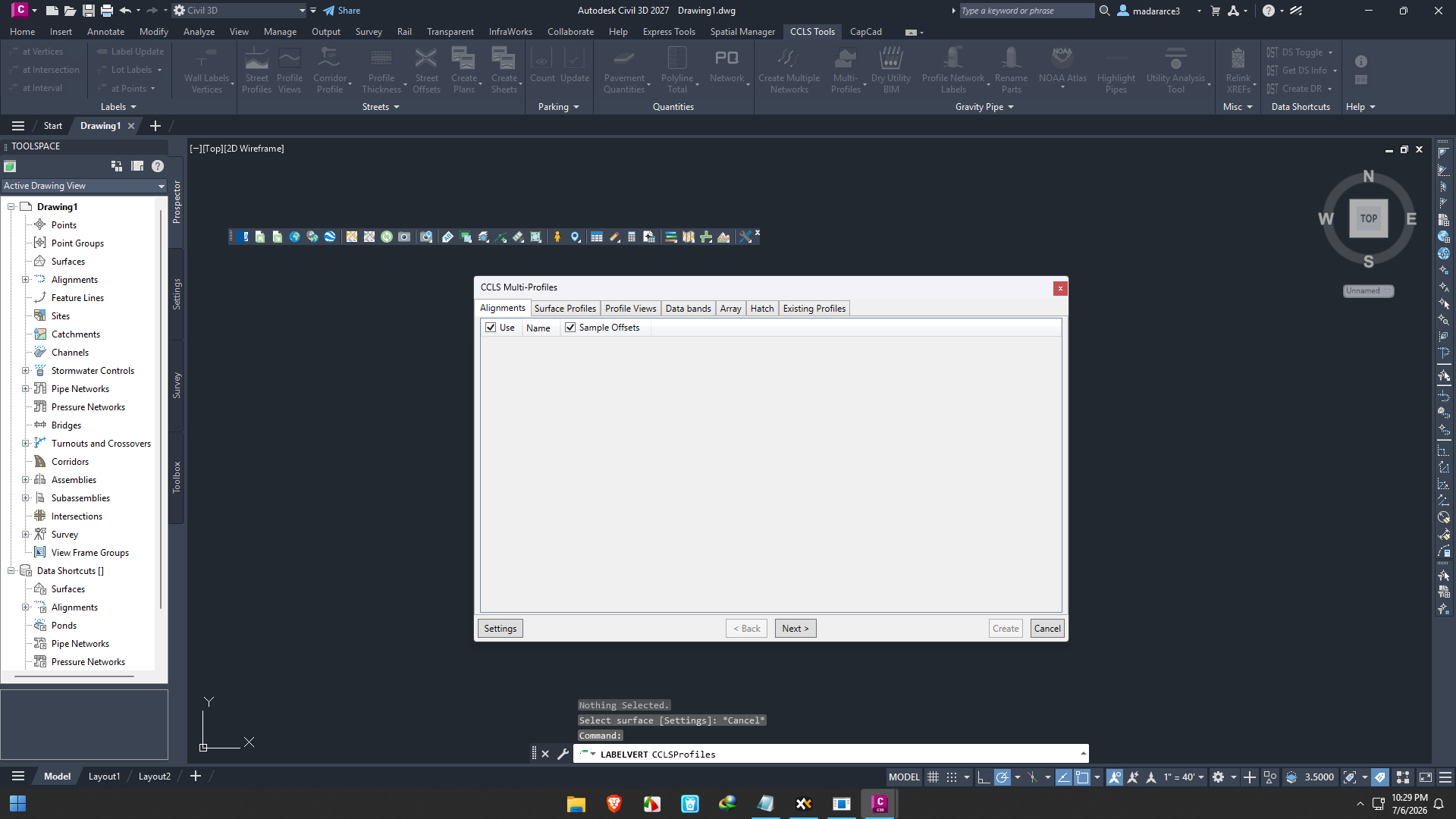
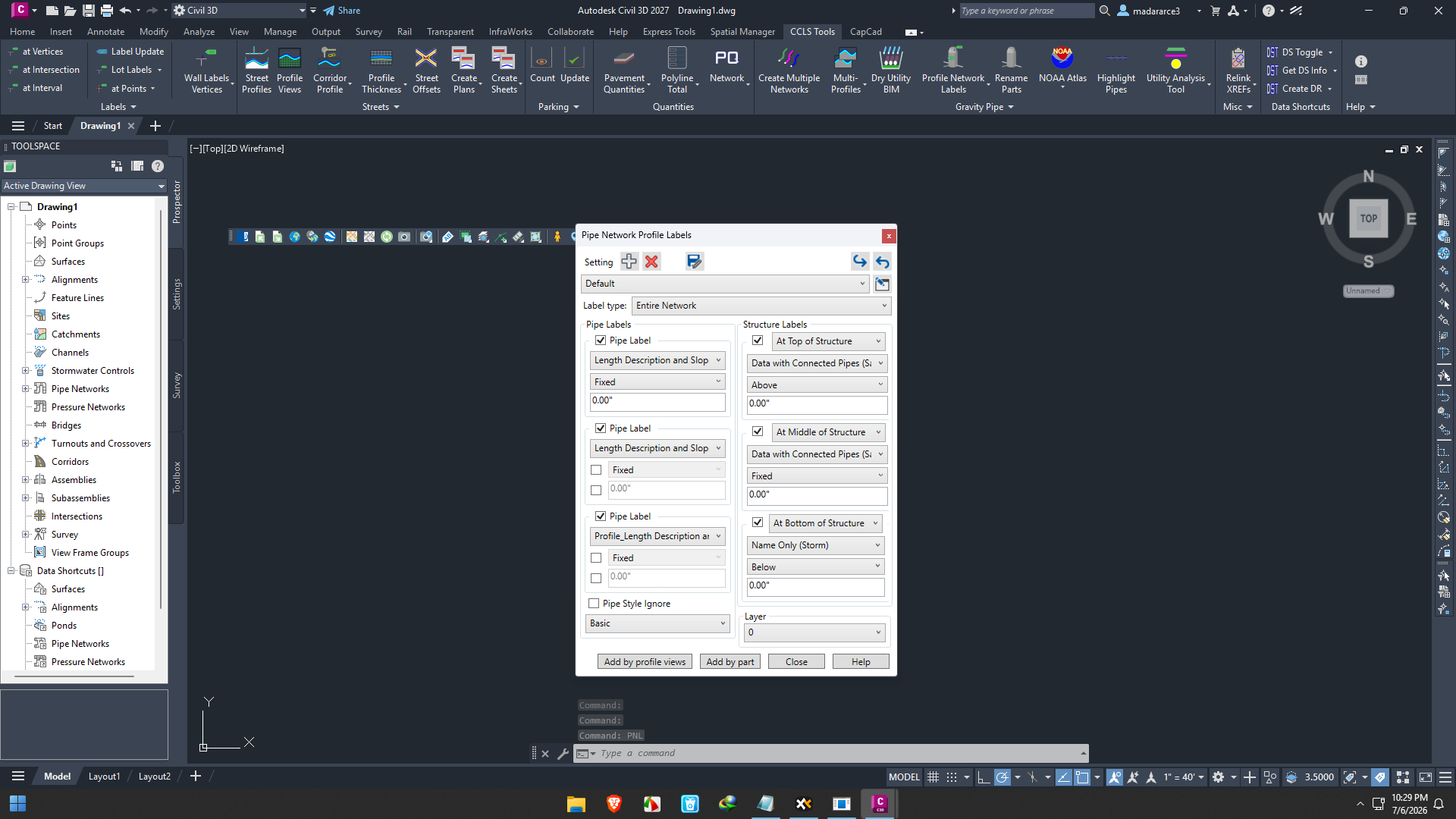
Civil CAD Learning Solutions Productivity Tools are designed to help engineers, CAD professionals, surveyors, designers, and infrastructure teams work faster, smarter, and with greater confidence. Instead of focusing only on software functionality, these productivity tools combine practical learning resources, workflow improvements, templates, automation techniques, and best practices that enable users to maximize the capabilities of their CAD applications.
Whether you’re creating roadway designs, grading plans, utility layouts, land development projects, or construction documentation, productivity often depends as much on your workflow as your technical skills. Civil CAD Learning Solutions Productivity Tools bridge that gap by providing structured learning materials and productivity-enhancing resources that reduce repetitive work and improve project accuracy.
In this review, we’ll explore the key features, real-world applications, strengths, potential limitations, performance, pricing considerations, and overall value of Civil CAD Learning Solutions Productivity Tools.
Introduction
Modern civil engineering projects have become increasingly complex. Tight deadlines, evolving design standards, and client expectations require engineers and CAD technicians to produce accurate drawings in less time than ever before.
Many professionals invest in powerful CAD software but never fully utilize its capabilities. Hidden commands, advanced workflows, automation techniques, and efficient drafting practices often remain undiscovered.
This is where Civil CAD Learning Solutions Productivity Tools become valuable.
Rather than replacing existing CAD software, these productivity resources help users master professional workflows, reduce manual effort, improve drawing consistency, and enhance overall project efficiency.
From beginners learning industry standards to experienced CAD managers optimizing entire teams, these tools support productivity across every stage of project development.
Key Features
Comprehensive CAD Learning Resources
One of the strongest aspects of Civil CAD Learning Solutions Productivity Tools is the structured educational content.
Users gain access to practical guidance covering topics such as:
- CAD best practices
- Civil drafting standards
- Drawing organization
- Efficient layer management
- Annotation techniques
- Project setup
- Design workflows
- Quality control procedures
Instead of simply explaining software commands, the learning focuses on solving real engineering problems.
Workflow Optimization
Productivity is often lost through repetitive tasks.
Civil CAD Learning Solutions Productivity Tools teach users how to:
- Reduce unnecessary mouse clicks
- Improve command sequences
- Organize project files
- Standardize drawing templates
- Create reusable workflows
- Minimize drafting errors
These improvements may appear small individually but can save hundreds of hours over large projects.
Time-Saving Templates
Many productivity packages include standardized templates for common civil engineering tasks.
Examples include:
- Sheet layouts
- Title blocks
- Layer standards
- Annotation styles
- Plot configurations
- Design checklists
- Documentation templates
These resources allow teams to begin projects faster while maintaining consistent quality.
CAD Productivity Tips
Experienced CAD professionals understand that software knowledge alone isn’t enough.
Civil CAD Learning Solutions Productivity Tools often include:
- Keyboard shortcut strategies
- Efficient selection methods
- Editing techniques
- Object management
- Drawing cleanup practices
- File organization methods
These practical tips improve day-to-day efficiency.
Learning for Different Experience Levels
One major advantage is flexibility.
Resources often support:
- Beginners
- Students
- Junior CAD technicians
- Professional engineers
- Senior designers
- CAD managers
- Infrastructure consultants
Users can gradually build advanced skills without feeling overwhelmed.
Industry Best Practices
Many learning solutions emphasize recognized drafting standards and professional workflows used across civil engineering firms.
This helps users produce cleaner, more professional documentation suitable for real-world projects.
Practical Use Cases
Civil CAD Learning Solutions Productivity Tools serve professionals across multiple industries.
Civil Engineering Firms
Engineering companies use these resources to:
- Train new employees
- Standardize workflows
- Improve documentation quality
- Reduce onboarding time
- Increase drafting consistency
The result is faster project delivery with fewer revisions.
Land Development Projects
Land development requires significant drafting effort.
These productivity tools help professionals prepare:
- Site plans
- Grading plans
- Utility layouts
- Drainage designs
- Parcel layouts
- Construction documents
Efficient workflows allow designers to spend more time solving engineering challenges rather than managing repetitive CAD tasks.
Transportation Projects
Roadway and transportation engineers often work on large-scale CAD models.
Learning productivity techniques helps improve:
- Alignment drafting
- Corridor documentation
- Cross sections
- Plan production
- Quantity calculations
- Construction drawing organization
This becomes increasingly valuable on multi-phase transportation projects.
Surveying Workflows
Survey professionals frequently import, edit, and organize large amounts of field data.
Civil CAD Learning Solutions Productivity Tools help streamline:
- Surface preparation
- Point management
- Coordinate organization
- Drawing cleanup
- Annotation
- Final deliverables
Improved workflows reduce processing time significantly.
Educational Institutions
Universities and technical training centers can use these learning materials to prepare students for professional CAD environments.
Students develop practical drafting habits before entering the workforce.
Performance Analysis
The effectiveness of Civil CAD Learning Solutions Productivity Tools depends less on computer hardware and more on how consistently users apply the techniques they learn.
In practice, many professionals notice improvements after adopting standardized workflows. Routine drafting becomes more organized, projects are easier to manage, and repetitive tasks require less effort. As familiarity grows, users often experience shorter production times and greater confidence when handling complex civil engineering drawings.
Organizations also benefit from improved collaboration. When team members follow similar drafting standards and project structures, files become easier to understand, review, and update. This consistency reduces communication issues and helps maintain quality across multiple projects.
While productivity gains vary depending on experience, many users find that investing time in learning efficient CAD practices leads to measurable improvements over the long term.
Benefits of Civil CAD Learning Solutions Productivity Tools
Several advantages make these productivity resources valuable.
Increased Productivity
Users spend less time performing repetitive drafting tasks.
Better Drawing Quality
Standardized methods improve consistency across projects.
Faster Learning Curve
New users gain practical knowledge much faster than through trial and error.
Improved Team Collaboration
Common workflows simplify communication between engineers and CAD technicians.
Reduced Errors
Following established drafting practices helps minimize common mistakes.
Better Return on Existing CAD Software
Instead of purchasing new software, organizations maximize the tools they already own.
Pros & Cons
Pros
- Well-organized learning resources
- Improves CAD productivity
- Supports professional drafting standards
- Helpful for beginners and experienced users
- Encourages workflow consistency
- Reduces repetitive work
- Enhances documentation quality
- Useful across multiple civil engineering disciplines
Cons
- Productivity improvements require consistent practice
- Advanced techniques may take time to master
- Some learning resources may focus on specific CAD workflows
- Benefits depend on user commitment and implementation
Pricing & Plans
Pricing for Civil CAD Learning Solutions Productivity Tools can vary depending on the provider, licensing model, and included training materials.
Common purchasing options may include:
- Individual learning packages
- Team licenses
- Enterprise training solutions
- Subscription-based access
- One-time purchase options
Organizations evaluating these resources should compare the available training content, ongoing updates, customer support, and licensing flexibility to determine the best fit for their needs.
Who Should Use Civil CAD Learning Solutions Productivity Tools?
These productivity resources are well suited for:
- Civil engineers
- CAD designers
- Drafting professionals
- Infrastructure consultants
- Surveyors
- Transportation engineers
- Municipal engineering departments
- Construction design firms
- Engineering students
- Technical training organizations
Anyone looking to improve CAD efficiency and produce more professional engineering documentation can benefit from these tools.
Why Productivity Training Matters
Many organizations focus heavily on acquiring advanced software but invest little in workflow optimization.
The reality is that experienced CAD professionals often distinguish themselves through efficient working methods rather than simply knowing more commands.
Civil CAD Learning Solutions Productivity Tools encourage smarter project management, organized drafting practices, and repeatable workflows that improve performance over time.
Instead of constantly searching for solutions during project deadlines, users develop proven methods that increase speed and confidence on every assignment.
Civil CAD Learning Solutions Developer
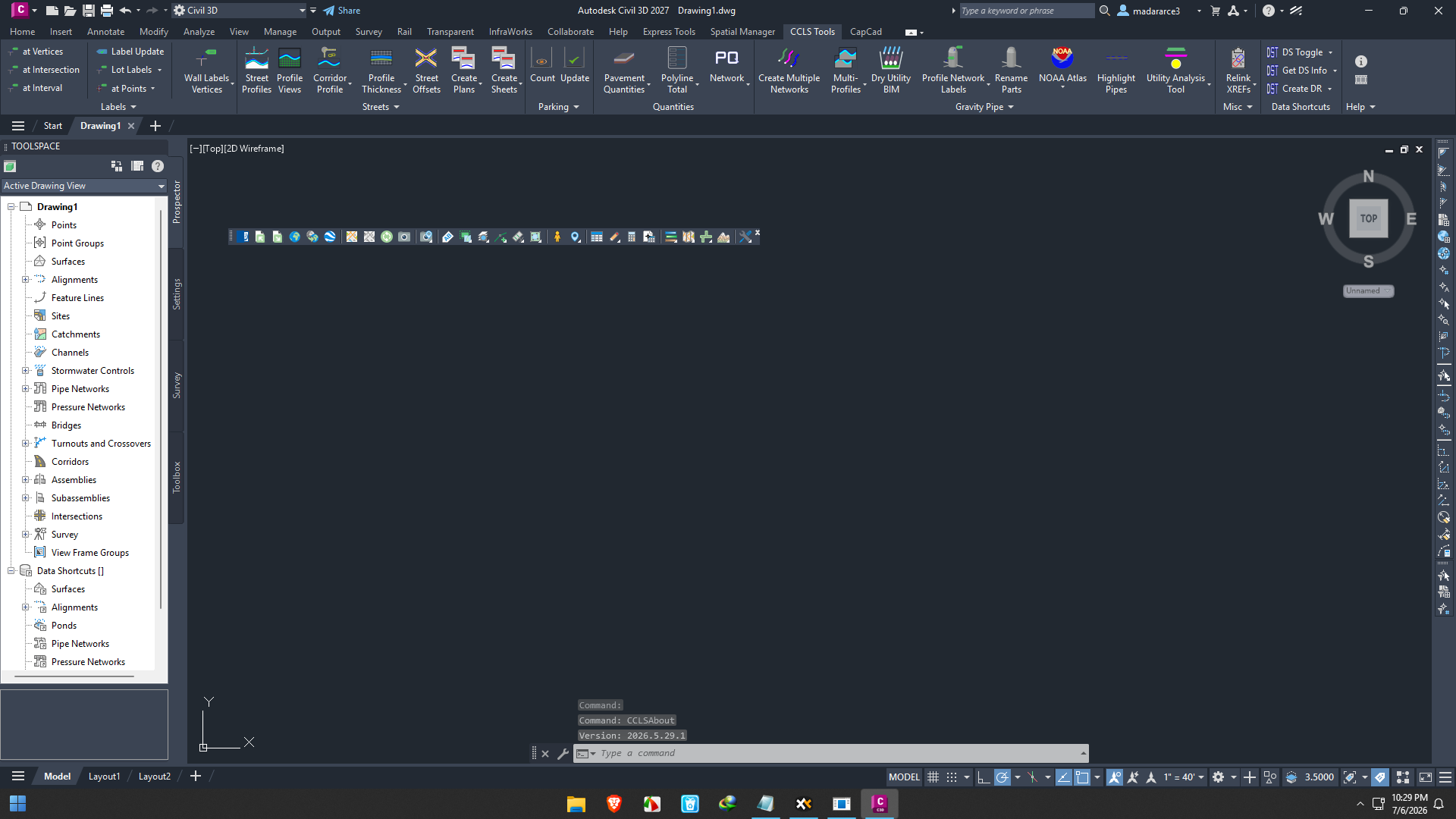
Civil CAD Learning Solutions Productivity Tools 2026.05.29.1
Final Verdict
Civil CAD Learning Solutions Productivity Tools offer a practical way to enhance CAD efficiency without changing your existing software environment. By combining structured learning resources, workflow optimization techniques, standardized templates, and professional best practices, these tools help users produce higher-quality engineering drawings while reducing repetitive effort.
Whether you’re an individual engineer seeking to improve your drafting skills or a firm aiming to standardize workflows across multiple teams, these productivity resources provide long-term value through better organization, improved collaboration, and increased efficiency.
If your goal is to work faster, minimize drafting errors, and unlock the full potential of your CAD workflow, Civil CAD Learning Solutions Productivity Tools are a worthwhile investment. Explore these learning resources, apply the recommended techniques to your daily projects, and experience how small workflow improvements can deliver significant productivity gains over time.



Reviews
There are no reviews yet.