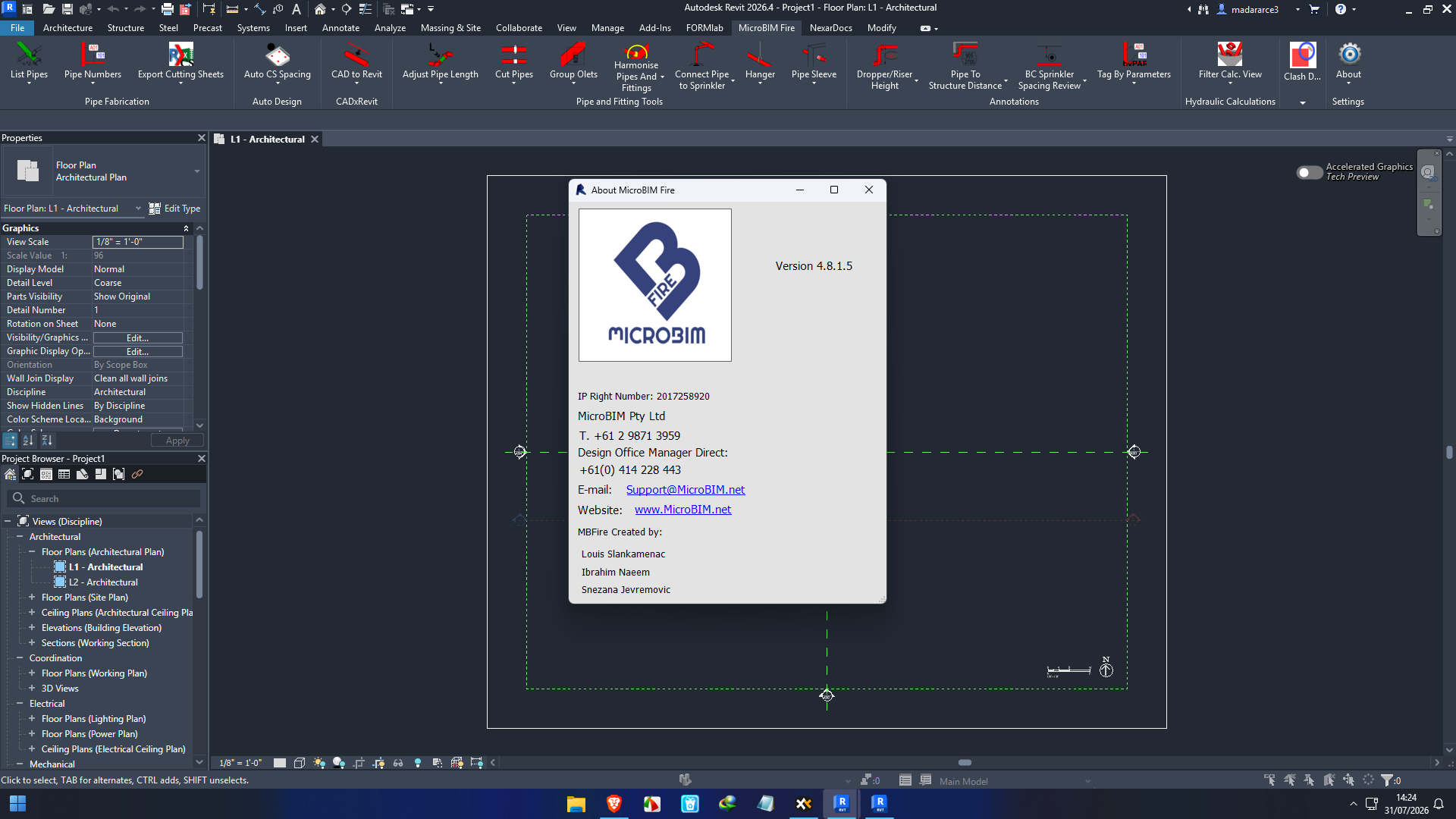
Description
MicroBIM Fire 2026: Advanced BIM-Based Fire Protection Design Software
MicroBIM Fire Summary
MicroBIM Fire is a specialized Building Information Modeling (BIM) solution developed to simplify fire protection system design within Autodesk Revit. Designed for engineers, MEP consultants, BIM professionals, and construction firms, the software automates many of the repetitive tasks involved in creating fire sprinkler layouts and documentation. By reducing manual work and improving design accuracy, MicroBIM Fire helps teams complete projects faster while maintaining compliance with industry standards.
Whether you’re working on commercial buildings, industrial facilities, healthcare projects, or residential developments, MicroBIM Fire provides intelligent tools that streamline fire protection design from concept to construction documentation. This review explores its features, practical applications, performance, advantages, limitations, pricing information, and overall value for professionals seeking an efficient BIM-based fire design solution.
Introduction
Fire protection is one of the most critical aspects of modern building design. Engineers must produce accurate sprinkler layouts, maintain compliance with fire safety standards, coordinate with multiple disciplines, and deliver detailed construction documentation within strict deadlines.
Traditional drafting methods often require repetitive manual calculations, pipe routing adjustments, and documentation updates whenever project changes occur. These repetitive tasks increase the risk of human error while consuming valuable engineering time.
MicroBIM Fire addresses these challenges by integrating directly into Autodesk Revit, allowing fire protection engineers to automate design workflows while working inside a familiar BIM environment.
Instead of relying on disconnected CAD files and spreadsheets, users can create intelligent, coordinated fire protection systems that automatically update as building models evolve.
For organizations embracing BIM workflows, this significantly improves collaboration, productivity, and project quality.
Key Features of MicroBIM Fire
Intelligent Sprinkler System Design
One of the software’s strongest capabilities is simplifying sprinkler system layout creation.
Users can:
- Create sprinkler layouts quickly
- Automate pipe routing
- Connect sprinkler heads intelligently
- Reduce repetitive modeling work
- Improve design consistency
This automation allows engineers to focus more on engineering decisions rather than repetitive drafting.
Native Revit Integration
Unlike standalone applications, MicroBIM Fire works directly inside Autodesk Revit.
Benefits include:
- No need to export files repeatedly
- Centralized project data
- Improved collaboration
- Live BIM coordination
- Faster design modifications
Working within Revit also minimizes compatibility issues during project delivery.
Automated Pipe Routing
Manual pipe routing is one of the most time-consuming parts of fire protection design.
MicroBIM Fire helps automate routing while maintaining logical system organization.
Advantages include:
- Reduced design time
- Consistent layouts
- Cleaner piping systems
- Easier revisions
- Better model coordination
Intelligent Equipment Placement
The software assists with placing:
- Sprinkler heads
- Pipes
- Valves
- Fittings
- Accessories
Automated placement reduces repetitive work while maintaining accurate spacing and connectivity.
Clash Detection Support
Since MicroBIM Fire operates inside a BIM environment, it supports coordinated project development.
Fire protection systems can be checked against:
- HVAC ducts
- Structural members
- Electrical systems
- Plumbing systems
- Architectural components
Early clash detection minimizes expensive field modifications.
Documentation Automation
Creating construction documentation often takes nearly as much time as creating the design itself.
MicroBIM Fire simplifies documentation by generating coordinated:
- Plans
- Schedules
- Pipe information
- Equipment lists
- Drawing views
Because documentation remains linked to the BIM model, updates occur more efficiently after design revisions.
Productivity Enhancement Tools
The software includes several workflow automation tools that help engineers:
- Reduce repetitive clicks
- Standardize projects
- Speed up modeling
- Improve drawing consistency
- Increase overall productivity
These features become especially valuable for firms managing multiple projects simultaneously.
Practical Use Cases
Commercial Office Buildings
Large office buildings require extensive fire sprinkler systems covering multiple floors.
MicroBIM Fire helps engineers:
- Model complex piping networks
- Coordinate with HVAC systems
- Generate documentation quickly
- Reduce coordination conflicts
Hospitals and Healthcare Facilities
Healthcare facilities contain complex building layouts with strict fire safety requirements.
Using MicroBIM Fire allows engineering teams to:
- Maintain organized sprinkler layouts
- Coordinate with medical equipment spaces
- Simplify design revisions
- Improve BIM collaboration
Residential High-Rise Projects
Modern apartment towers require carefully planned fire protection systems across hundreds of units.
MicroBIM Fire assists with:
- Repetitive floor layouts
- Standardized sprinkler placement
- Efficient documentation
- Faster project completion
Industrial Facilities
Factories and warehouses often contain specialized fire suppression requirements.
The software helps engineers design systems for:
- Manufacturing plants
- Storage facilities
- Distribution centers
- Industrial processing areas
Its BIM-based workflow makes managing large facilities much easier.
Educational Institutions
Schools, universities, and campuses often involve multiple connected buildings.
MicroBIM Fire simplifies coordination between architectural, structural, and MEP disciplines while maintaining accurate fire protection layouts.
Performance Analysis
Performance is one of MicroBIM Fire’s biggest strengths.
Because it integrates directly with Revit, users avoid switching between multiple software packages. This creates a smoother workflow while reducing file management complexity.
The automation tools significantly decrease repetitive modeling tasks that normally consume engineering hours.
During large-scale BIM projects, users generally experience improvements in:
- Design speed
- Model consistency
- Documentation quality
- Coordination efficiency
- Project delivery timelines
The software performs particularly well for engineering firms already committed to BIM workflows.
Since projects remain data-rich throughout development, design modifications propagate more efficiently compared to traditional CAD-based workflows.
Another important performance benefit is reduced manual errors.
Automated routing, intelligent component placement, and coordinated documentation help maintain consistency throughout the project lifecycle.
User Experience
Many BIM professionals appreciate software that integrates naturally into their existing workflow without requiring extensive retraining.
MicroBIM Fire follows familiar Revit design principles, making adoption easier for experienced users.
Engineers often value:
- Clean workflow integration
- Reduced repetitive work
- Faster design iterations
- Improved collaboration
- Better project organization
Firms transitioning from manual fire protection drafting frequently notice measurable productivity improvements after implementing automation tools.
Benefits for Engineering Firms
MicroBIM Fire offers practical business advantages beyond technical features.
These include:
- Faster project delivery
- Lower drafting costs
- Improved team productivity
- Better BIM coordination
- Reduced design errors
- Easier project revisions
- Higher documentation accuracy
- Improved client satisfaction
For firms managing multiple projects simultaneously, workflow efficiency often translates into greater profitability.
Pros & Cons
Pros
- Seamless Autodesk Revit integration
- Excellent BIM workflow support
- Automated sprinkler system design
- Intelligent pipe routing tools
- Faster construction documentation
- Reduced manual drafting
- Improved project coordination
- Increased engineering productivity
- Suitable for projects of various sizes
- Helps minimize design errors
Cons
- Requires familiarity with Autodesk Revit
- Learning advanced automation tools may take time
- Best suited for BIM-focused organizations
- Smaller firms with simple projects may not utilize every advanced feature
Pricing & Plans
MicroBIM 2026 pricing may vary depending on:
- License type
- Subscription options
- Business requirements
- Software version
- Regional availability
Because licensing structures can change over time, prospective buyers should contact an authorized reseller or the software provider for the most current pricing, licensing details, and available maintenance plans.
Organizations evaluating the software should also consider implementation costs, user training, and compatibility with their existing BIM workflow.
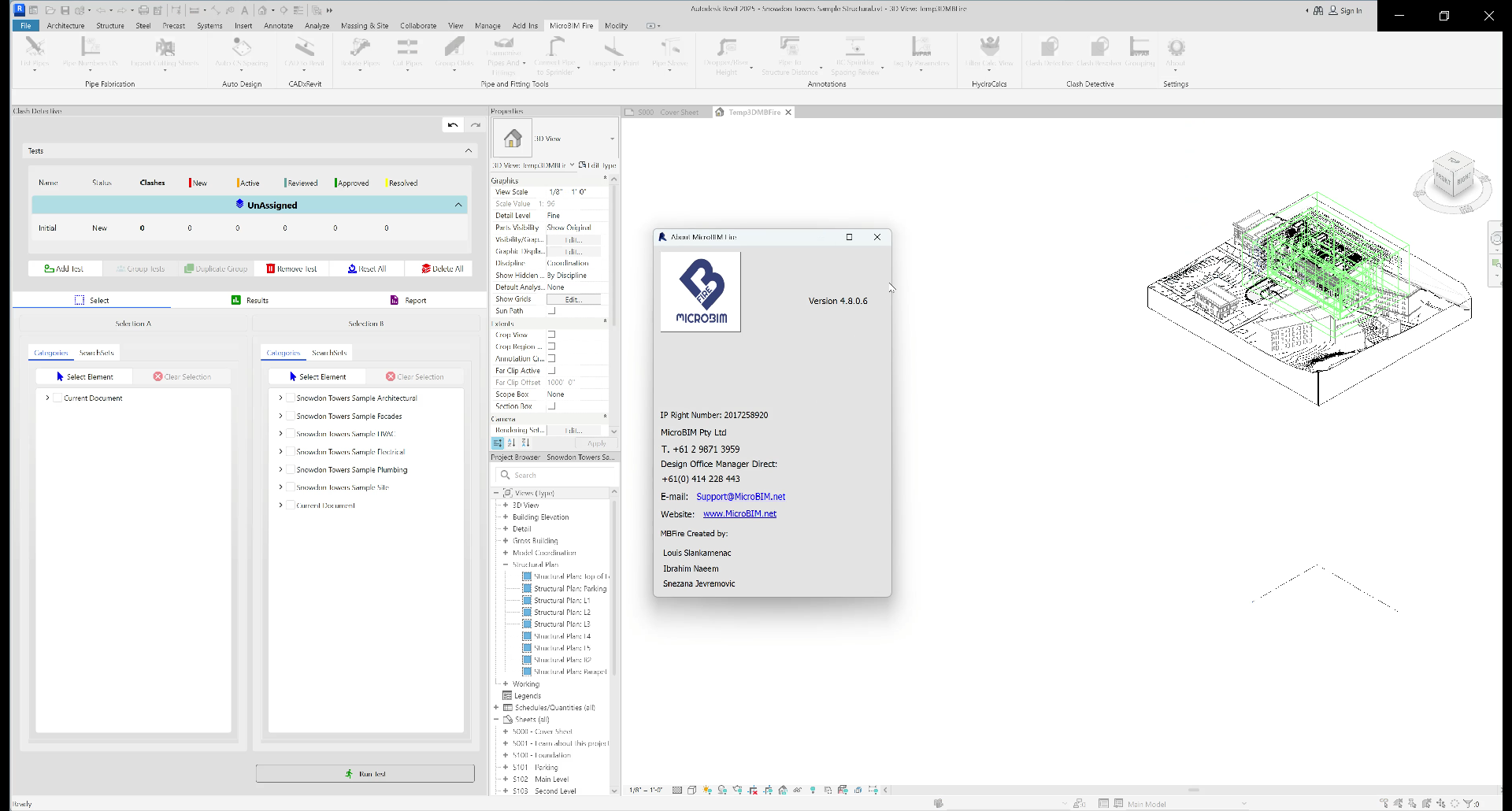
Old Released is also available:
MicroBIM Fire 4.8.0.6
Who Should Use MicroBIM Fire?
MicroBIM Fire is an excellent solution for:
- Fire protection engineers
- BIM coordinators
- MEP consultants
- Mechanical engineering firms
- Building services designers
- Construction companies
- BIM managers
- Engineering consultants
Organizations already using Autodesk Revit will benefit the most from its integrated workflow Micro BIM Fire 4.8.0.6 and automation capabilities.
Why Choose MicroBIM Fire?
The construction industry continues moving toward intelligent BIM-based project delivery.
Software that reduces repetitive tasks while improving design accuracy has become increasingly valuable.
MicroBIM Fire stands out because it combines automation with native Revit functionality, enabling engineering teams to spend less time drafting and more time solving engineering challenges.
Instead of manually updating drawings after every revision, engineers can maintain coordinated BIM models that automatically support documentation and collaboration.
For firms handling complex fire protection projects, these efficiencies can significantly improve overall project performance.
Final Verdict
MicroBIM Fire is a powerful BIM-based fire protection design solution that enhances productivity, accuracy, and collaboration for engineering professionals. Its seamless integration with Autodesk Revit, intelligent automation tools, and efficient documentation capabilities make it an excellent choice for organizations focused on modern BIM workflows.
While the software is best suited for users familiar with Revit, the long-term benefits—including faster design cycles, reduced manual effort, improved coordination, and higher-quality project documentation—make it a valuable investment for many engineering firms.




Reviews
There are no reviews yet.